
How to get part of the video

I have a 16:9 video file, and I want to put it on a 9:16 plane, and keep the video resolution unchanged, and only take the middle part. I can't find relevant instructions in the documentation or on the Internet. Can Jitter do this?
Thanks for your help!
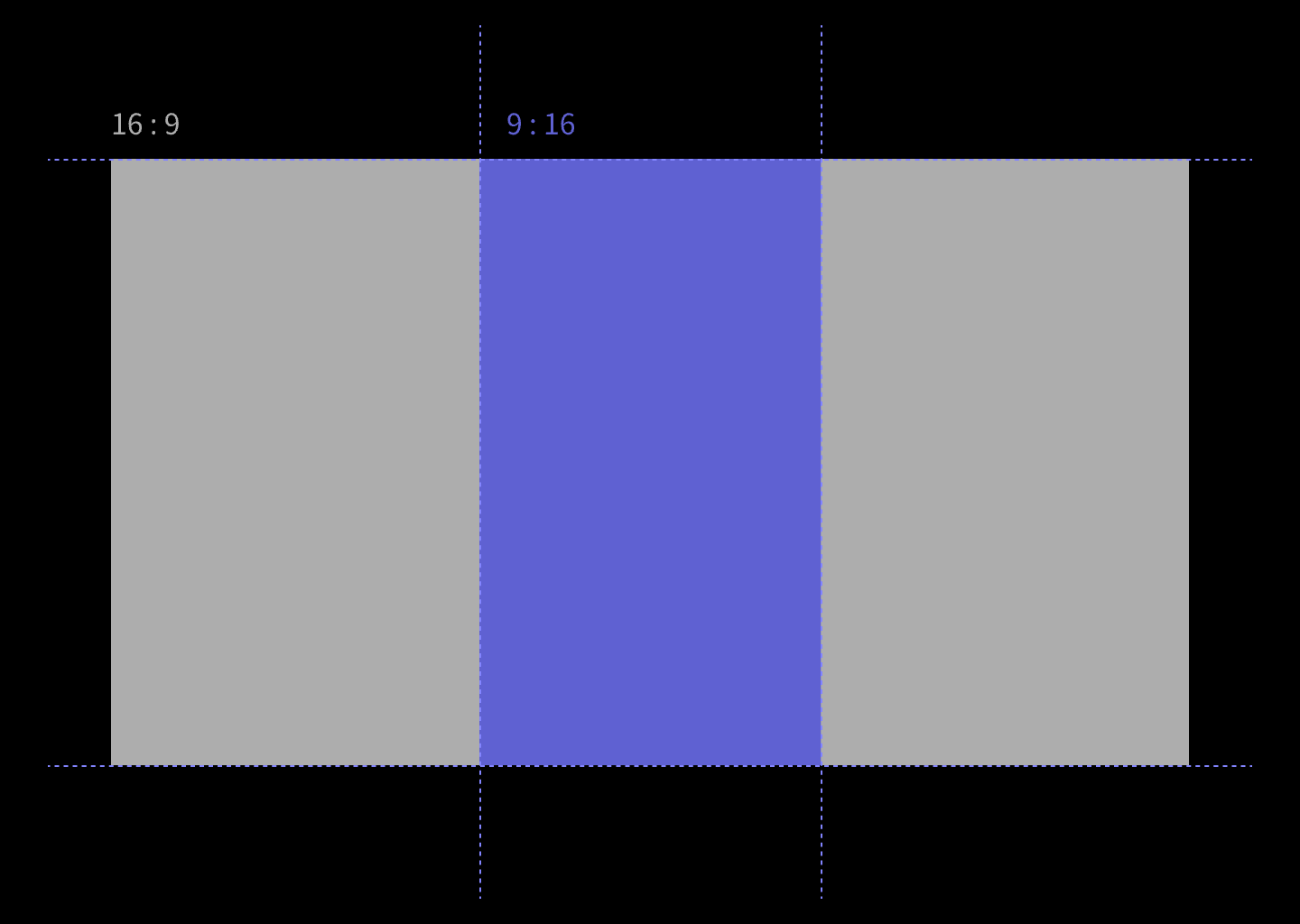
I did it, mainly using jit.gl.videoplane @preserve_aspect 1 @transform_reset 1.
It's not that jitter doesn't have the solution in the question, but it requires a different way of thinking about the problem.

Hey there,
jit.gl.videoplane can do the trick, but watch out because your output is stretched.
You have to take into account the aspect ratio and scale jit.gl.videoplane accordingly.
Here's an example and a couple of alternative methods:
Also, it's a good idea to check image proportions using a regular geometric pattern to spot eventual distortions.
@MATTEO MARSON
This is a much better approach, thanks for the detailed annotations, helped me understand it faster!