
synchoronized two video and 1 audio file

I need to play two videos in sync, plus one audio file. The videos are in loop, and each video has its own display, full screen. This might be okay to implement, but I have an issue removing the top bar of the video window. How can I remove it? I didn't find it in the jit.movie help file.
Thanks
not so easy as i thought.. :|
how to force the second video into the second monitor?

I have an issue removing the top bar of the video window. How can I remove it?
Adding @border 0 in your [jit.world] should be enough, at least it works for me on macOS, but I'm not sure about Windows.
how to force the second video into the second monitor?
There is no such @monitor attribute as you can see in [jit.world] reference. Instead you need to position your window in the correct monitor using @windowposition. [screensize] might help you for that since it tells you the size of main monitor and the total size of all monitors stitched together.
thanks! screensize can output the second screen as well?
screensize can output the second screen as well?
For such simple questions, please, read - the - doc!!!
(╥﹏╥)
If an object doesn't seem to do what you want, remind to check its "See also" section, which gives you related objects. This way I just learned about [jit.display] which might do just what you want.
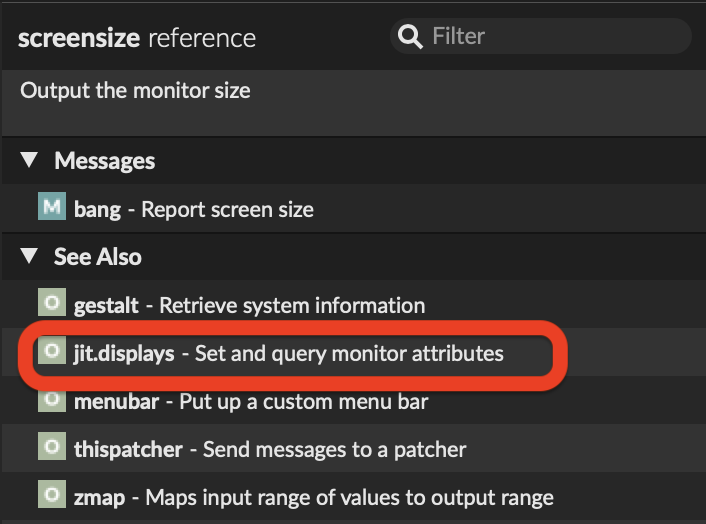
I used thispather and getwindowsize to determine the second monitor size but it placed the video not quite as expected
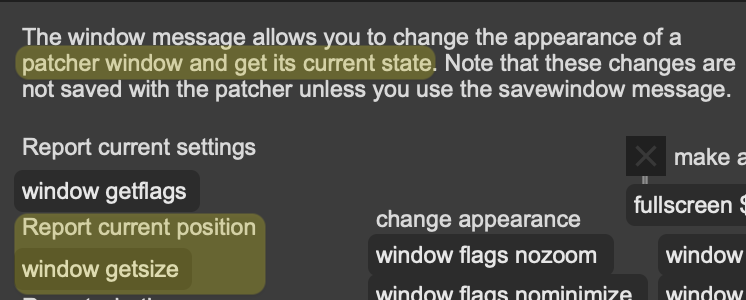
Again, it's all here in the doc. [thispatcher] and window getsize gives you the position and dimension of the patcher window, nothing about the screen itself or the [jit.window] display.
Pretty sure [jit.display] will provide what you need.
Pretty sure [jit.display] will provide what you need.
yes, coords gave me the correct coordinates of the needed screen .