
a solution for checking for installed packages

Hi
I just was sent a solution by Ben on how to check if a certain package is installed and I want to share it with the world in case somebody finds it useful:
happy patching - m

Nice! Thank you!

Seems like the patch above doesn't look for user-installed packages, at least in macOS.
Those can be accessed through the `Usermax:/Packages` path.
Here's a patch that lists every installed package (both user-installed and built-in packages) with their version, as long as they contain a `package-info.json`:

The 'installed package' browser is great!
Couple things
1 error - minor detail
Some packages do not show up (mine, plus a few others) - Ah. I see you filtered packages without json in get_paths_and_sort
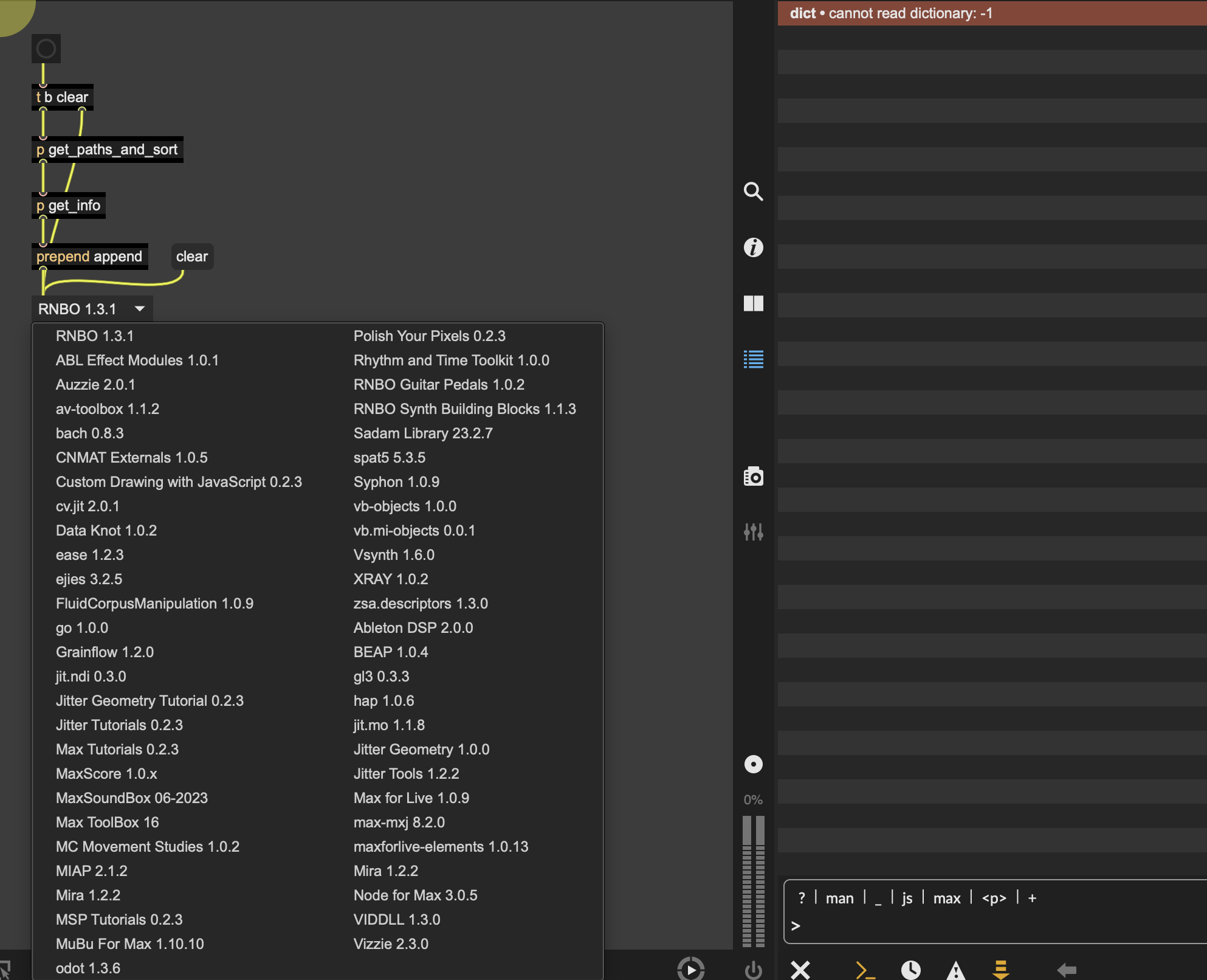
How do I get from umenu to 'launch' Package Summary?
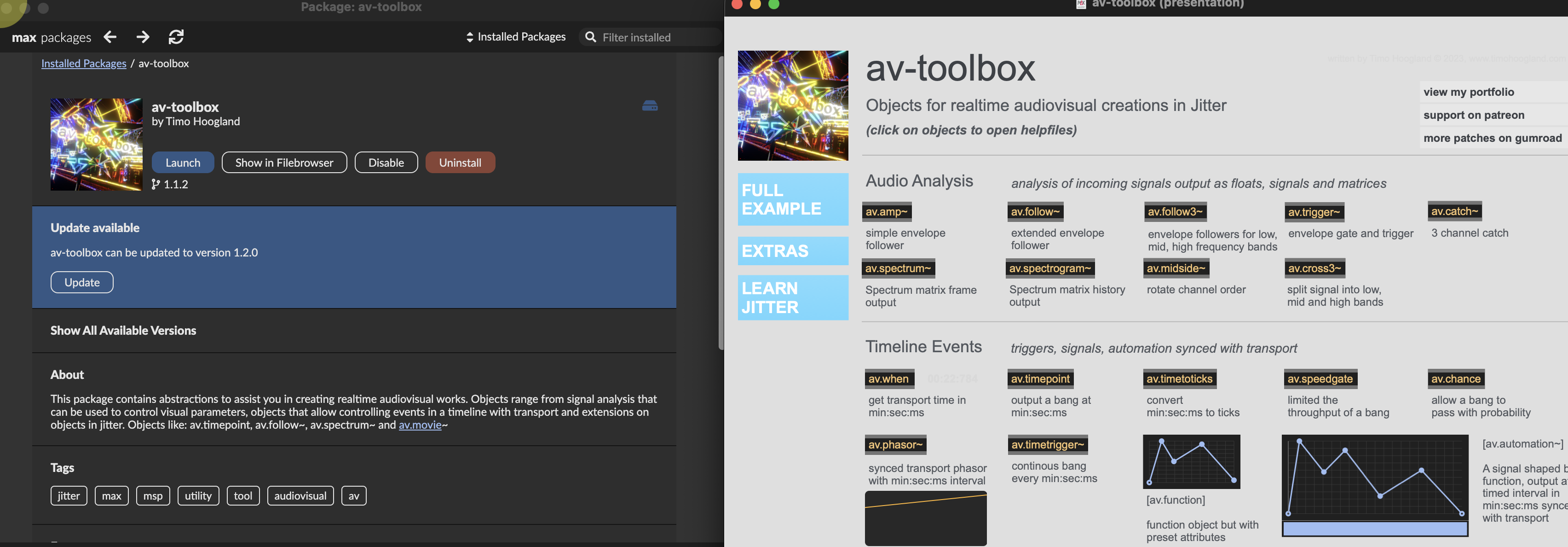
I updated the patch above to make it open the Package Manager when a menu gets selected in the menu. The solution is taken from OPs post and is simply ;max packagebrowser $1
Thanks. I did't want to open package manger.
I was hoping to go directly to the launch(ED) package.
Is there a way to do that?
Here is a revised version that stores the content of every package-info into a single dict that you can then query when you select an item in the menu. The patch that opens when you "launch" a package is usually referred to as the homepatcher in package-info.json, so you can just grab that value and open the said patcher.
This said, some packages (such as Jitter Tools) show an empty homepatcher value, but still have a launch patcher (that you can open from the Extras menu or the "Launch" button in the packages manager), which I assume is always <package folder>/extras/<package-name.maxpat>. So you might want to add some extra patching to handle this edge case.