
Increasing the channel count in Audio Routes v1.5.1?

Hi all, and happy holidays!
I've been working on an installation where I would need to pan 40 mono channels of audio. A close solution is Audio Routes v1.5.1. It has a maximum on 32 inputs and outputs. Now, I am not the best with Max For Live programming, but I have been trying to 'copy/paste' and edit in 8 extra channels to achieve a 40 channel panning system.
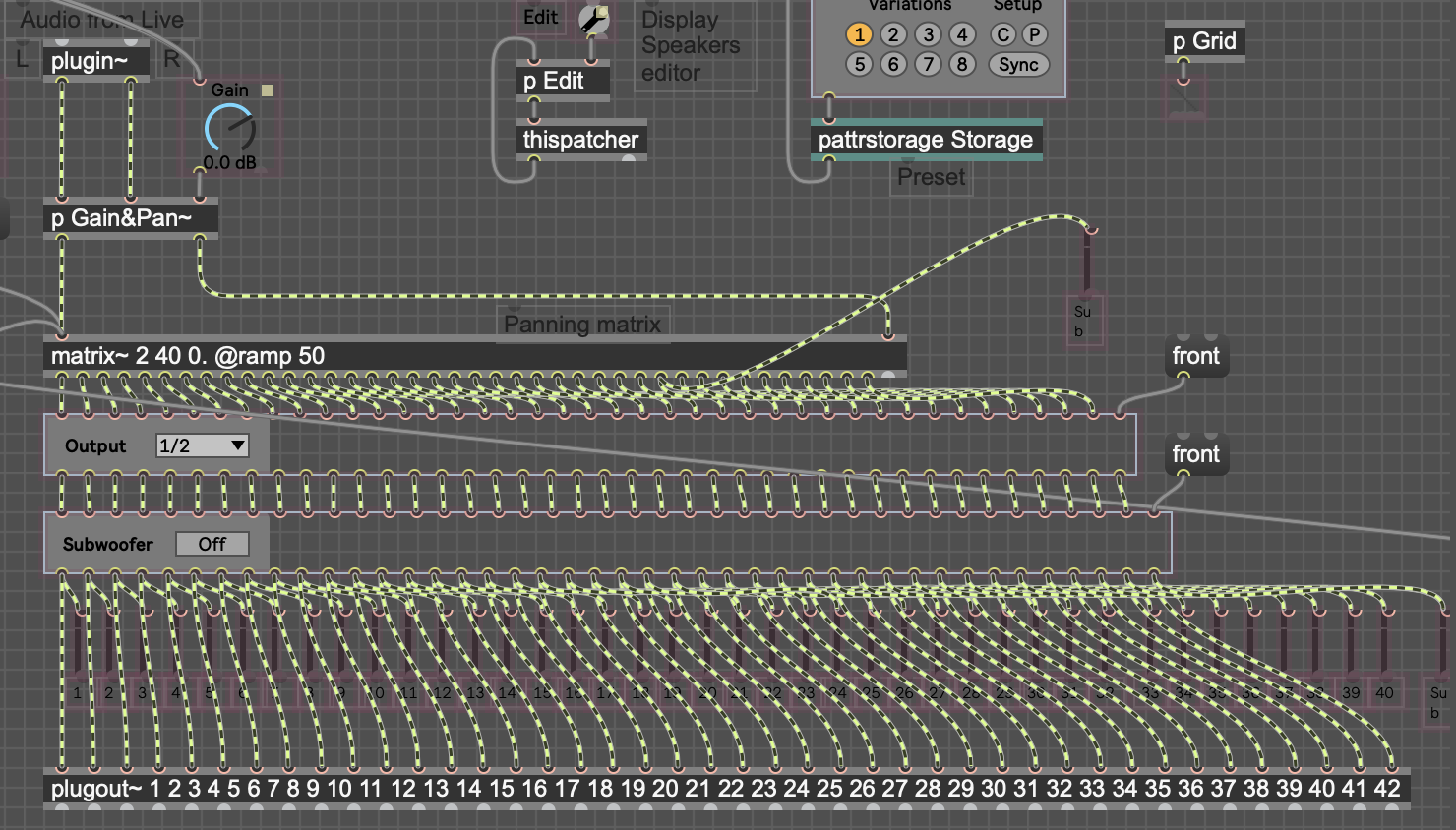
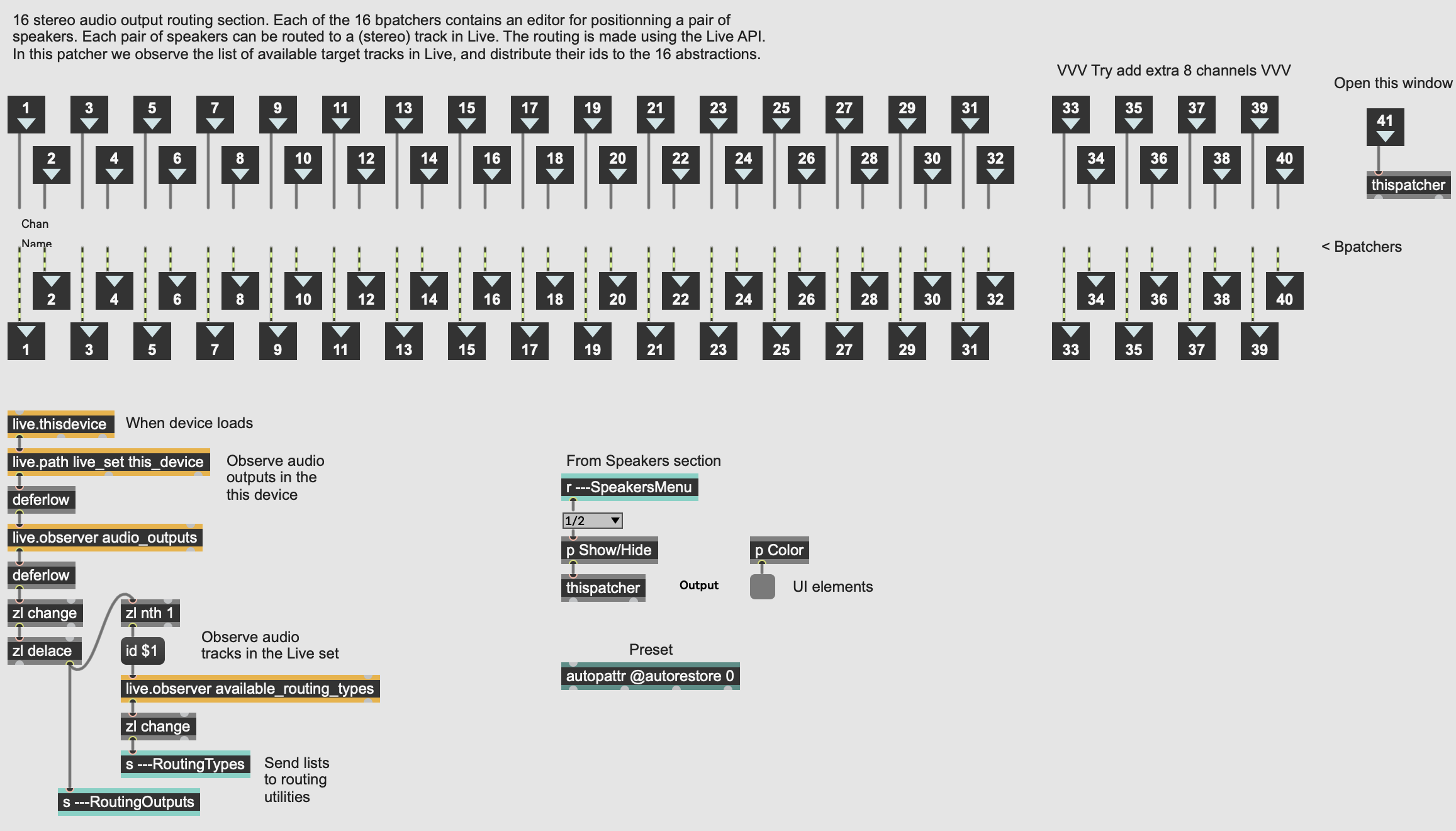
However, it seems that maybe M4L is not supplying more than 16 target track ids, which makes the current maximum 32 channels (See Figure 2)? This sounds like a wrong assumption and maybe I just have not set up the new channels correctly to receive an additional 4 target track ids?
Would anyone have an answer why copy/pasting and naming-in new channels would not work off of the bat? I have not been able to find other spatializers this large, but maybe they exist in wavefield synthesis systems?
Thanks in advance!

It likely doesn’t work because the 32-channel limit is built into the device’s internal routing, not just the interface. Copy/pasting channels only changes what you see, not the actual signal paths or track assignments. To go beyond 32, the core routing objects would need to be rebuilt, not just duplicated.
Thank you so much for your input!
I am now looking into some embedded patchers that have to do with the routing and trying to learn more about the patch. However, it seems that they simply iterate, without a limit, through channels that were made (I don't see the number 32 or 16 anywhere)? The limit then probably has something to do with the Live API. Time for me to read more, haha