
Jitter Geometry vs. Jitter C External

I have a 1 dimensional matrix with 3 planes (for x, y, z values) with a variable size of entries.
My Aim is to connect each entry with each other in the matrix and draw accordingly Line in OpenGL in a Jitter Window.
For this i could use the jit.gl.mesh object in Jitter:
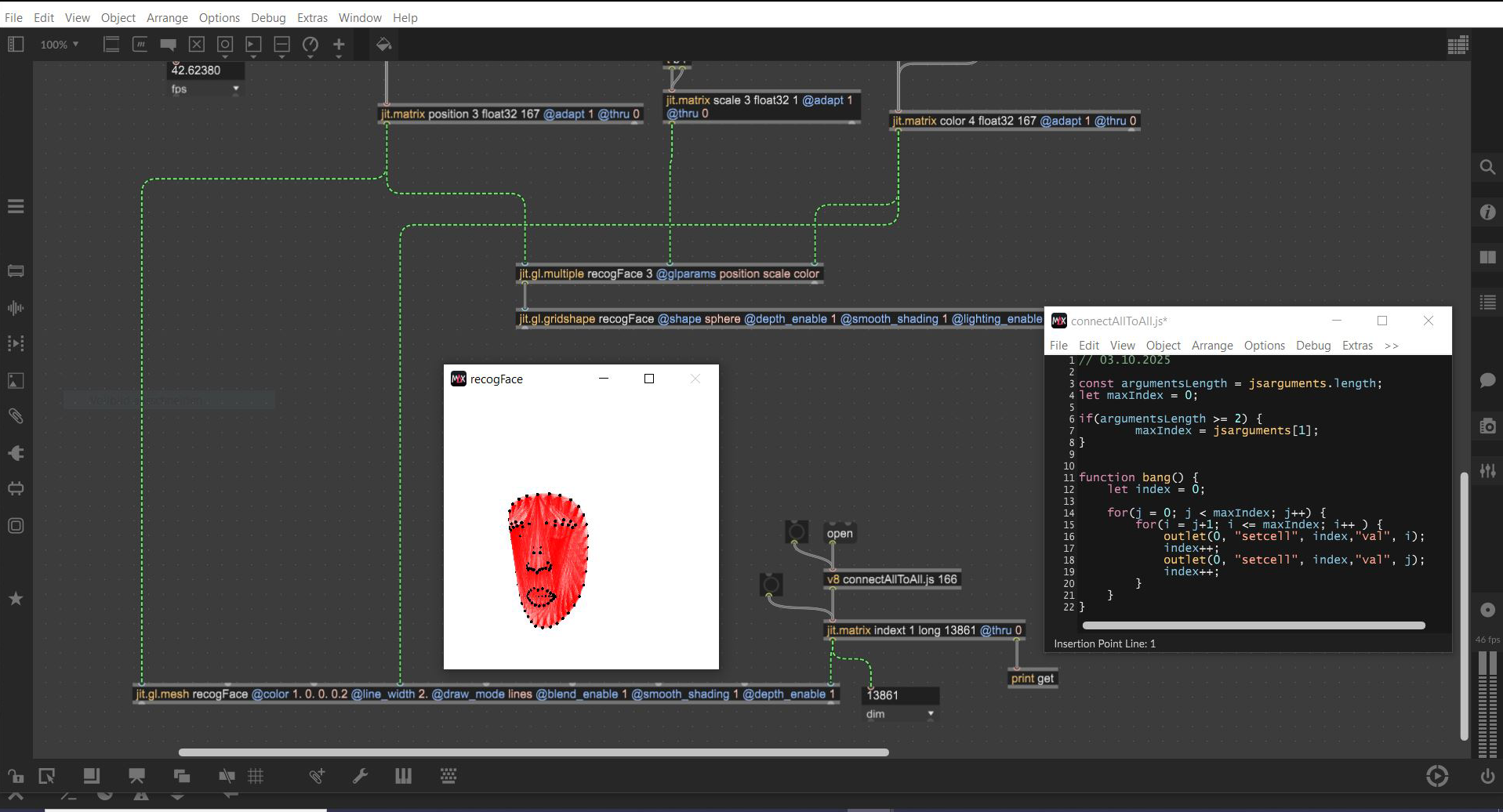
But additionally the lines should have different visibilities depending on how big the distance between the starting Point and End Point of each line is. The bigger the distance is the less visible the line should be. If the length of a line is too high the line should not be drawn.
And all should work with a very good performance and high fps.
For this requirements i was thinking about to write an Jitter external in C.
But then i have seen the new Jitter Geometry Objects in Max 9 and i am wondering i could use these Geometry Objects for my purpose?
I do not have any experience with Jitter Geometry Objects so does anyone have an idea about using jit.geom objects for my needs?

Hi,
Geometry objects may not be the best option for the job.
The fastest way to compute the point distance, control the lines' color accordingly, and discard the lines whose endpoints are too far apart is to use a geometry shader, since all the computation happens on the GPU.
Like this, for example:
Hi,
thanks a lot.
I guess this will help me.
That's actually the correct behavior:
OpenGL can't draw lines larger than one pixel. Thicker lines are rendered as rectangles (made of two triangles), and the line_width param controls the thickness of said rectangle.
When you use a custom shader, and you want to have lines of arbitrary thickness, you have to recreate the same mechanism.
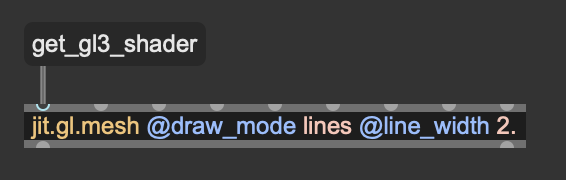
Take a look at the autogenerated shader of jit.gl.mesh via the "get_gl3_shader" message to get started:
Alright, thanks. Does work now!