
Help alphablend

Hello,
I need help with some photos converted to PNG. When I select blend_enable 1 and depth_enable 0 in jit.gl.videoplane, the image comes out transparent but with black borders. What am I doing wrong?
Thanks
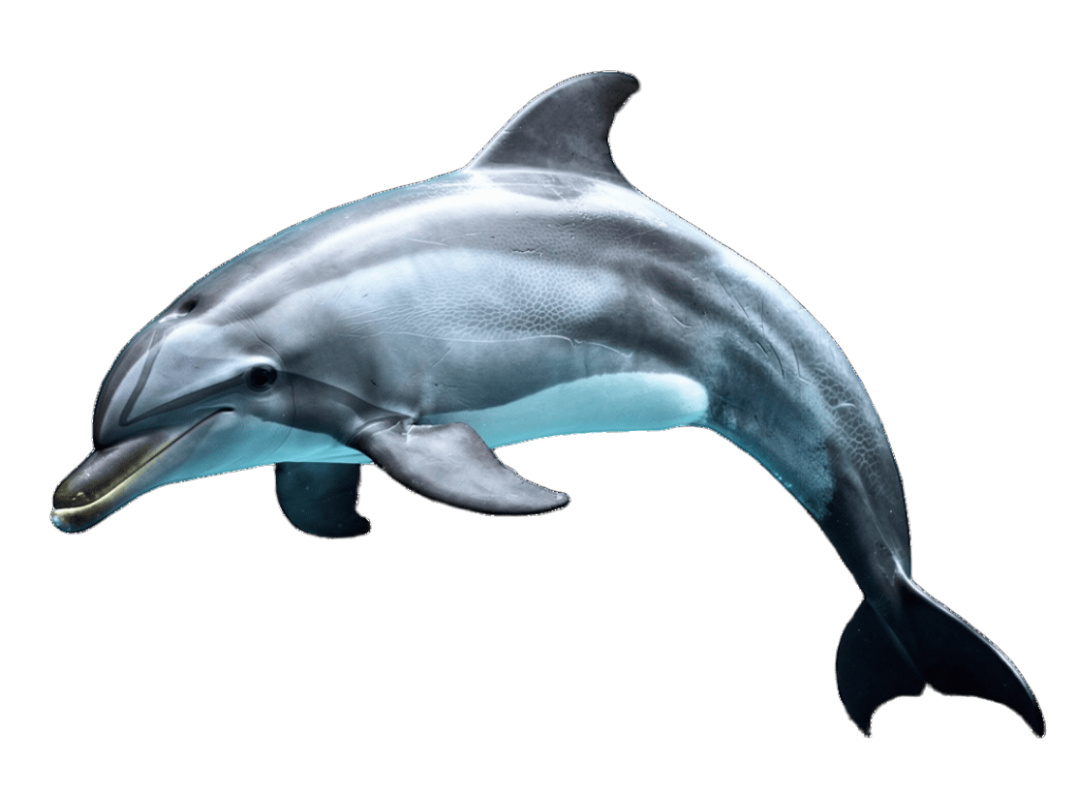

you'll have to elaborate on what you're seeing (or post a screenshot). looks as expected to me:
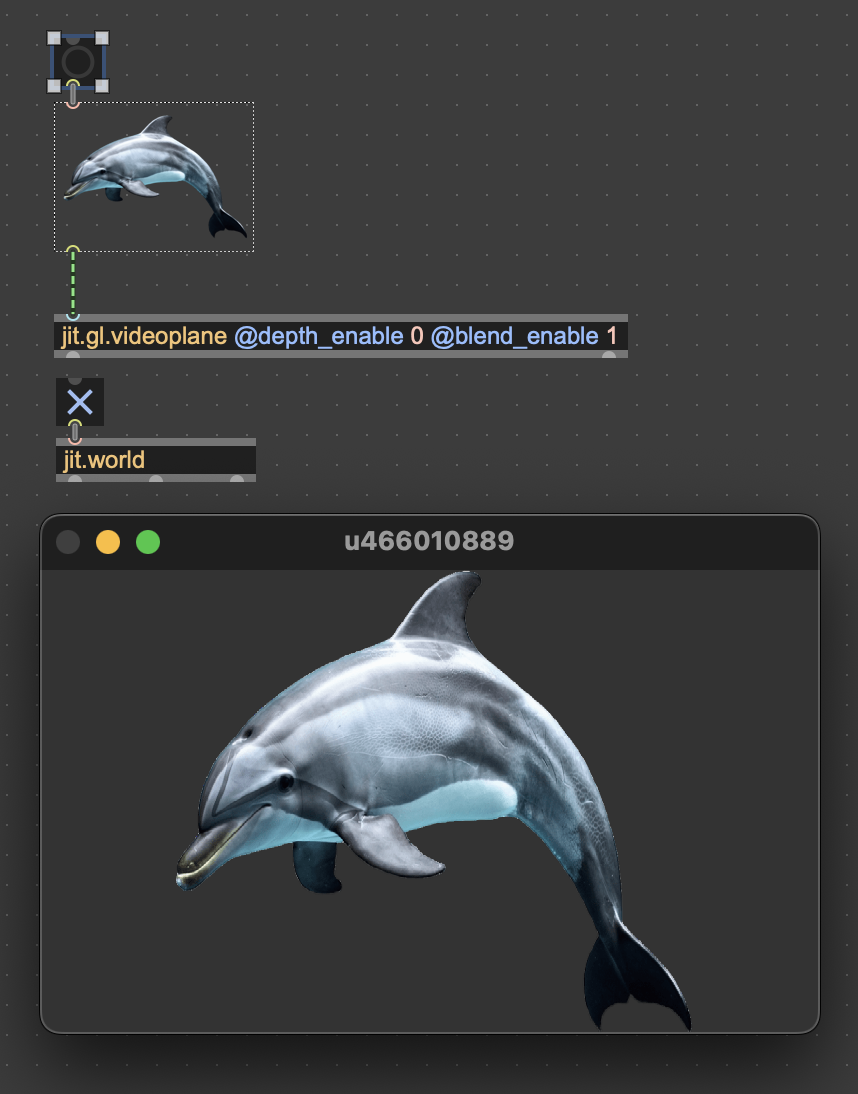
They are two photos superimposed.
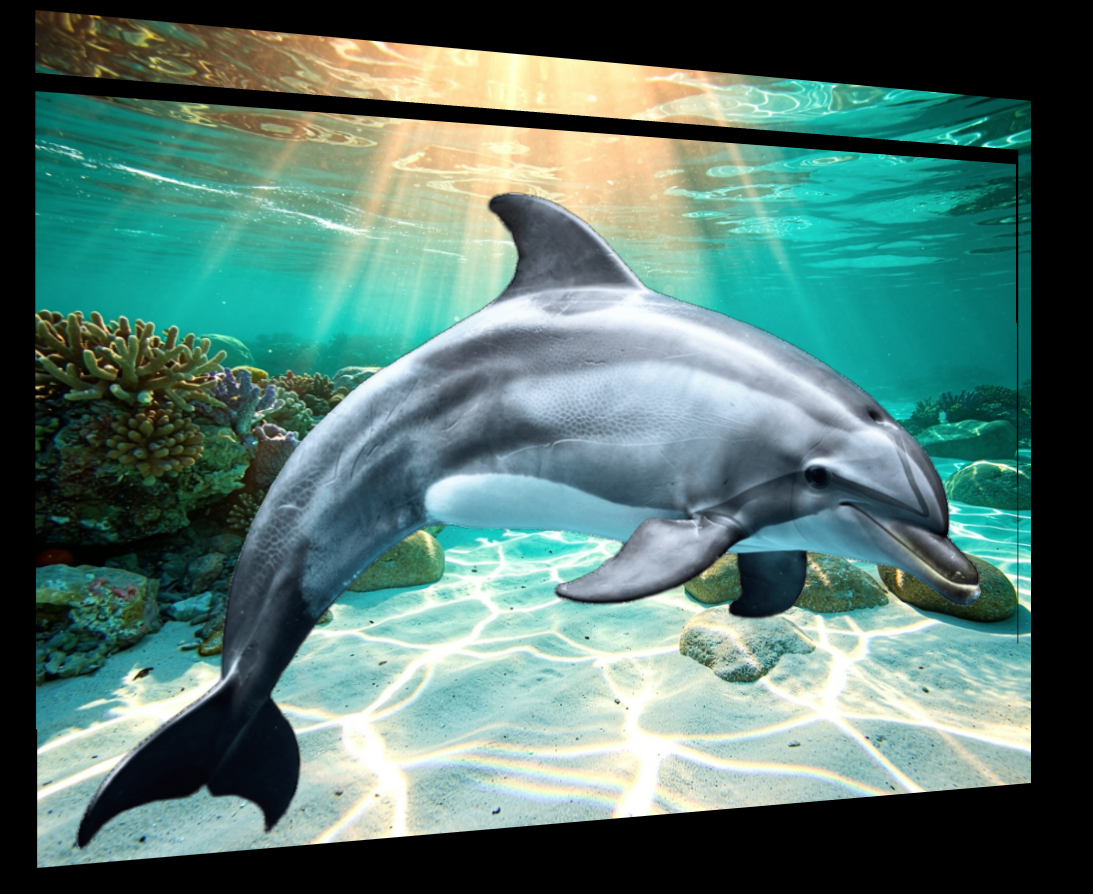
post your patch
Solved Rob, it was a corrupted JavaScript file. Thanks.
I'd like to take this opportunity to ask if, with two superimposed images, I can make one of them wavy?
i would try jit.fx.repos

Thanks rob. Havnt experimented with jit.fx enough
jit.fx.repos just great!
Hi Rob,
But jit.fx.repos works with videos. Is it possible with photos?
indeed. jit.fx works with textures, which can be created from both moving and still images.
hook a jit.bang up to a jit.gl.texture @file chilis.jpg and send that to any jit.fx
Hi, Rob,
I feel like I'm a complete beginner. I don't really understand the patch I have. I'm a novice. Could you give me an example? My patch texture is a JavaScript file that loads two images at regular intervals. What I'd like to do is move the background image. (If you give me an email address, I'll send you the JS file since it won't let me attach it.)
Thanks