
ABLETUBE - Node.js + Max for Live YouTube Streaming Device
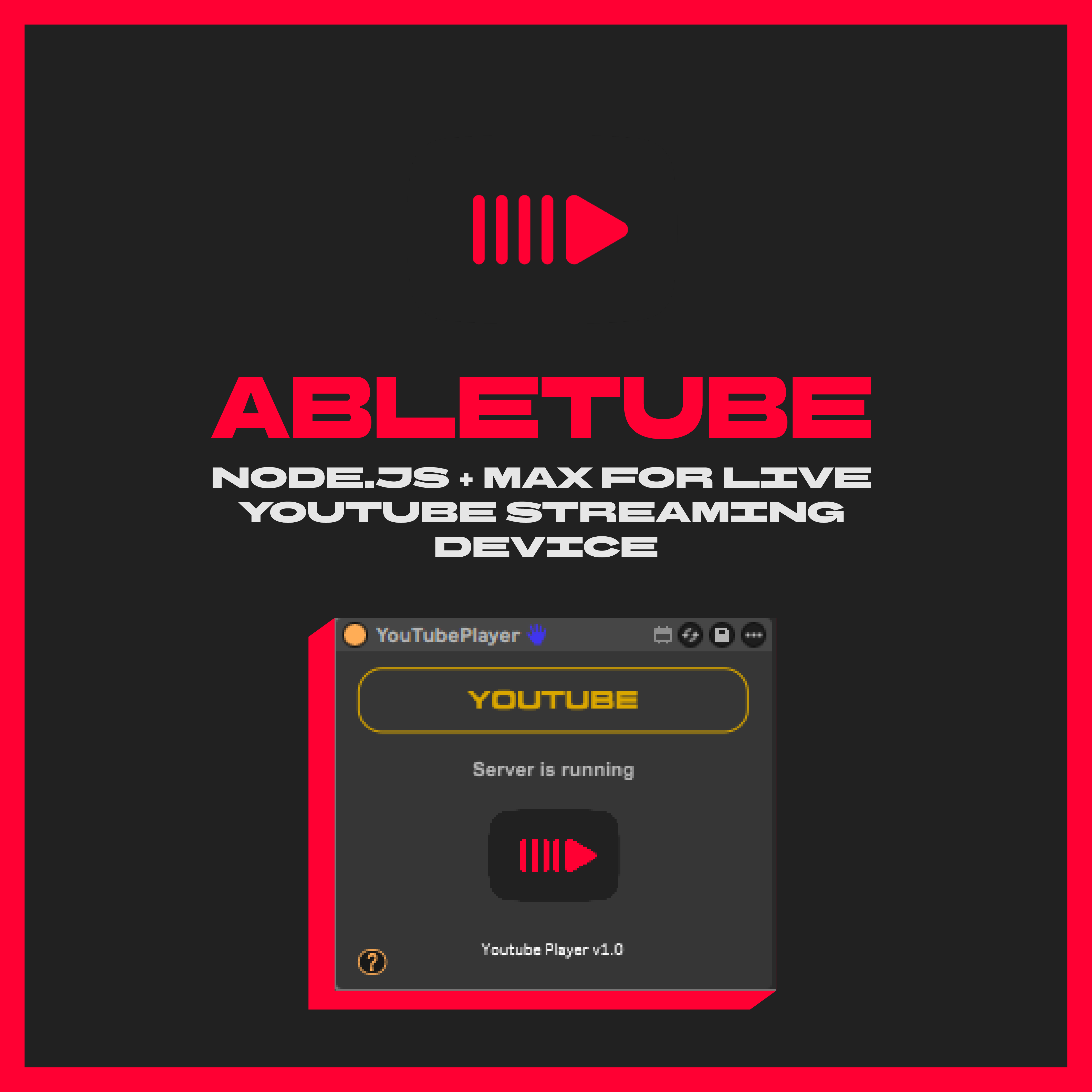
ABLETUBE - Node.js + Max for Live YouTube Streaming Device
Stream YouTube audio directly into Ableton Live using Audio over OSC protocol.
Technical Architecture
Abletube is a two-part system:
1. Node.js Electron Server
Embedded Chromium browser for YouTube playback
Captures audio using Web Audio API
Encodes and streams via Audio over OSC (AOO) protocol
Lightweight background process
2. Max for Live Device
Receives OSC audio stream
Decodes and outputs audio in Ableton
Seamless integration with your session
This device enables you to:
✅ Stream YouTube audio in real-time — Via low-latency OSC protocol
✅ Sample and record — Route audio to any track for processing
✅ Practice with any video — Play along without external software
✅ Explore sounds seamlessly — Browse YouTube without leaving Ableton
What's Included
📦 Abletube Max for Live Device (.amxd)
📦 Node.js Electron Server (auto-launches with device)
📦 Windows Installer (one-click setup)
📦MacOs Intel and ARM Installer (one-click setup)
DOWNLOAD:
Technical Specifications
Technology Stack:
Server: Node.js / Electron
Audio Protocol: Audio over OSC (AOO)
Transport: UDP
Browser Engine: Chromium
Audio Capture: Web Audio API
M4L Integration: aoo~ external
System Requirements:
OS: Windows 10/11 or macOS 10.14+
DAW: Ableton Live 11 or 12
Max for Live: Version 8.1+ (included in Suite or Standard add-on)
Sample Rate: 48kHz recommended
How It Works
Load the Abletube Max device onto a MIDI track
Device auto-launches the Node.js server
Browse YouTube in the embedded Electron browser
Audio streams via OSC to the Max device
Route, record, and process in Ableton
built with:
Electron - Cross-platform desktop apps
Audio over OSC - Real-time audio streaming
Max/MSP - Max for Live environment
ABLETUBE v1.0
Stream. Sample. Create.
© 2026 XTERMINATORAPPS
Year
2026
Location
Canada
Author
