
Audio IO window only showing 15 channels per page

Hi! I've purchased a few Expert Sleepers modules and have made an aggregate device for them. While trying to set up the inputs and outputs in Max, I realized that each audio IO window page only shows 15 channels, and there doesn't seem to be any way to change the size of that window or the text. I can unlock it and zoom out to see the 16th channel, but that doesn't seem like something that should need to be done. I've attached a screenshot. I'm working on a MacBook Pro, M3 Pro 14 inch, and also use an old iPad Pro as a second screen and tried moving the window to that screen with the same result. I'm running version 9.2.0 but am about to update to 9.2.1. Any help would be greatly appreciated!
While we're discussing audio IO with an aggregate device, I've noticed that it seems to reset randomly so that I need to call up this IO page somewhat frequently to get my setup working. is there a way to save the IO state?
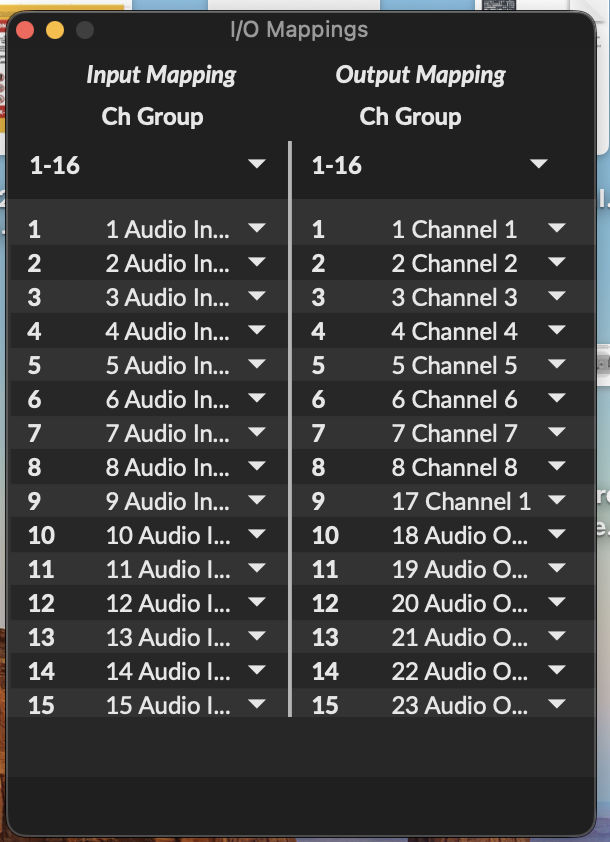

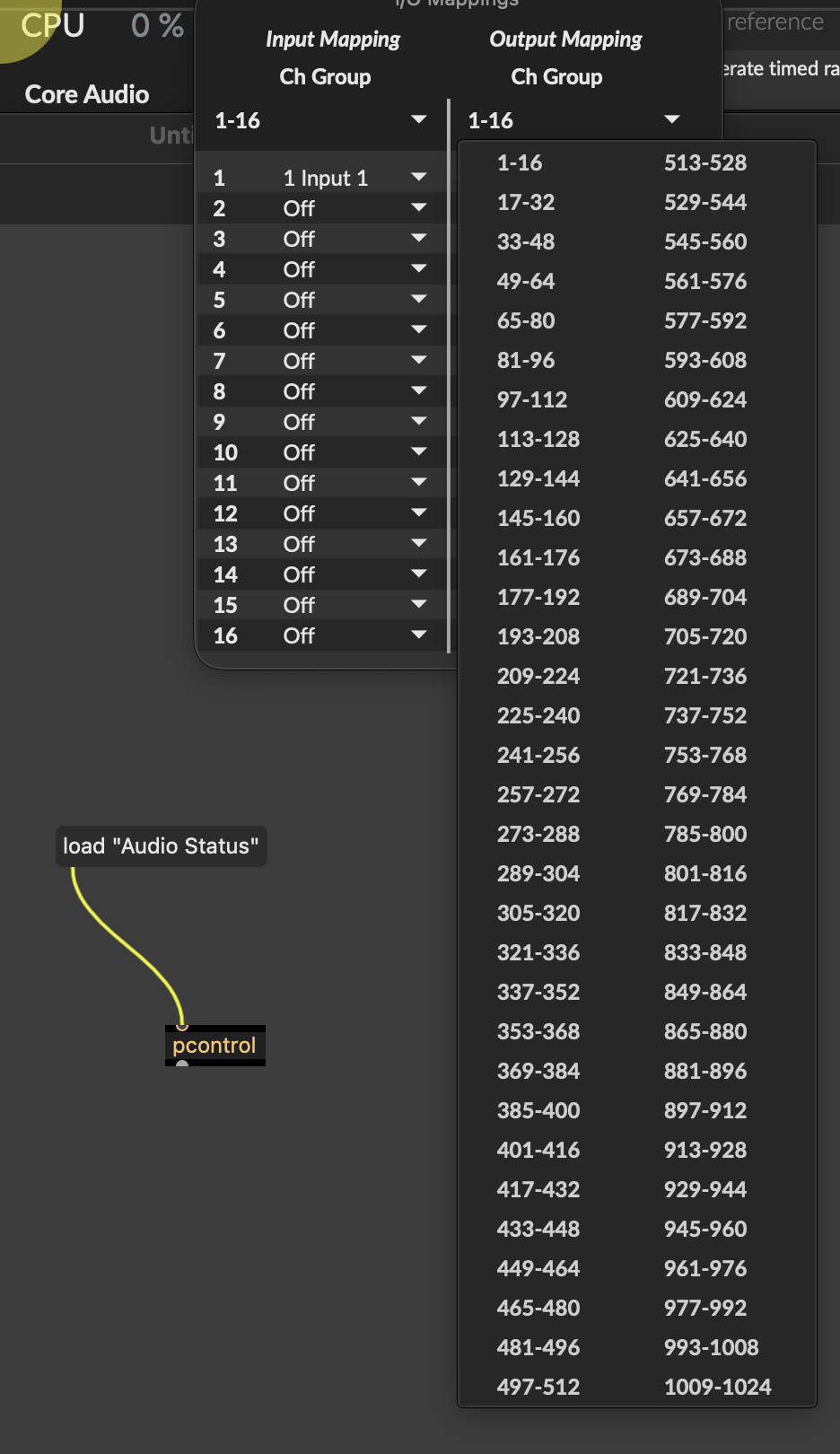
The Max 4.x style adstatus-based IO window is still included in max 9, you can call it by "load "Audio Status"" to [pcontrol], and if you still do not like what you see, then unlock, edit, and overwrite it.

or click the drop down menu?
Roman, thanks for the info, I’ll try that out!
Wil, If I pick another page of IO it’ll show 15/16 of those, too. So 17-31, 33-47, etc. I haven’t tried the pcontrol thing yet so I’ll give it a try. I’m just talking about when I go to the audio options via the menu and then click the routing button to bring up the audio IO routing pop up.
also they are channels. if you want to go down a river and go out channel 1024 then write/assign it.
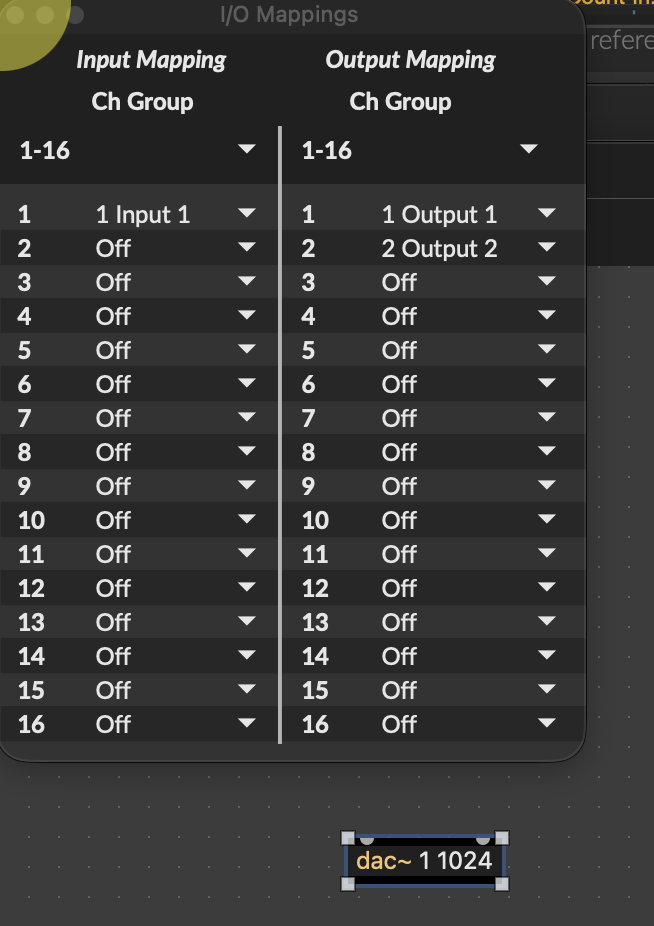
but its more tricky than that in max. if max doesnt see a device - then I cannot assign it to a channel. I will assume that is how channels work. if there is no where to go then you cannot go there.
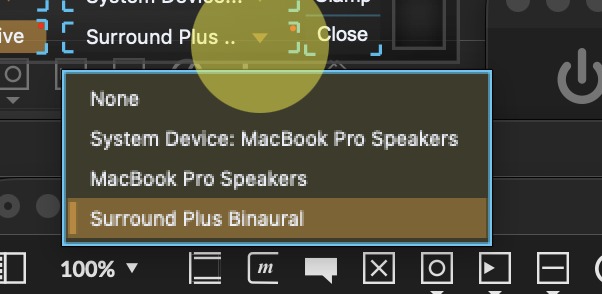
I havnt gotten past the 16 channels. so I dont know what happens, but mostly it seems like max adapts when loaded to channels that you set up aggregate even after closing and reopening but at least my baby system does it shows aggregate in max menu as soon as plug devices in // actually no wrong that screen shot shows my aggregate device even though it is NOT plugged in because at least 2 of the channels in the aggregate are MacBook Pro speakers so I can use aggregate device in max when not even plugged in to devices.
if he has 16 IOs and only 15 are shown that must be a minor graphics glitch; you can safely bet that it was intended to show 16 per page.
using the dropdown menu will of course be easier than writing your own using adstatus. :)
the latter is easily possible though and could include custom presets, check routines and more...