
Bypassing effect in Gen~

Ahoy! I’m sure this is such a beginner question, but I’ve been banging my head against it and can’t quite find the solution...
I’m creating a modulating filter effect in Gen~, and hoping to add a simple bypass (no effect, only dry signal) switch. I get the sense I’ll have to use latch or sah, but can’t get it to work...

Why wouldn't you use a selector operator?
So, that might be what I need… Here’s where I get stuck: I will be triggering the effect state with a momentary switch outside of gen~. So what I get with selector is a momentary on or off of the effected signal.
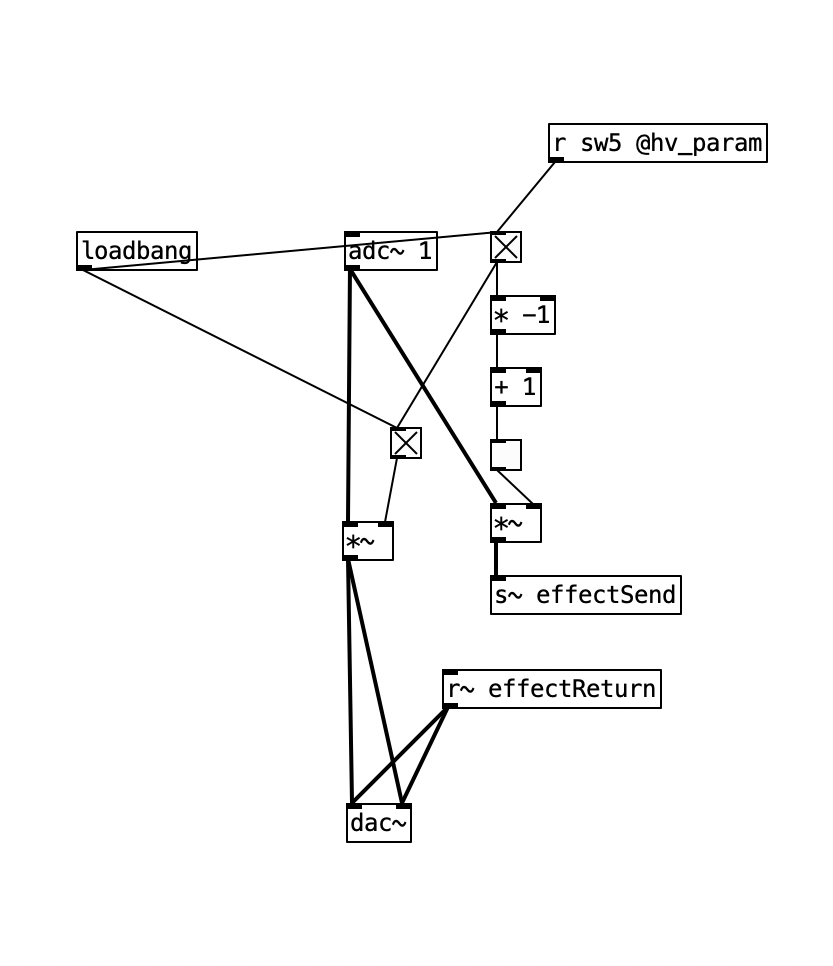
I’m sure there’s some maths that can get me there, but I’m new to gen~ , coming from PD, and only think of things in the realm of guitar pedals… Thanks for even addressing my issue!
Why not add an in operator to your gen~ patcher and try it? The help file points out the operator's similarity to the selector~ object in MSP....
So, this works, but only momentarily.
What I’m hoping for is to use a momentary non-zero transition to toggle. If I can get it to switch back and forth between 1 and 2 I think that’s what I need...

What you want is a flip flop then. A trigger in turns it on, the next trigger in turns it off, etc. Feed that through a [+ 1] into the [selector].
Lots of ways to patch that. First you want to condition your input signal to give you a single-sample trigger, which just means looking for the rising edge. A nice robust way to do this is to send it through a [> 0.5] -> [change] -> [> 0]. Then to turn that into a flip flop, a kind of simple way is to use a [counter 2]; or more simply, [+= @max 2]. In summary:
[param switch] -> [> 0.5] -> [change] -> [> 0] -> [+= @max 2] -> [+ 1] -> [selector]
There's other ways, using [latch], [history] and logic operations, but they're not as easy to type out in a one liner :-)
Graham, Mister Wakefield, thank you! I appreciate your help so much! I’ve seen you rescue and teach so many, over many years, and on many forums! You are a hero and a genius.