
Can't find menu item "Clue Window"!

Hi,
I've recently got Max 9.1.1 and I'm going through the tutorials. When I come to the mouse drawing tutorial it mentions what sounds like a useful tool: "Clue Window". The tutorial states that this can be started by selecting "Clue Window" from the "Window" menu. However, when I look at the Window menu at the top of the patcher there is no entry titled "Clue Window"! Has this either been removed or moved to somewhere else in version 9.1.1? Note that I've tried this on both a Windows 11 PC and a MacOS 15 laptop and can not find it on either.
Martin.

That's just great you are reading through all that text!
Haven't got a clue where it went!
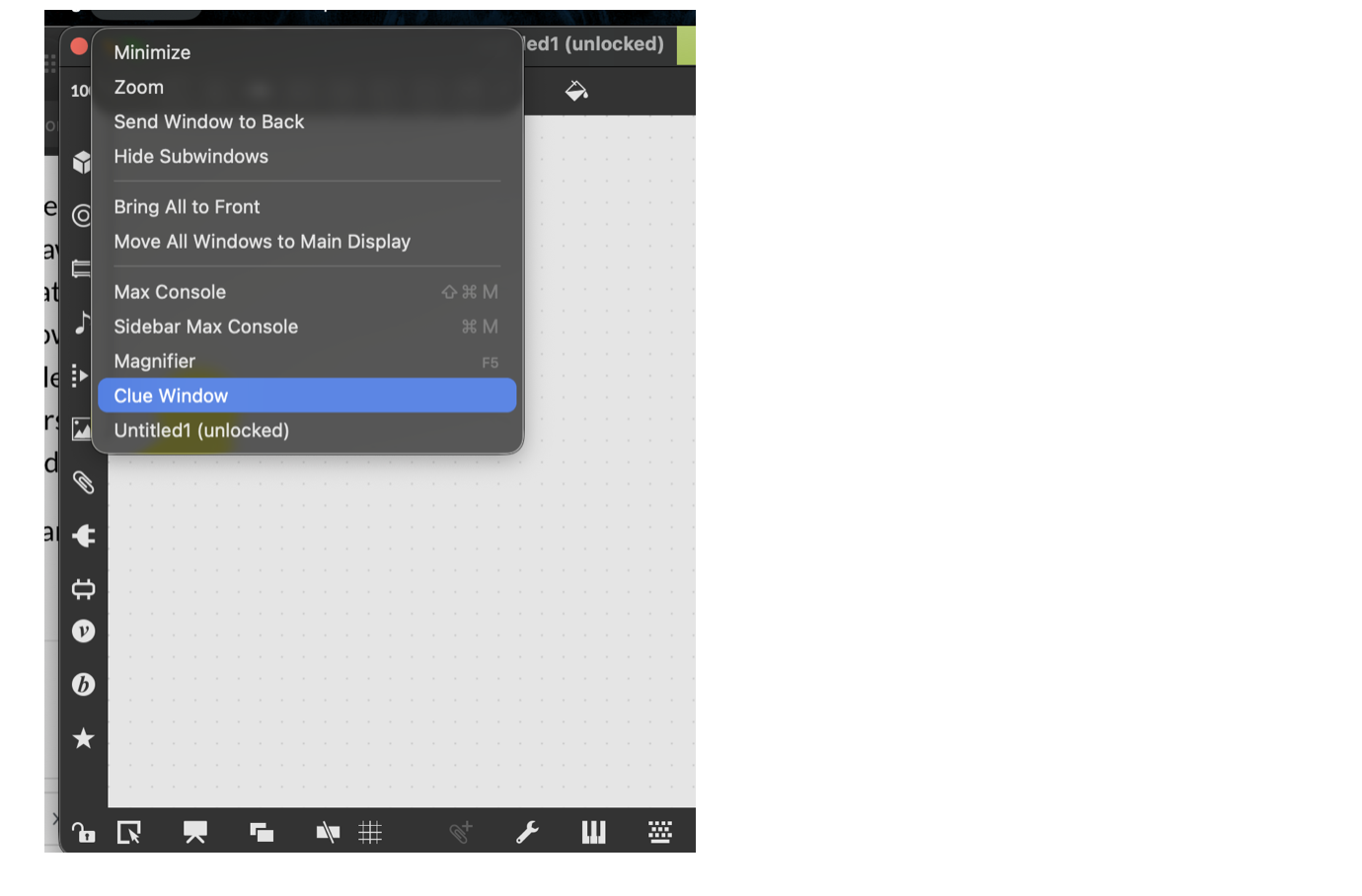
It was there in 8.6.5
WIL,
thanks for the reply. I was wondering whether I was looking in the wrong place but it now seems that the "Clue Window" entry is now missing from the "Window" menu in 9.1.1. It has been replaced by an option to change the aspect ratio! There is an item under Preferences/Interface titled "Clue Bar Shown by Default", this off by default. Turning it on shows info on the at the bottom of the patcher, and clicking on the up arrow next to the short description shows more info. The strange thing is it doesn't seem to work in the tutorial patcher, only in patchers started afresh. I'm not sure whether this "Clue Bar …" option existed in the old version or not, but this maybe a replacement for the "Clue Window". Whatever the case it points to the need to update the tutorial for the version 9.
Martin.


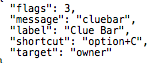
I don't use max 9, and can't tell for sure, but this is in maxinterfaces.json file
so there should be key shortcut for it
on all max versions you can also send message
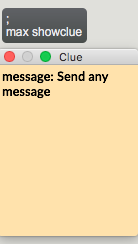
to open it ....