
Change colors in the console

I've been searching quite extensively but unseccessfully to find a way to change the background and font colors of the console in Max 9. Is there a way to do this? Thanks

themecolor object.
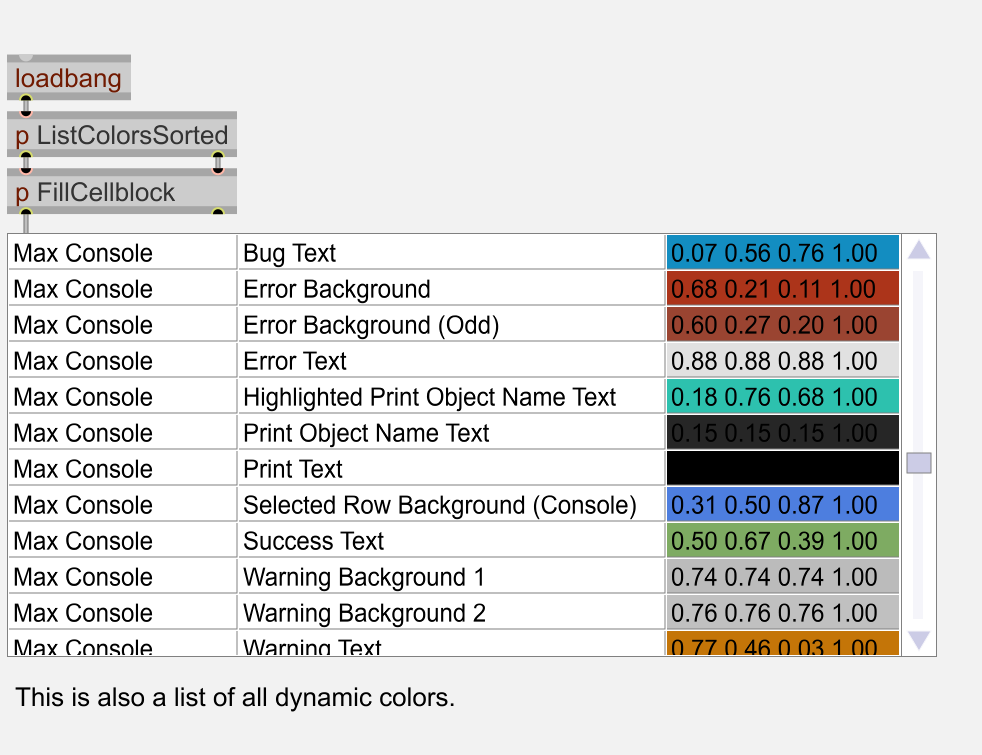

Things get crazy pretty quickly
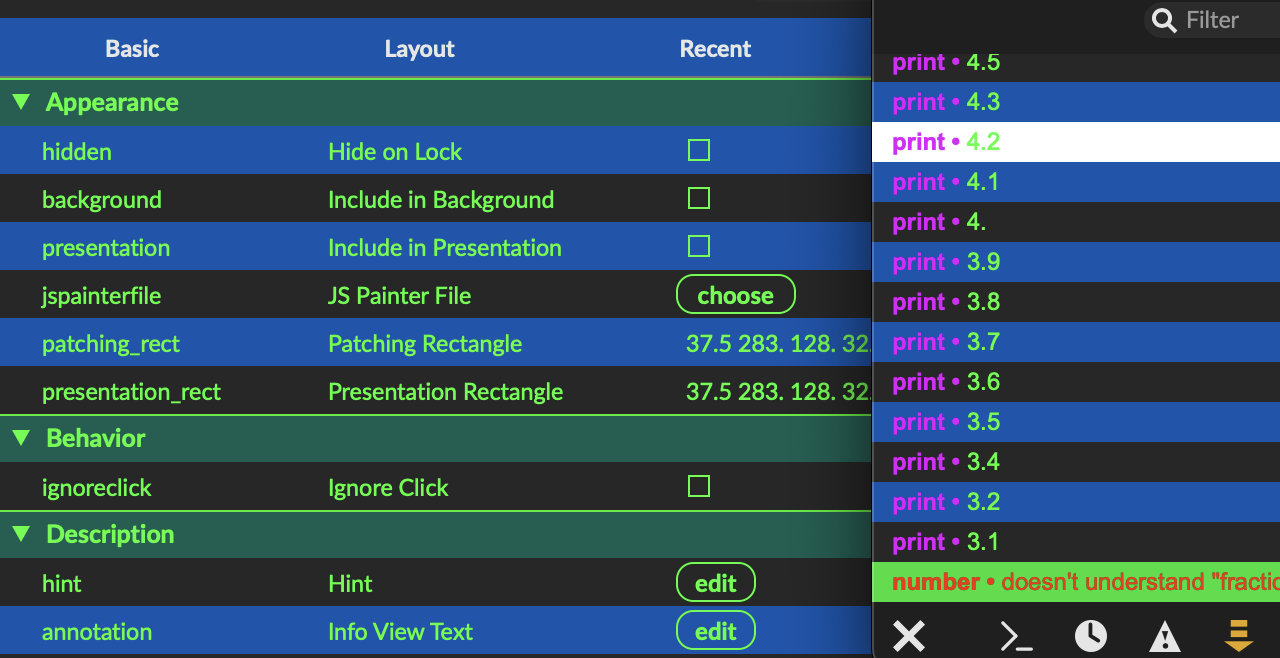
Couldn't find the color name for the odd rows though, pair rows being "Window Background (Inspector)", also changing colors in the inspector.
@DOUBLE_UG: Thanks, but it's been a while since I worked in Max (I've been working in Pd for many years), so I don't see how to create the result you show.
@TFL: thanks - that works.
@TFL: How did you get to the interface you show at the beginning of your post, where is says 'Appearance' etc.?
Thanks
This is the Inspector, that you can open from the right toolbar. Select an object and all of its attributes will be there.
OK - got it. Thanks