
HELP! urgent! RNBO no longer operates on RasPi but is needed

I have been preparing an installation for this Saturday (basically tomorrow), now have arrived at my destination, set up new wifi connection and since then: only dysfunctionality, hitherto unseen.
Back in my studio everything worked like a charm. Always.
Numerous problems, in order of occurence:
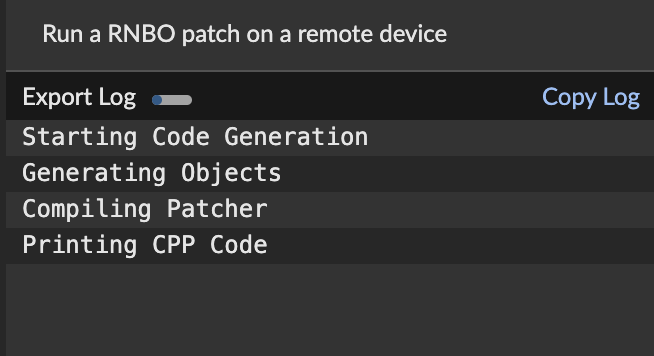
Image 1: exports of rnbo~ patchers get stuck at Printing CPP Code (step 4) and do nothing more (edit: this was perhaps because filenames I received had contained single inverted commas).
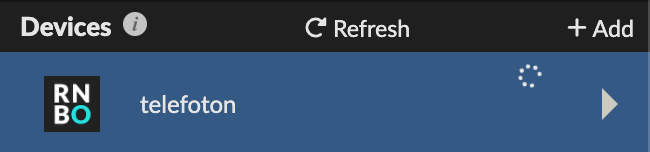
Image 2: when back at the device list after cancelling, my Raspberry Pi is listed but shows a 'pending' (frisbee) ring, as if waiting for a response or process
very simple out-of-the-box patchers were able to be exported though (?)
occasionally, a regular patch could too be exported (?)
connection, however, launching the web interface is very, very slow (taking minutes to open)
expected osc-messages from serial ports are no longer received, serial port can be screened successfully and behaves as expected via ssh
ssh fully accessible throughout
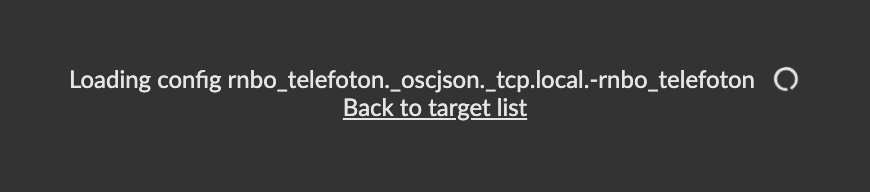
Image 3: occasionally, exports would progress but then end in a blank page with cryptic information before completion
after that, Raspberry Pi is no longer available to Max and disappeared from the device list
finally, a patch was successfully exported without interruptions, however
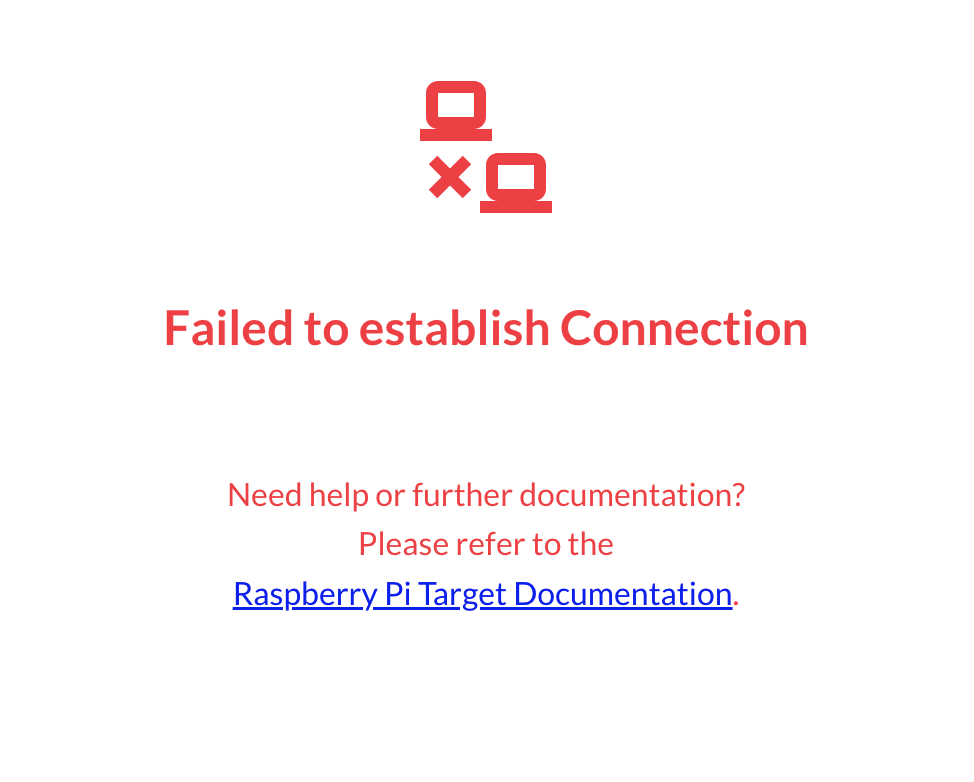
Image 4: the Pi is now no longer accessible through osc or the web interface at all and just claims it 'Failed to establish connection' in lurid red writing
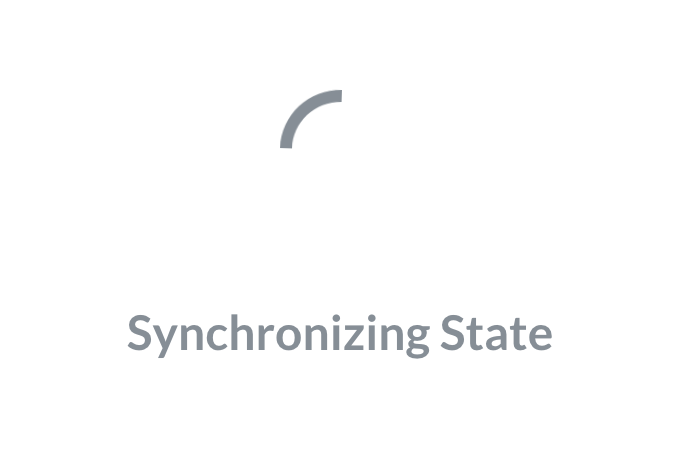
Image 5: since a restart, and relocating my entire setup closer to the wifi router, the web interface is stuck 'Synchronizing' for 10 minutes now
currently exporting the patch again to see what happens next and apparently, it 'Successfully exported to target' — if I then click on 'Open Interafce' next to the provided QR-code, I get the 'failed to establish connection page' again and cannot see anything
rnbo.remote claims it is successfully 'connected' ………
This is a serious issue for me and I need to solve it within 12 hours therwise I am having to call the whole thing off officially.
Please see images below:
So, I am able to export now but the rnbo patch does not seem to be working (serial input has no effect) and I cannot establish a connection to the web interface or any related address.
I am totally stuck now and have zero idea how to proceed. If anyone can point me at direct or specific ressources I would appreciate that.
Thank you !

If I understand you correctly you are using the Wifi of the venue, correct?
It’s possible that this network has firewalls and other security measures installed. Try to get a simple home router and set up you own network, so you can make sure all necessary ports are open.
PS: if the network has no internet connection it’s normal that it takes a long time for the browser interface to load. That is, because it tries to load some online fonts and only after a timeout the page will be displayed.
Thanks Jan,
yes, I am using the local wifi here. It provides internet connectivity.
What I meanwhile can get to work is running the rnbo patch remotely — I just cannot export onto the Pi, which I would need to do before I leave.

Hello Nodanoma. I don't know if this can be of help, but I had a very similar issue last week while making some tests and setting up an ethernet connection. While at the beginning everything was working great, after a few updates on the RNBO patch, exactly what you're describing happened to me.
Never managed to pass after the Printing CCP Code line, everything just stopped working. Tried so many things with MAX and the Windows Network configuration all with no luck. The only thing that eventually did the trick was deleting and recreating the connection profile again inside the Raspberry Pi.
nmtui/Edit a connection/<Add...> and then switching to that "new" connection via nmtui/Activate a connection/<Activate>. After that RNBO started responding again correctly.
Good luck! hope everything works out.
POSTED this on Jul 3, 2026, 4:52 PM but post still marked as Pending Moderation (Jul 6, 17:57)??
It’s probably a port issue. Accessing the pi works via the usual web browser ports, exporting most likely uses ports that a blocked there.