
I'm still very confused about Jit.gl video objects [face palm]

I like to express some of my frustrations working with jit.gl objects, because I don't think I'm alone here. I have been developing with Max/Jitter/Msp well over 15 years, and think my experience with the old jitter matrix added to my frustration with this 'newer' way of working with jit.gl. BTW, my experience with Max is mainly with video processing and not generative visuals. I also work with Touchdesigner.
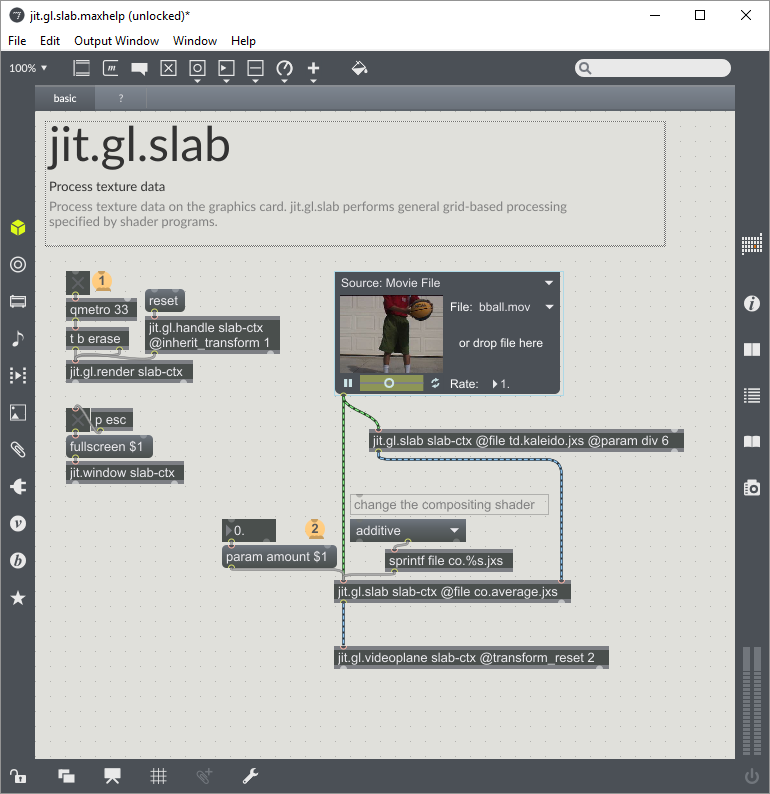
What is the difference between jit.gl.videoplane, jit.gl.slab, jit.gl.texture, and jit.gl.pix? From looking at the examples (screenshots), each has 2-3 lines of description that don't make much sense. Yes, I have used all of them in my project, but if I have to put something together I really don't know which one to pick and why I should use one versus the other.
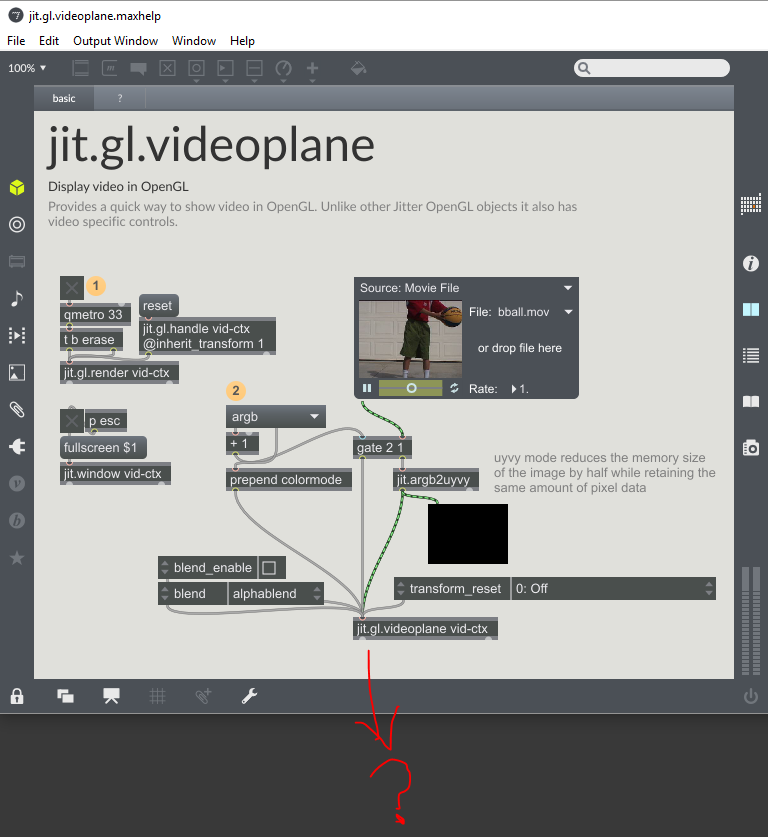
If I'm playing a movie file with jit.movie, then I 'send' this signal into one of the jit.gl for GPU based processing, after that I'm kind of lost (see first screenshot) because you don't have to patch anymore. I mean in the old days of jitter matrix you route everything with a wire, that's why we call Max a graphical based programming environment. Working with jit.gl objects, video signal can be invisible, you have to follow the context names, which I'm still wrapping my head around, again very confused and lost. When I'm working with multiple video layers and GL based effects, I'm lost as where and how to route video, and how to make them re-appear again on screen.
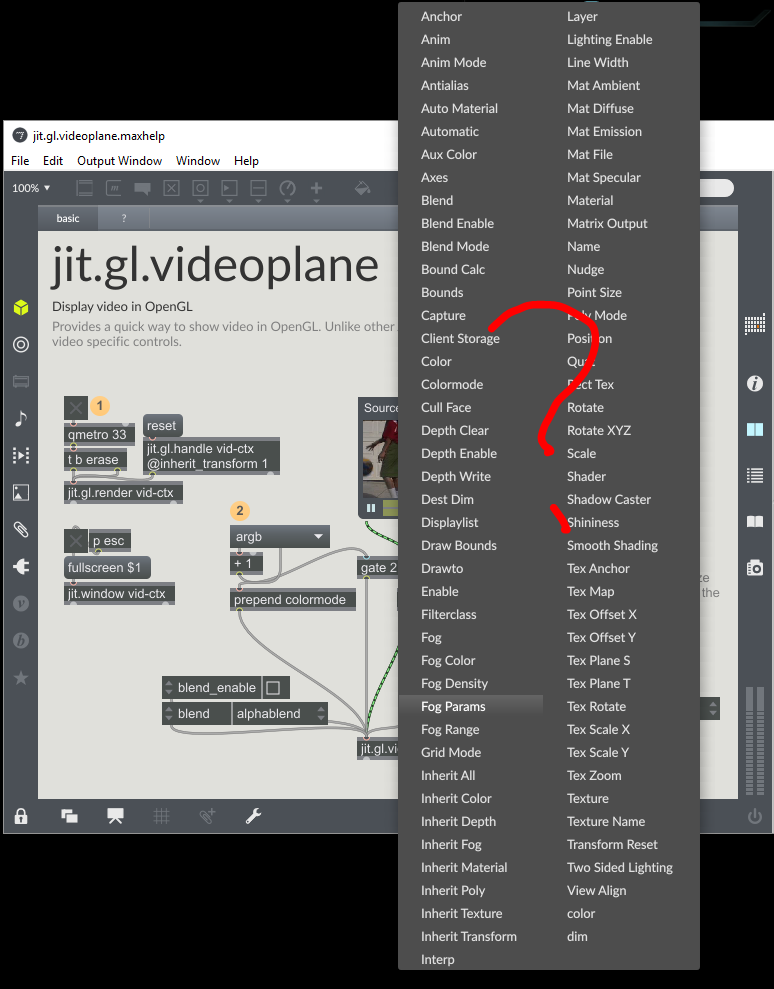
Each jit.gl has lots of options (see screenshot), they are not so well explained, and some of them does not DO anything. This also seems to be the case working in Touchdesigner, a ton of options, I would sometimes randomly click until something happens.
It's impossible to troubleshoot errors. This seems to be a universal problem when you don't write code line by line, where the software can highlight exactly which line in your programming code is throwing an error. By looking at the Max console when there's an error, and working with jit.gl often there are many errors in my case, but then how would I know which object is the problem in my patch? Max should highlight the patch or connection that is wrong, so the user can learn from the mistakes instead of giving up.
To sum up, I wish there's better documentation and examples on how to use jit.gl objects. Or just a better way of patching jit.gl. The old school Jitter was very well documented and had complete examples, I mean it literally 'showed' you everything one patch object can do, that's how I learned Max but this seems no longer the case. I can understand working with GPU is not so linear, but that's why we use Max, to visually make sense of what is going on. Otherwise we should just all write code, which makes a lot more sense logically the more you get into programming.
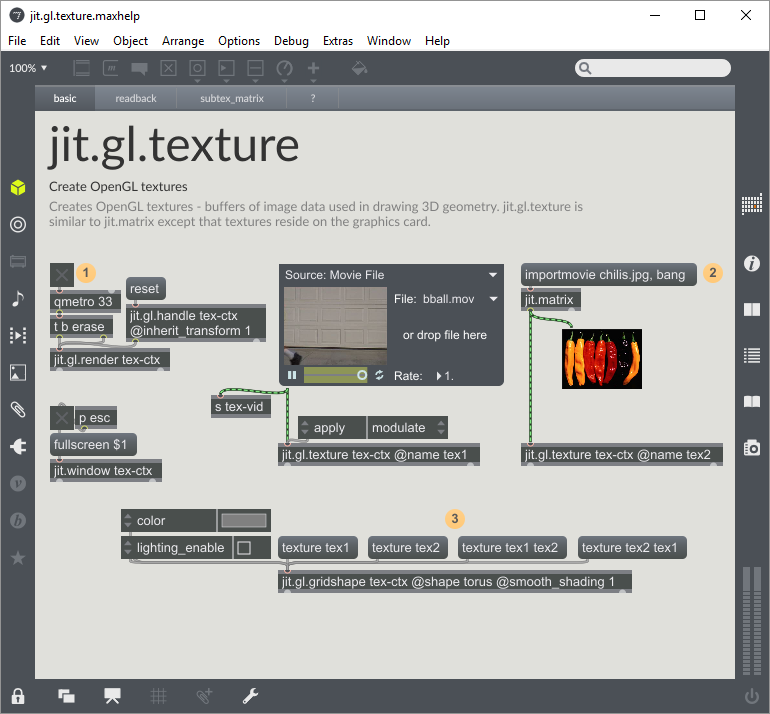
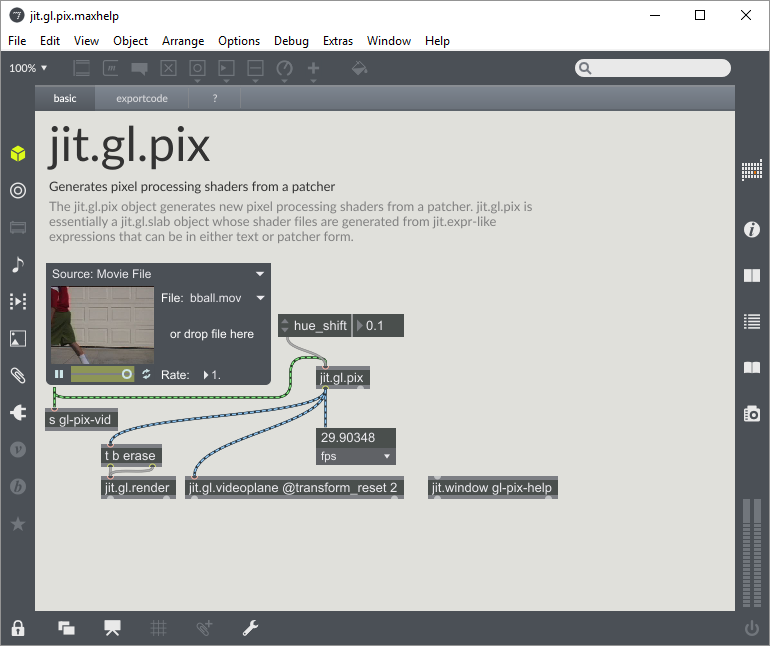

Yes, GL stuff is definitely a bit different, than good old bitmaps ;-)
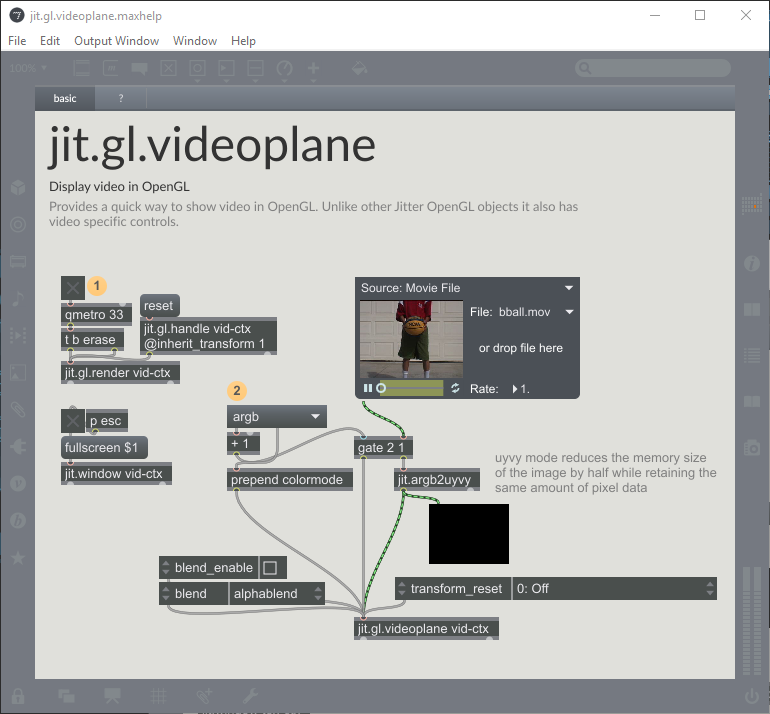
jit.gl.videoplane - an object for displaying textures or matrices (kind of flat "billboard" in 3d space)
jit.gl.texture - object storing a texture (let's say: a GL-world equivalent of jitter matrix)
jit.gl.slab, and jit.gl.pix - objects allowing various manipulations on textures (these objects are engaging rather GPU (hardware acceleration) - not CPU, as for matrices processing - and are profiled to handling graphics data as fast as possible, so - thanks to that - we can process high resolution video).
Especially jit.gl.pix is worth knowing better. This object works with respect to general max-patching-paradigm (with some modifications required when thinking in GL-world terms).