
is there a 'get info' object?

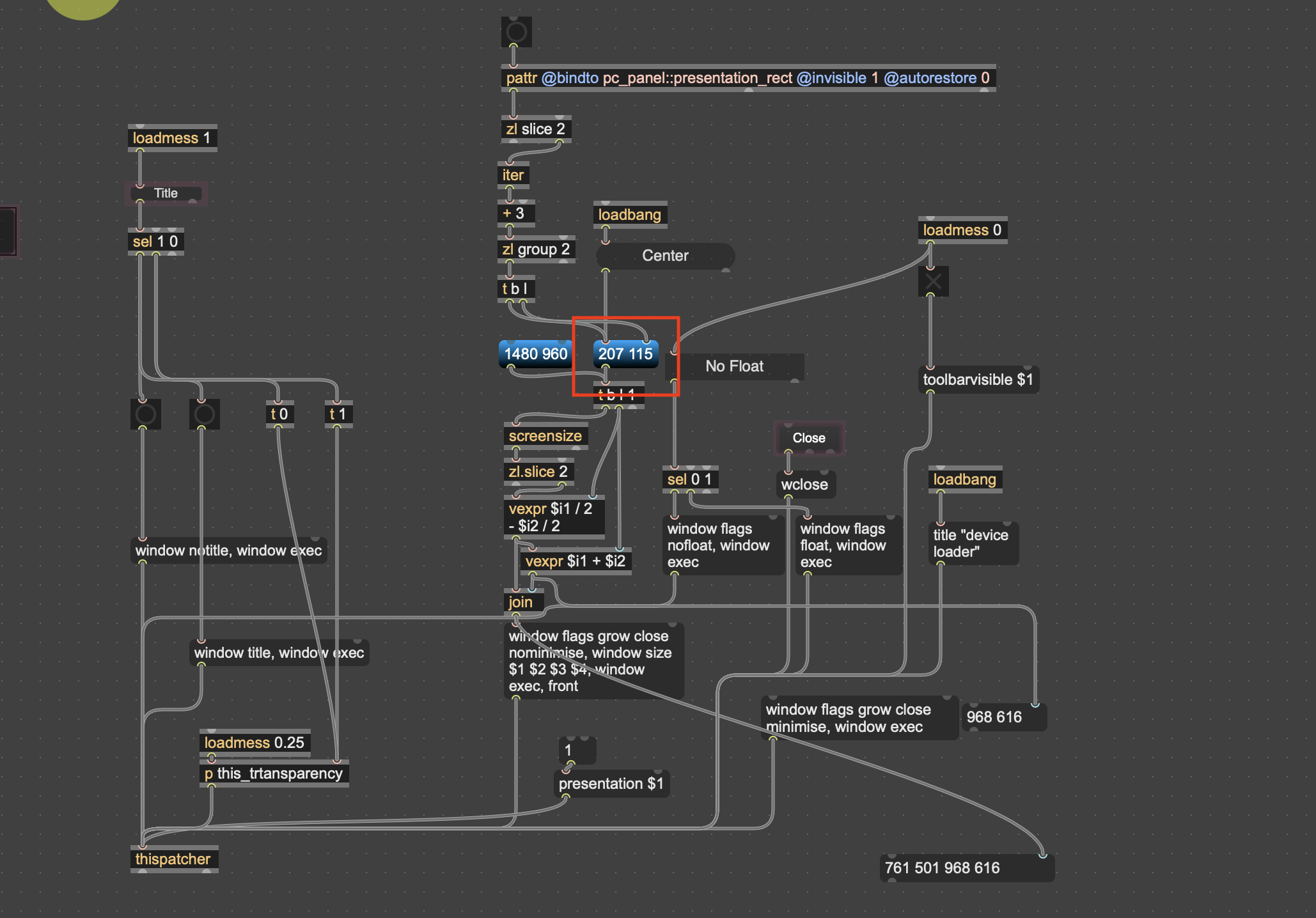
I would like to 'get' presentation rectangle from panel info
getattr no good
would be cool if I could just resize a panel and then that will determine the size of patcher when I open it next
so if I decide for example to add or remove stuff I I can just resize the panel - don't have to fiddle around with guessing new size and setting it - just offset a few pixels around the outside

You can do so by binding a pattr to that attribute, or using js.
But the simplest is probably to use the patcher attribute openrect "Intial Window", that makes a limitation to appear, à la M4L device. When you'll open your patch the window will fit that rectangle, and you can easily resize it when editing the patch.

hi TFL thanks.
If you don't need the panel, openrect is really more straightforward and doesn't need any patching logic:
Next time you open that patcher, the window will fit the rectangle. If you load it as a bpatcher, it will also automatically resize the bpatcher to the size of that same rectangle.
I like the fact I can save hundreds of hours and not have to re-code and custom size every module/widget/patch
have to decide I can live with losing rounded corners when no title ;)
also, I don't see 'make patch draggable' option - so still need panel for that

if need to fit an object to a window size which e.g. depends on screen size, or should be positioned in the screen center or something like that, that object will be script-created on init. (mostly jit.window)
Just to clarify, I am experimenting with a different kind of interface (for me// probably a lot of folks already did this)
Each section of a larger patch opens independently. And can be moved around on the screen.
This solves 2 issues for me
1 - building large bloated patches and I don't always use everything in the patch but sometimes want to
2 - inserting and removing things in the chain without interrupt (not tested yet)
So each patch loads as a separate module (some will be like widgets that are expandable/contractable or pop-ups inside a button/label depending on size and function)
and should open -> no tool bars, no title, and be draggable
it looks like for now [panel] is the winner for this particular situation -> using panel to set patch size is best. If I change a patch around- add or remove controls- and need to resize-> just resize panel. No worries~!