
phasor~ out of sync when using rate~. Why?

Hi!
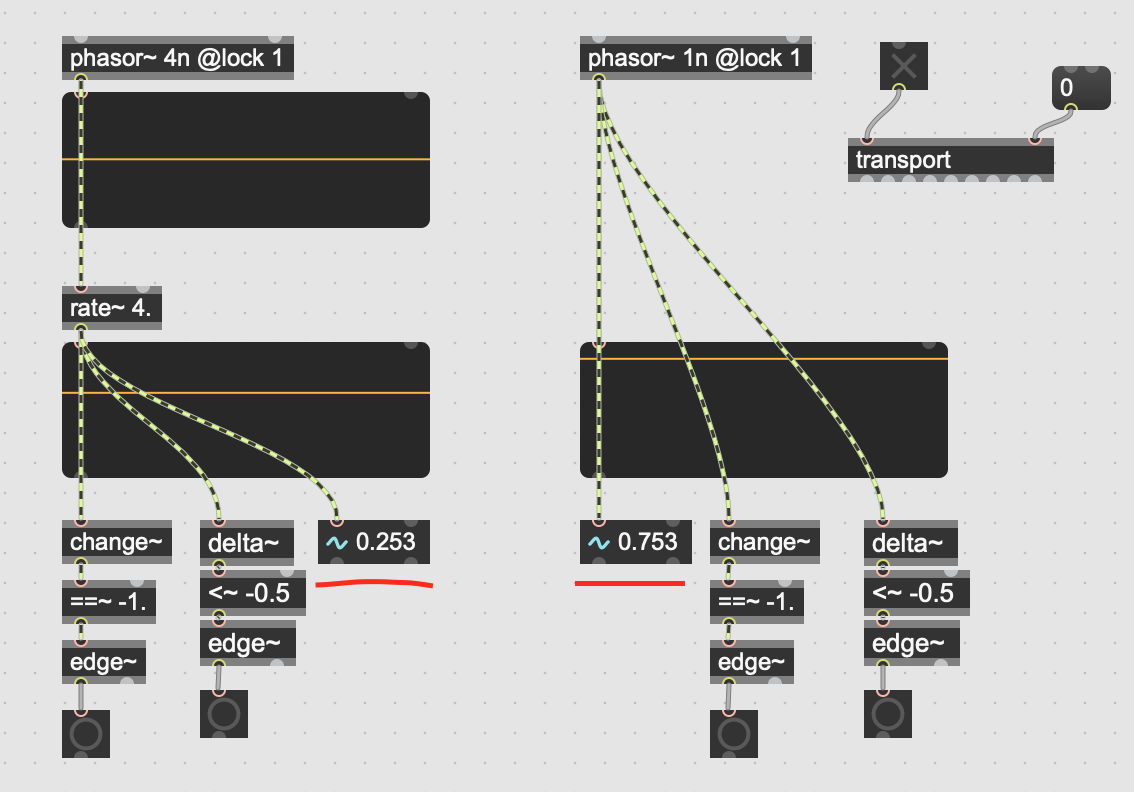
There is a quick patch to test phasor~ sync:
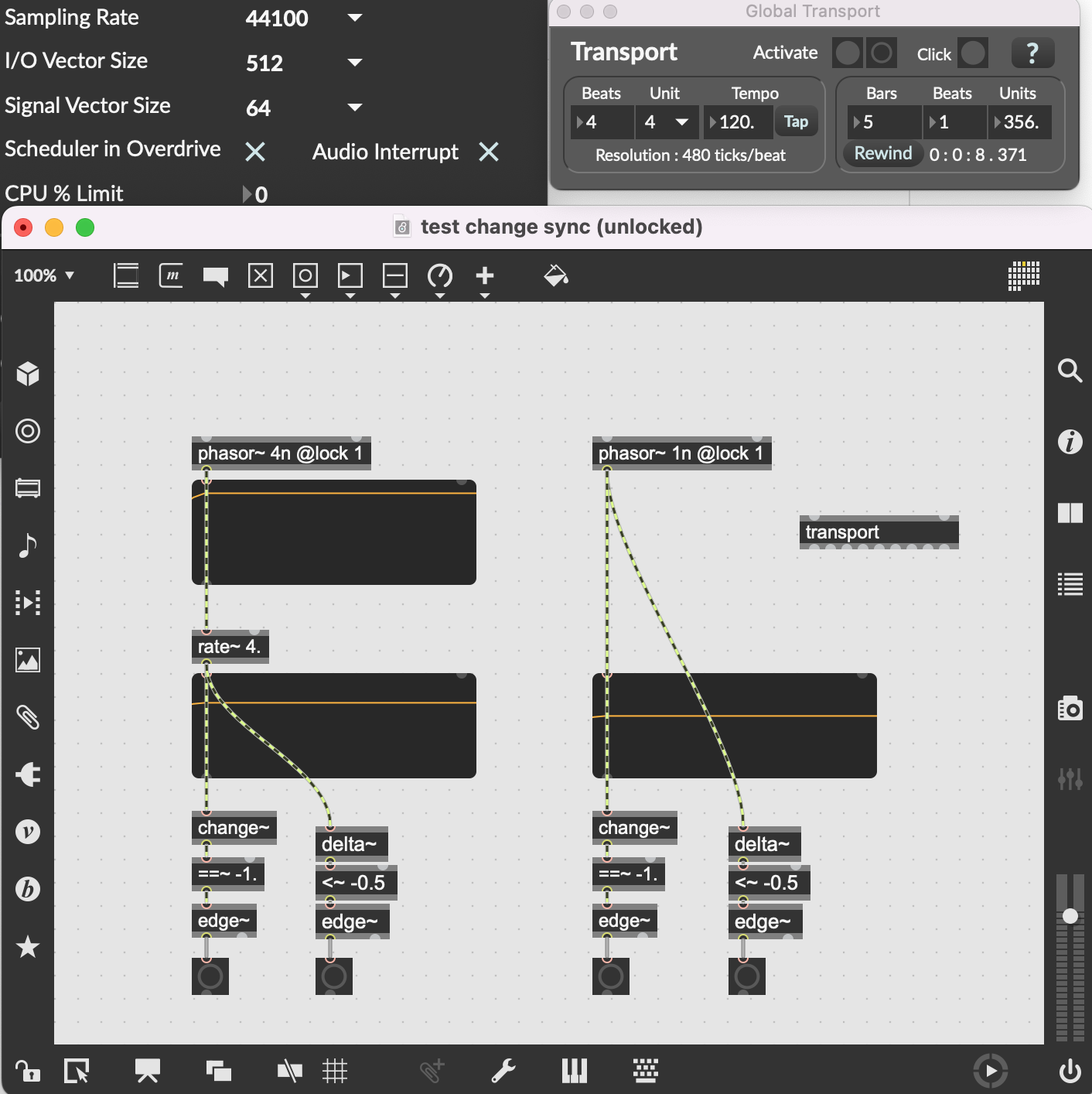
If I enable audio and start the Global transport both phasors are in sync. But if I click on a Rewind button in Transport they become not synced. Here is a short video:
Why this happens? 'Scheduler in overdrive' and 'Audio interrupt' are enabled. phasor attribute @lock is set to 1. Any ideas?
Thank you!

rate~ sync
works as expected here
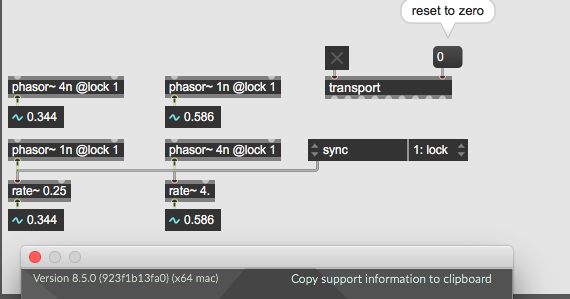
And not working on my side:
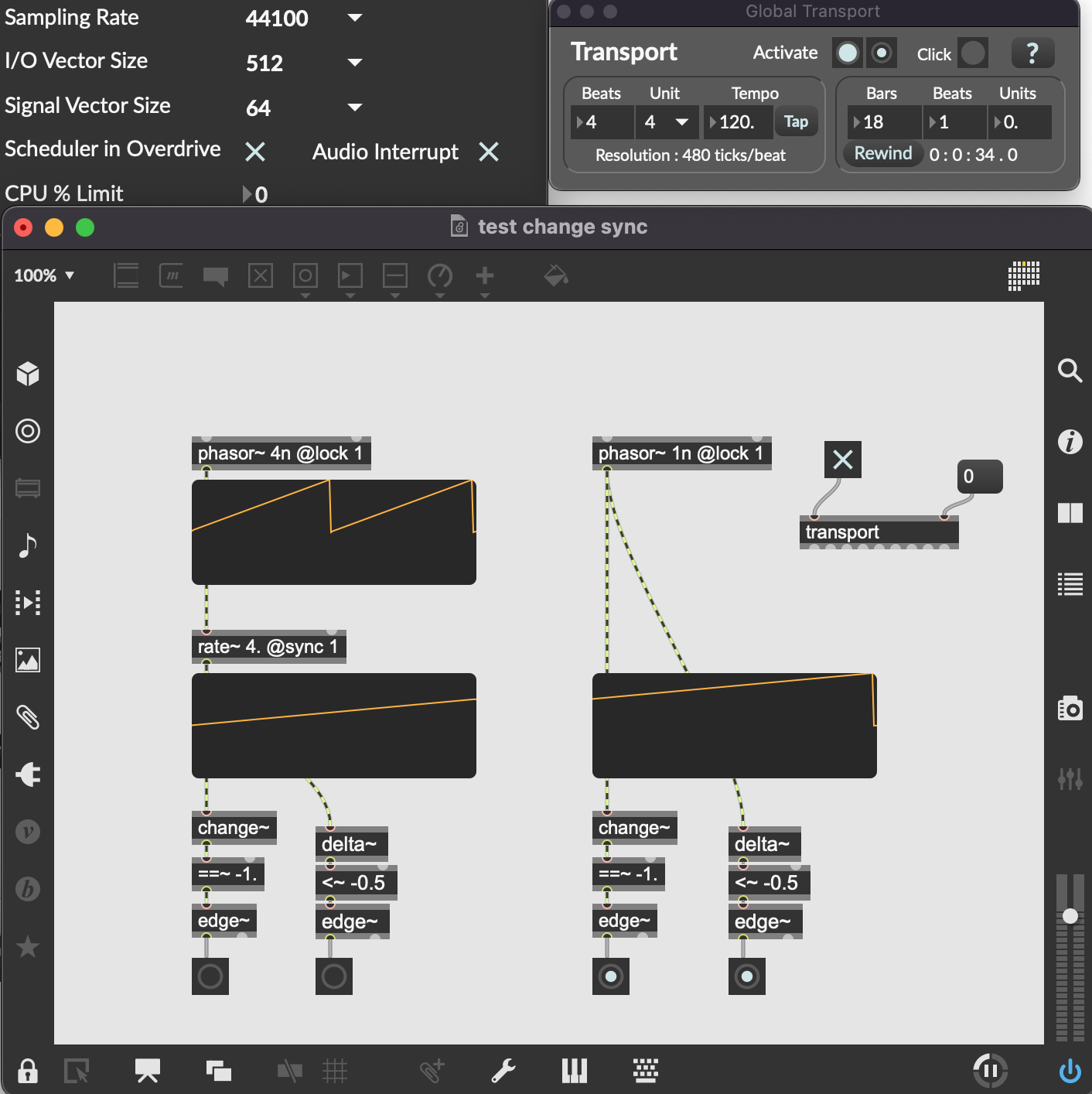
lucky me ...
live.scope~ might trouble you.
It is one of first things I delete after installing Max : all live gui objects

they are akward, but i would not go so far and delete them. (first things i delete on new machines are spotlight and itunes.)
but he has that egde~ there - this object does not lie if things get out of sync.
maybe he is misunderstanding the way rate~ works
when it's set to higher multiplier than phasor~ ?
phasor~ 1n to rate~ 4 means that when phasor~ gets rewinded, rate~ will jump to closest division position within it's current progress.
Example: if rate~ is at 0.4 resetting transport to 0
will let it jump to 0.5, not to 0.

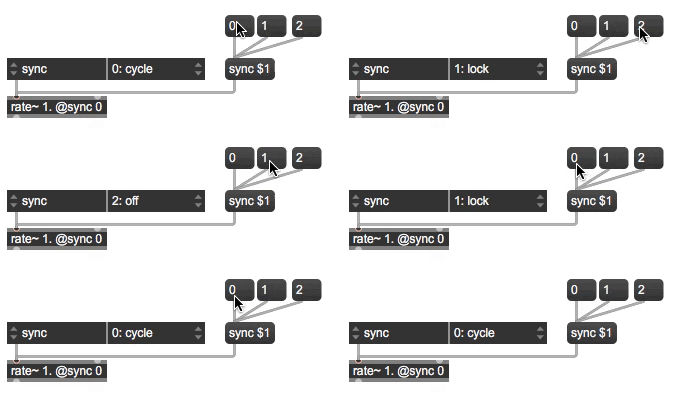
You're not using the correct argument. It's [rate~ @sync lock]
both arguments are valid
0 or cycle
1 or sync
2 or off
maybe he is misunderstanding the way rate~ works when it's set to higher multiplier than phasor~ ?
phasor~ 1n to rate~ 4 means that when phasor~ gets rewinded, rate~ will jump to closest division position within it's current progress. Example: if rate~ is at 0.4 resetting transport to 0 will let it jump to 0.5, not to 0.
Exactly! Here is an example of this behavior:
I modified the initial example like this and now it resets exactly as I was expected:
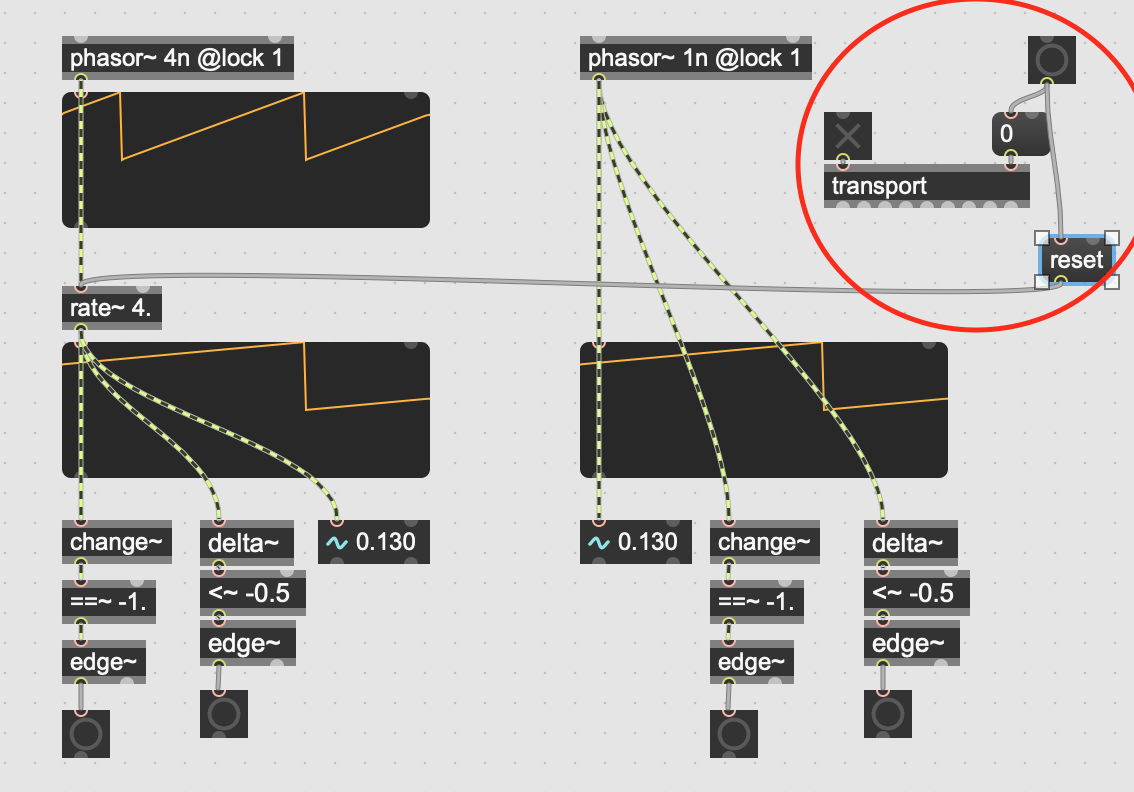
Source Audio, thanks for pointing me!