
Pworld opacity?

Hello,
I am a Max user who is experimenting with Jitter and I have a newbie question (nothing found on forums as of now).
I have a pworld object with a bunch of stuff drawn with GL graph, and I want to drag some images on top of the pworld window. It seems that erase_colors doesn't work, and whatever object I drag on top of the pworld it doesn't go over it (not even after 'send to back' or 'bring to front'). No matter what I try, wherever there's pworld, I can't 'merge' it with anything. I am a bit embarassed to show my messy patch :) but here's a pic (e.g. I'd like to see the fpic with the grand staff or the range slider at least partially visible on top). Chnging the pworld background didn't help nor its transparency, as well as playing with the transparency of other object helps.
Any workaround here? Thanks!
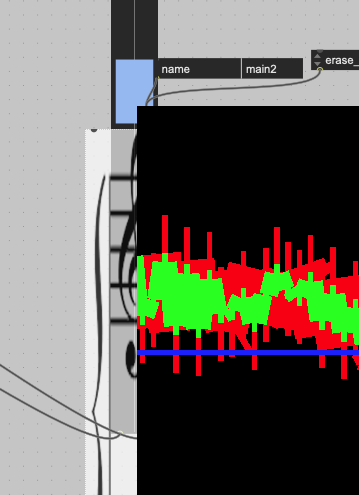

As far as I know [jit.pworld] behaves like a [jit.pwindow] receiving a texture, and thus will always be drawn on top of every other object, and won't have any transparency.
Depending on what you draw, it might be feasible to draw it in a custom jsui/v8ui instead of a GL context, so that you play with the transparency.

It is not possible to have a pwindow or pworld transparent.
Here is what I do
Use this snippet to make jit.world window automatically fit screen
then use this cute little gem and make your max patch transparent
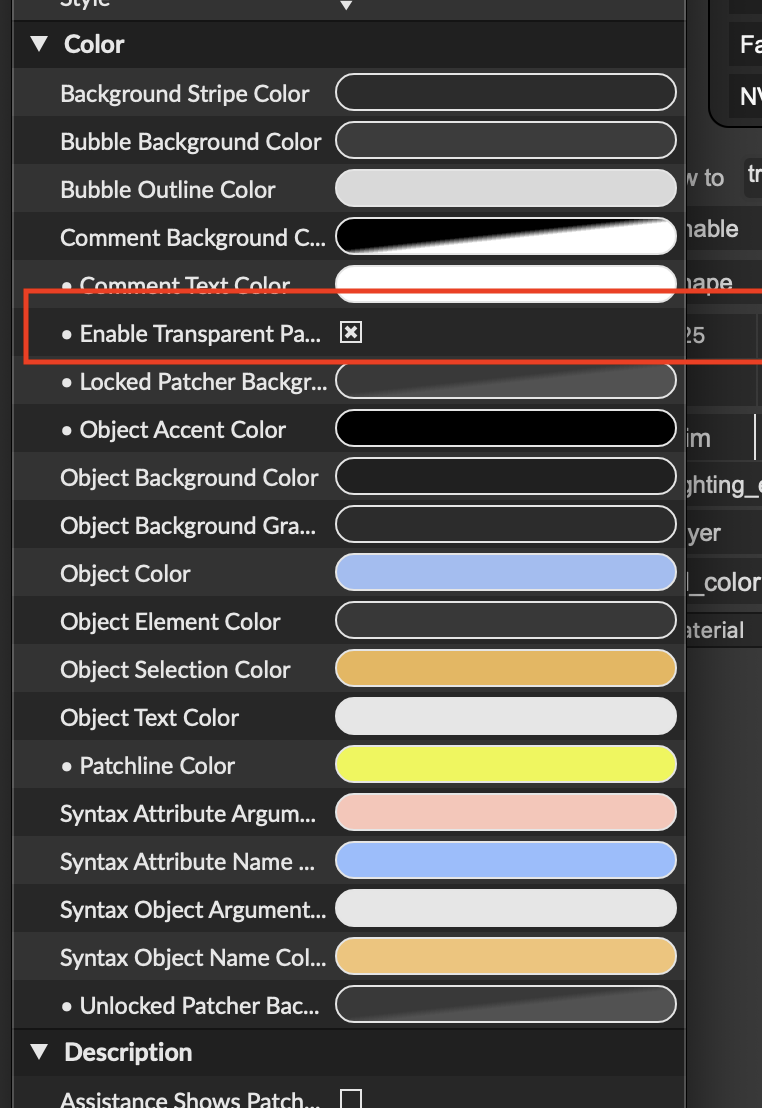
Max patch opens with jitworld window in the background.
Viola!
Transparency
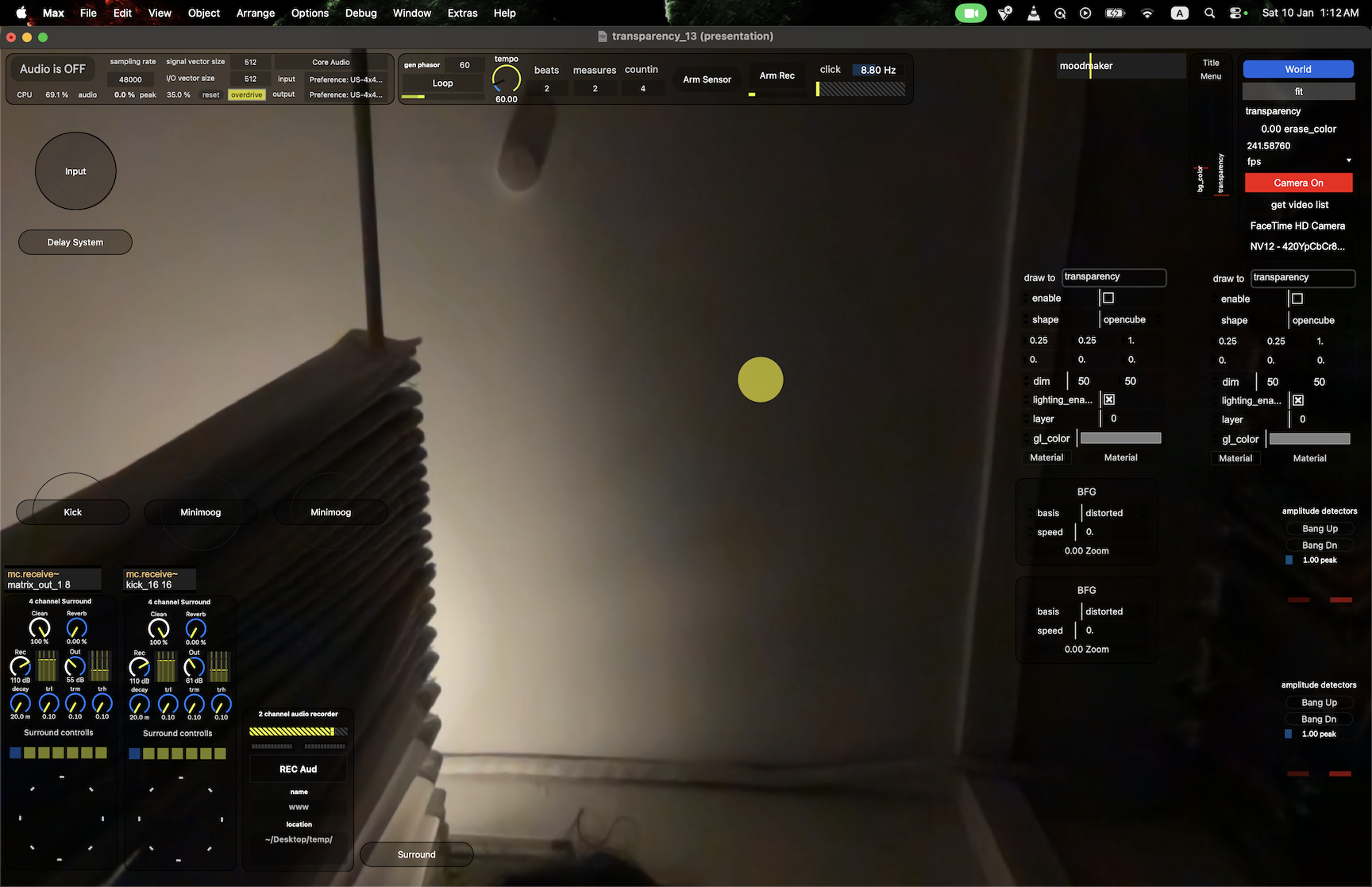
Thank you both! Helpful to know, at least I won't waste another 5 hours. :) Wil-- can you clarify where that snipped would connect? Thanks again!
uuuh, this is nice :) I think I figured it out, thanks!