
Why is max performing so horrible on my pc ?

First of all , I don't have the leatest greatest laptop , it's almost 8 years ol dbut it does the job
I rebuilded some pure data patches straight to max , as close as possible .
A 4 operator fm synth using msp phasor~ + cos~, the feedback enabled operator is done in gen~
A simple kick -snare , hihat drum algo , using basic msp modules , some tanh~ for overdrive etc , a variable delay for flanger duties and that's it
All are sequenced from multiple zl-lookups ( pure data equivalent would be list store + get $1 message )
Here's the deal , in pure data ( plugdata ) I can easily go to the extreme with the metro counter going as fast 1 ms without losing or skipping a beat .
In max however it's near impossible to get the same fluent performance , I tried overdrive , adjusting io vector , scheduler in audio ..nothingreally works .
Adjust a parameter be it a float value or a setting on the adsr might introduce glitches etc,,
Overall the preformance feels sluggish etc..could it be that there are mutliple processes happening ( jave perhaps ) that is bringing down performance ?

As mentioned on one of your many threads, here are some things for you to investigate:
I would recommend following up on one thread where you actually include example patches and your support info dictionary.

your patch maxes at 3 % CPU on old 3770 i7 Hackintosh
and Max 8.3.3.
even with 1 ms metro interval and gate set to 0 1
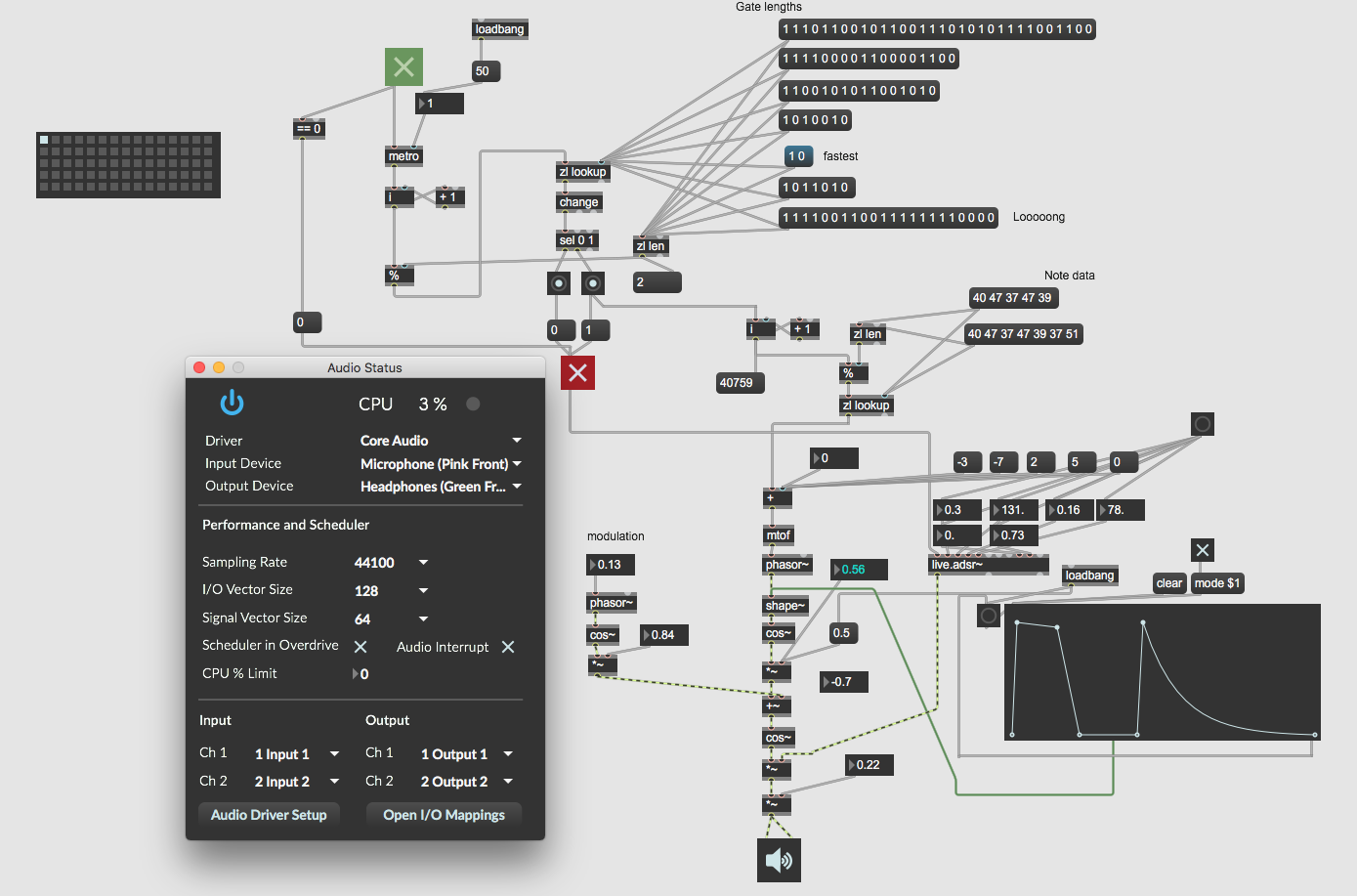
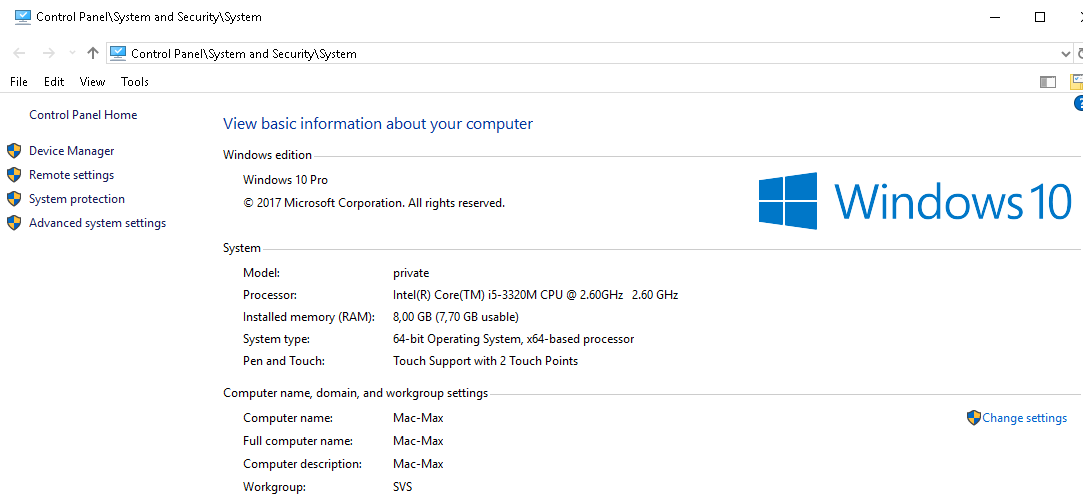
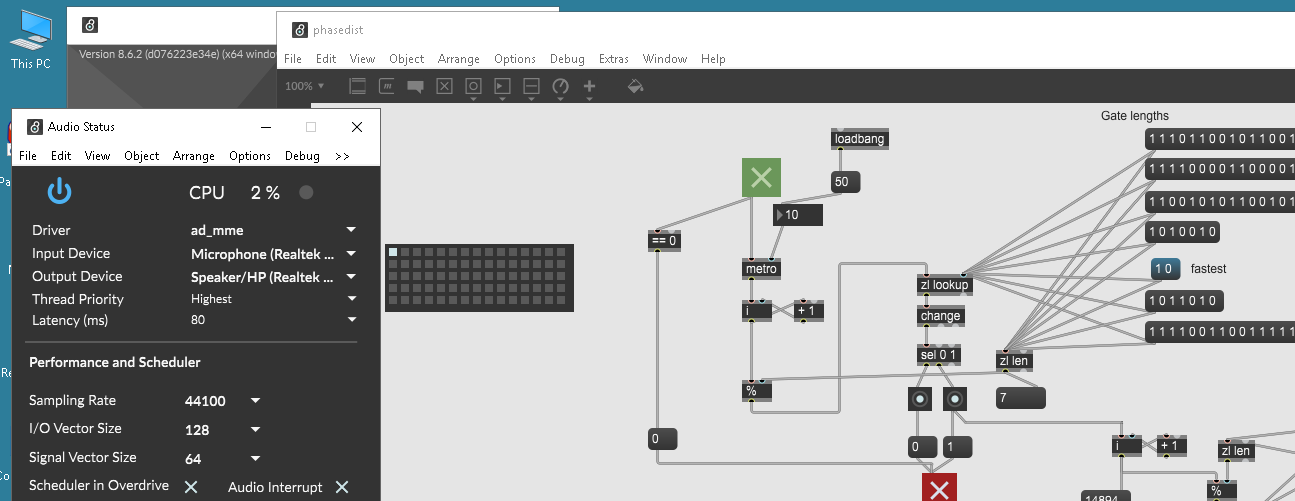
on windows 10
max 8.6 and Max 9.0.5 perform similar on somewhat aged Lenovo Laptop.
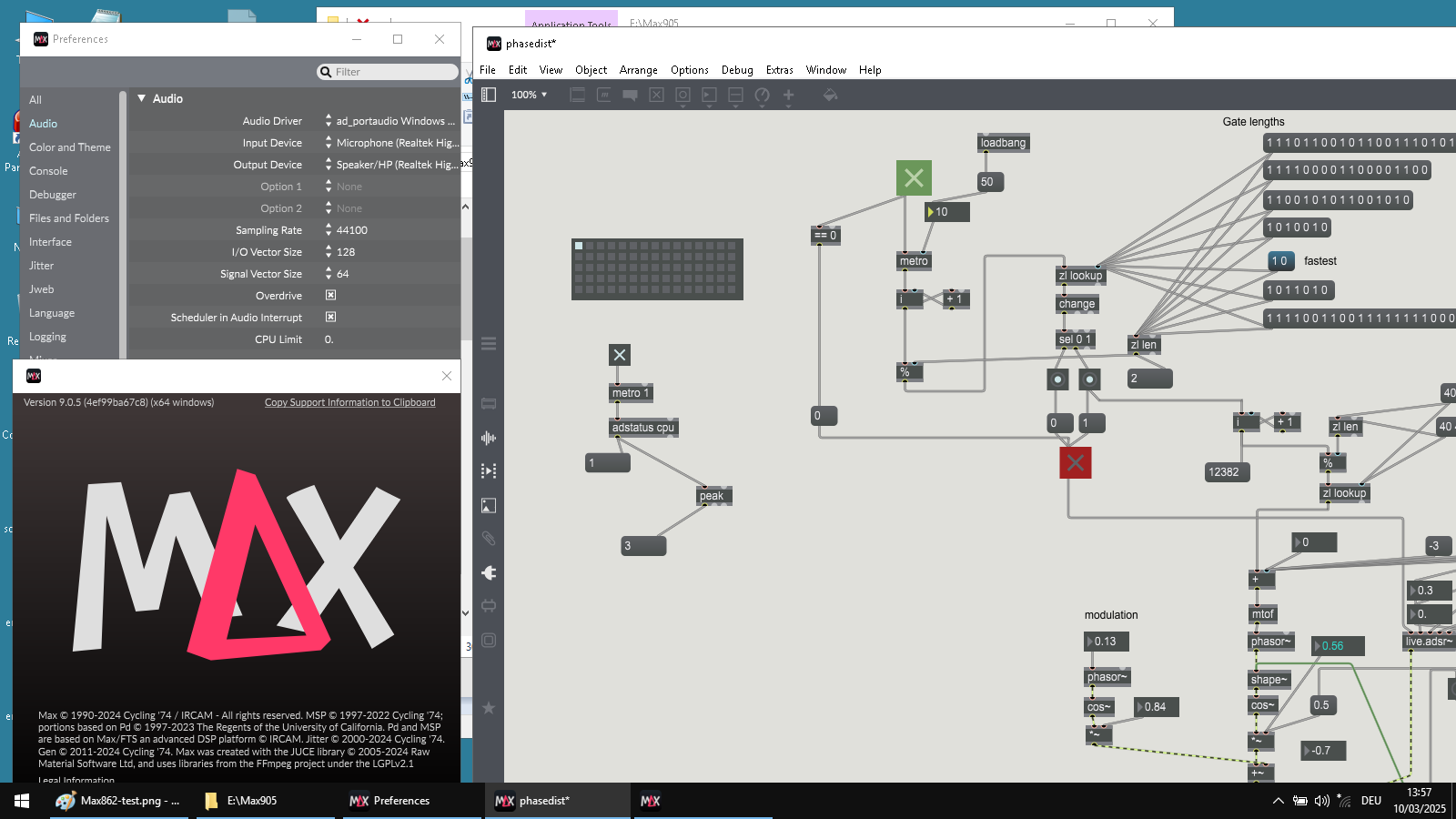
Thank you for providing an example patch. This is helpful. As far as I can tell, yes, as expected this seems like your experience is likely related to "Prioritize Scheduler Accuracy over CPU Usage".
If I set the metronome to be ultra fast (like 1ms), have overdrive on, scheduler in audio interrupt off, and have "Prioritize Scheduler Accuracy over CPU Usage", I am able to generate a relatively high CPU related to the scheduler wakeup timing. In this case the CPU in Task Manager will be ~6-7% on my intel 13900k (while audio CPU usage remains ultra low under 1%).
I could easily imagine this to be up to 40% in total CPU for Max in Task Manager on an older machine. This CPU usage will be exclusively on the scheduler thread and if there is not competing work saturating all cores, it will likely only end up filling up CPU that is not being actively used by the scheduler thread. As long as you have a few processor cores, this isn't likely to negatively impact other audio or UI processing.
However, you do have a few options. First you can use Scheduler In Audio Interrupt (SIAI) which requires overdrive on to take effect. Because this runs the scheduler synchronously in the audio thread, this will have even more accurate timing w/r/t audio signal generation, and AFAIK this is essentially the mode in which pd works (all scheduler events are serviced in the audio thread). With SIAI on, the excess CPU from the scheduler thread early wakeup code for more accurate timing will not be executed and the total process CPU cost drops back to 0.3-0.5% on my machine (~15-20x speedup).
If for any reason you need to execute the scheduler not in the audio thread (e.g. for more accurate timing with the wall clock or external hardware rather than the audio signal calculation, or if the expense of scheduler events is sporadically high and needs to be in a separate thread to avoid audio dropouts), then you either live with the extra scheduler accuracy cost, or disable the "Prioritize Scheduler Accuracy over CPU Usage" setting (which also drops the total process CPU cost to ~0.3-0.5% on my machine).
You can find additional discussion on these topics in https://docs.cycling74.com/userguide/scheduler/
For your patch, if you do not have other considerations you are balancing, I would recommend using SIAI with overdrive on.
If you are still experiencing issues that don't seem explained by this. Please open Help -> About Max, and click "Copy Support Information to Clipboard", and paste it in a follow up message.
Hope this helps!

If the laptop has 2 graphics cards, try checking windows graphics app settings and make sure max is not using the crappy embedded one. Also power settings can be strange sometimes, I get better performance with normal mixed power mode as opposed to high performance mode for some odd reason.

i remember similar discussions with max v.8 when it came out and you can be sure it is a user error and not neccessarily releated to max.
that "prioritize" is on by default is still questionable, because it means that things are different than before.
"your patch maxes at 3 % CPU on old 3770 i7 Hackintosh"
exactly. and this is only the peaks, and most likely only the first core. such a computer can execute thousands of simple signal objects.
I can safely say that audio processing is not the issue here
Rather , as soon soon as I select multiple data cables and change their colour , the stuttering begins when doing rapid sequencing from zl lookup .
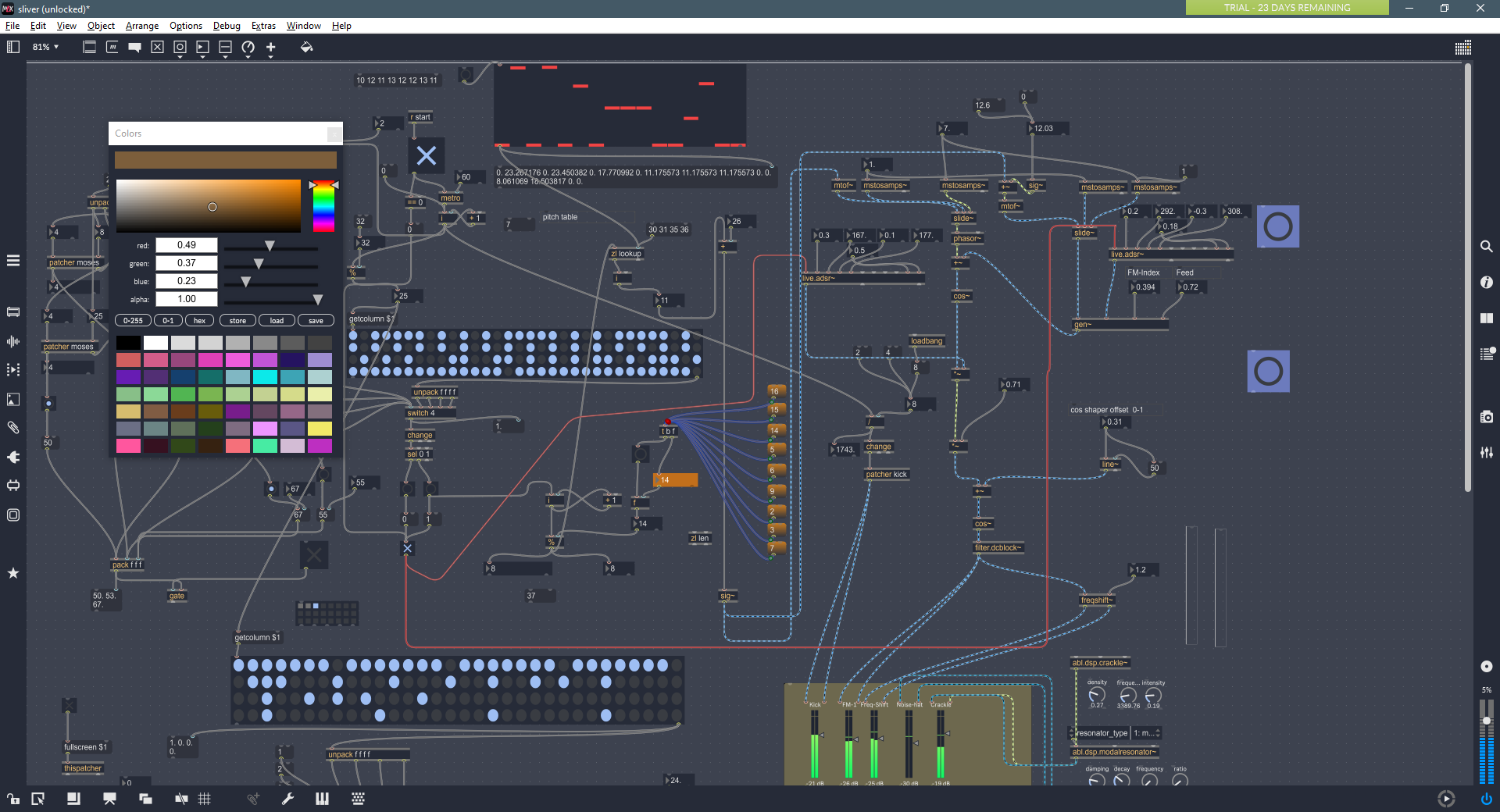
Same with rapidly locking-unlocking the patcher , iow anything that involved gui elements and interaction ( while max is running ) , even when gui refresh rate is se to a are minimum
Granted I have a underspeced integrated laptop graphics card but audio wise it does perform reasonably good
In plugdata I never ever envountered those issues and it's graphics are alos juce based ( plugdata that is , not pure data )
Does everybody has a dedicated graphics nowadays to run max ??
This is real turn off for me , otherwise max is pretty dope
Here is an audio example
A straight simple 16th bassline , metro set to 40 ms , while recording I adjust the color of 5 data cables
Same applies when unlocking the patcher or tweaking parameters while the sequence is running , iow totally unusable
https://app.box.com/s/m6tryd27bopijw1015ute6mtze6vrpvd