
A timeline for Max — OSCcourier, an OSC sequencer

Hello,
This has been a recurring topic on the forum for years: Max doesn’t have a built-in timeline! And it’s a real frustration—relying on qlist, timepoint, or dict quickly becomes a nightmare. Plus, it’s not visual at all, which is ironic for Max! We’ve all dreamed of a visual interface, something like a musical score.
A few attempts have been made using Functions, but they’re not very flexible to use.
So, the idea of using an OSC sequencer seemed like the most suitable solution. There are a few OSC sequencer apps out there but they’re often expensive, complex, or abandoned.
Ossia Score appeared to be a promising open-source option, but it's very complex and feature-rich, and its interface can be quite challenging — the learning curve is steep.
There was also the IRCAM’s OSCar/ToscA plugin for DAWs, but it doesn’t work well with the latest versions of Logic and isn’t really maintained anymore.
So, in the end, with the help of Mistral AI and Claude AI, I decided to create my own OSC sequencer tailored to my needs. I started with a Python prototype, and it worked so well (even though I’m not much of a coder…) that I continued developing it in Xcode using Swift (sorry, Windows users!).
I hope this will interest some of you… According to my goals, it’s quite comprehensive and flexible. The sequencer is multi-track. You can create different types of tracks: interpolated curves, step, message, bang, as well as a "markers" track with magnetic guides/landmarks.
It includes advanced zoom features, amplitude range settings for curve and step tracks, curve editing (linear or S-shaped/bulge interpolation), and an "autofill" function to automatically fill tracks with periodic patterns. You can select, copy/paste, and duplicate groups of points. You can review/edit points in a dedicated Point List window.
Sequences can be saved as JSON files.
If anyone wants to test it, I’d love to hear your feedback!
OSCcourier_screenshots
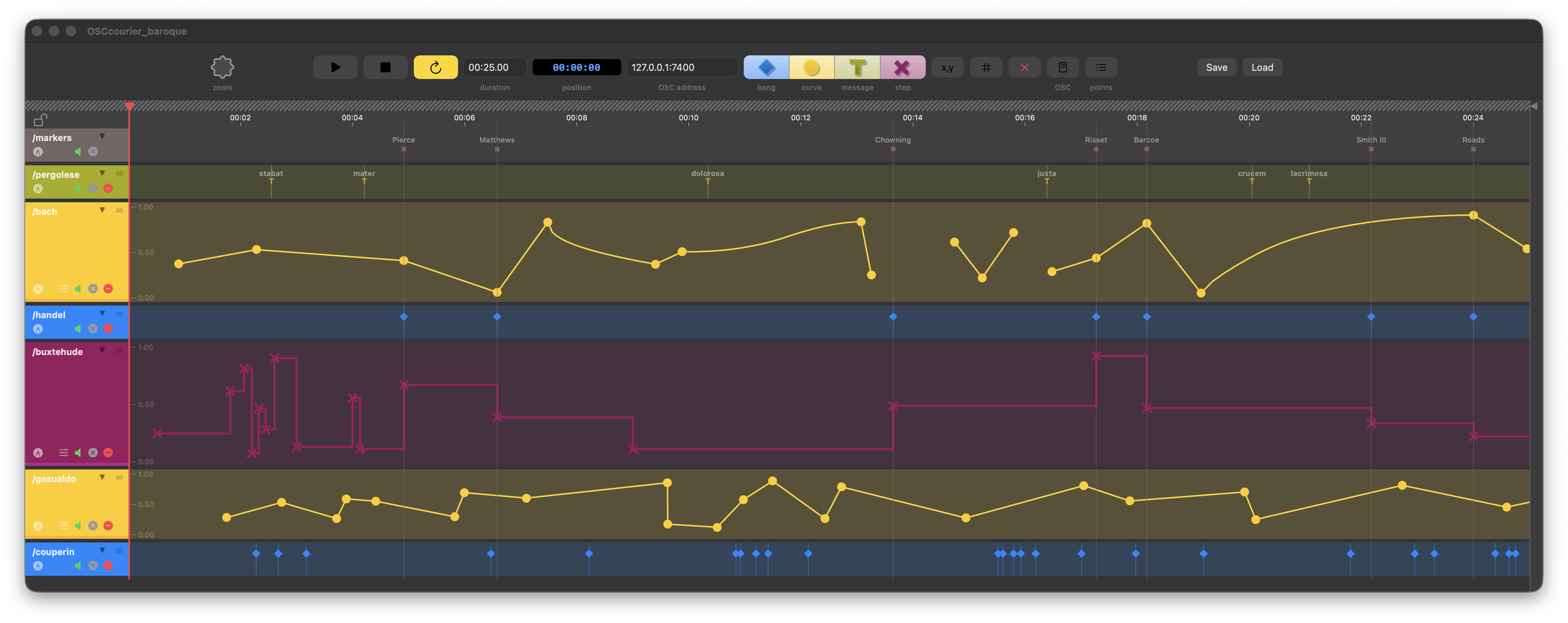
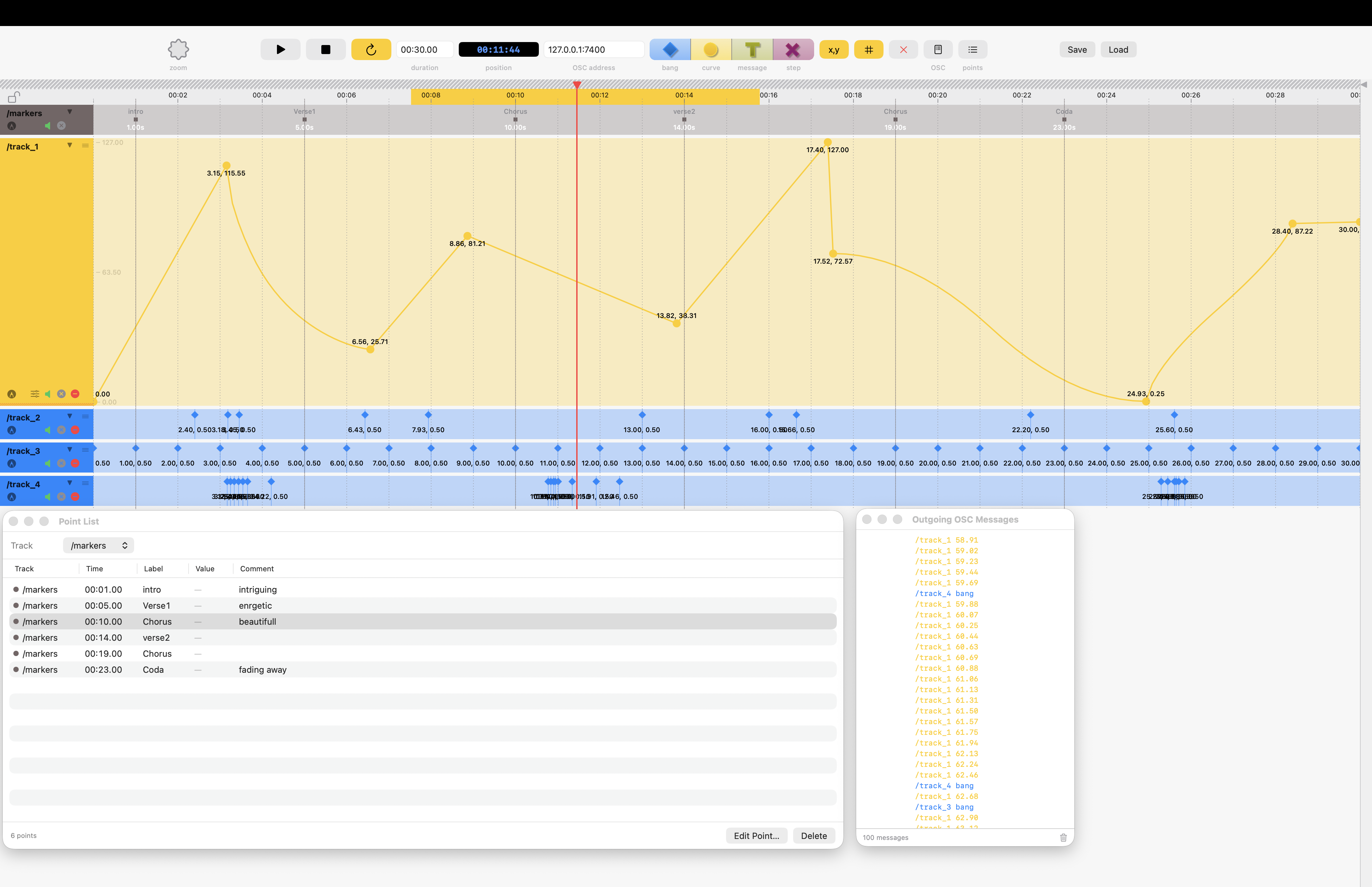
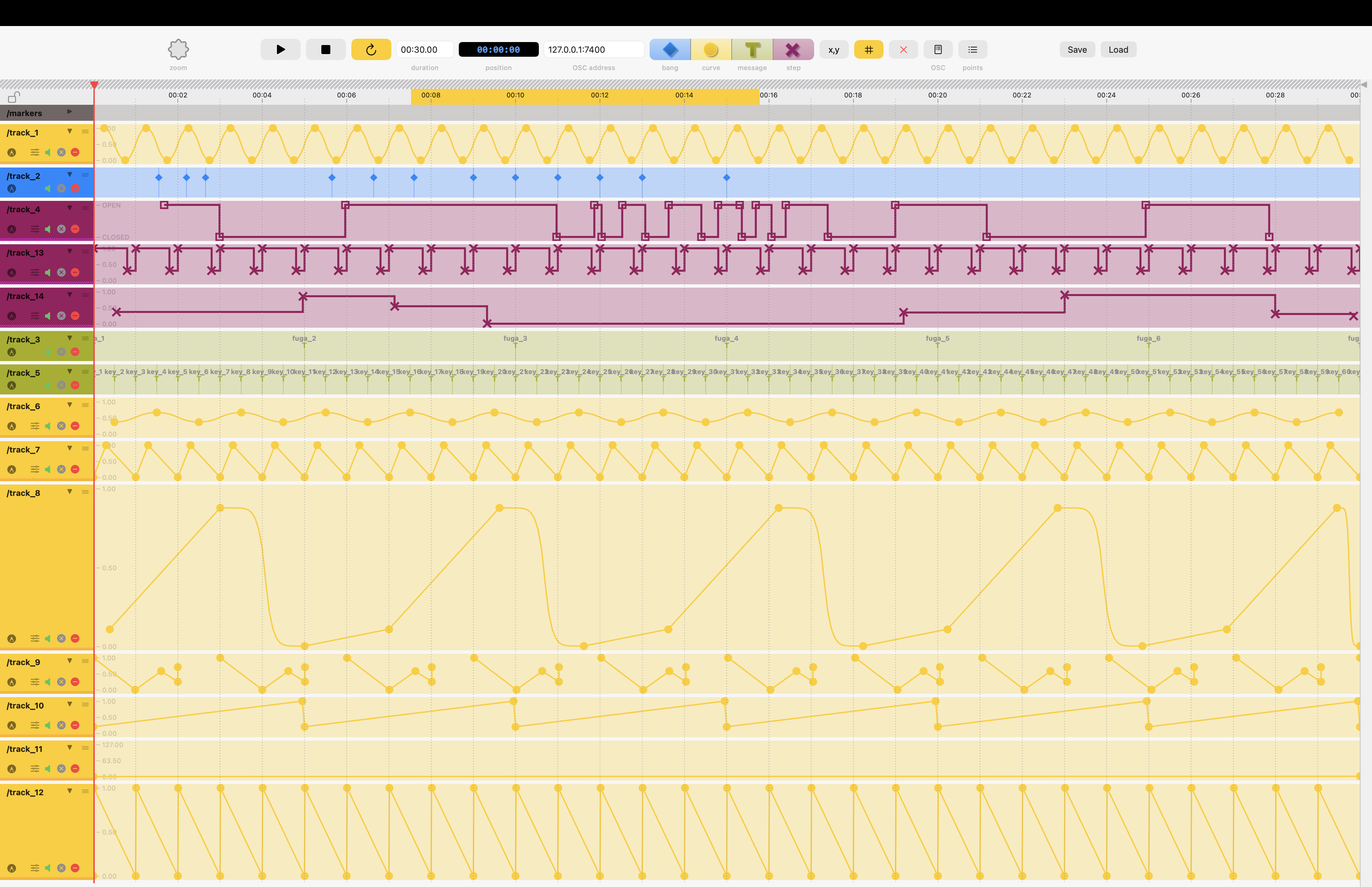
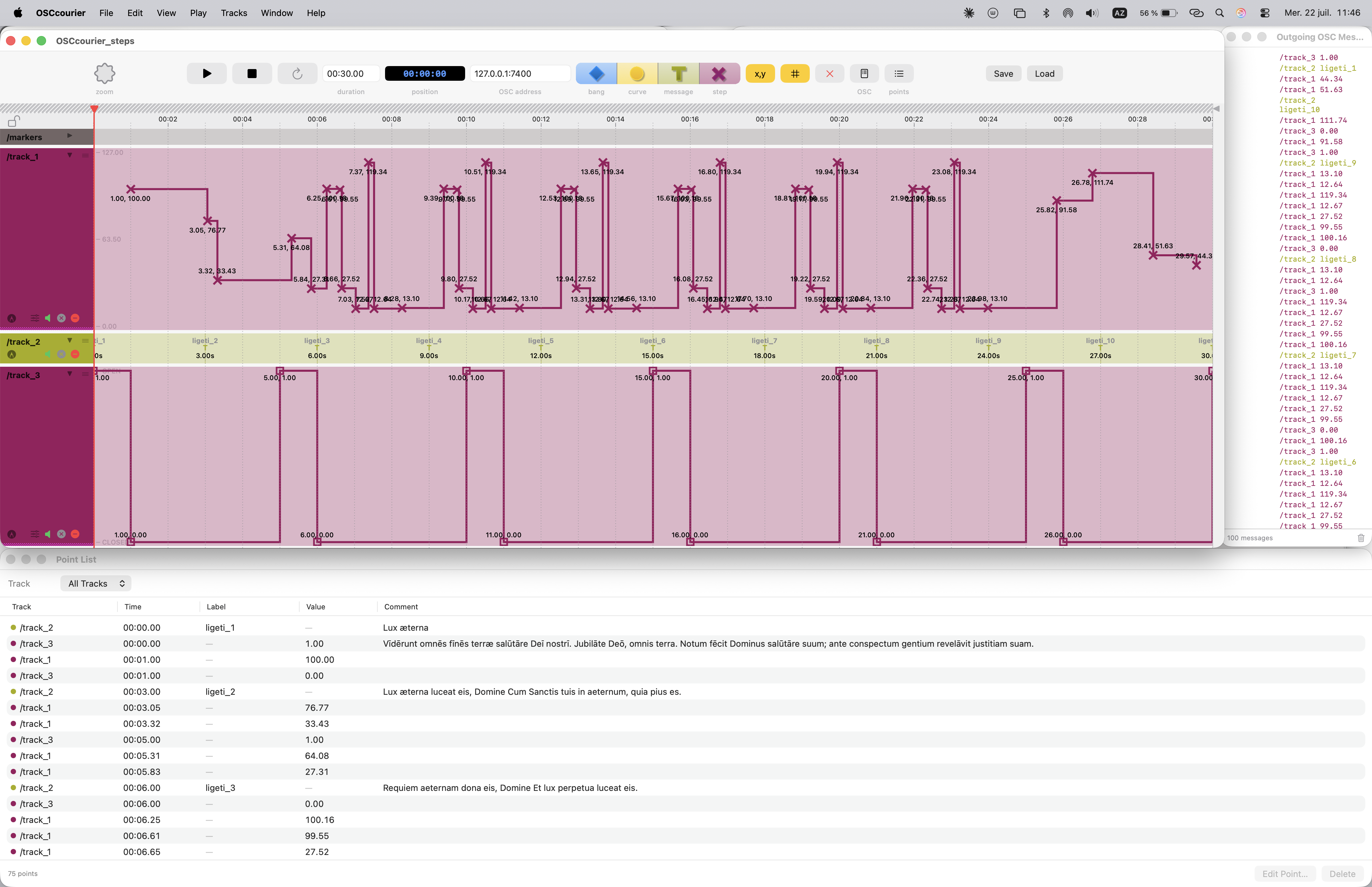
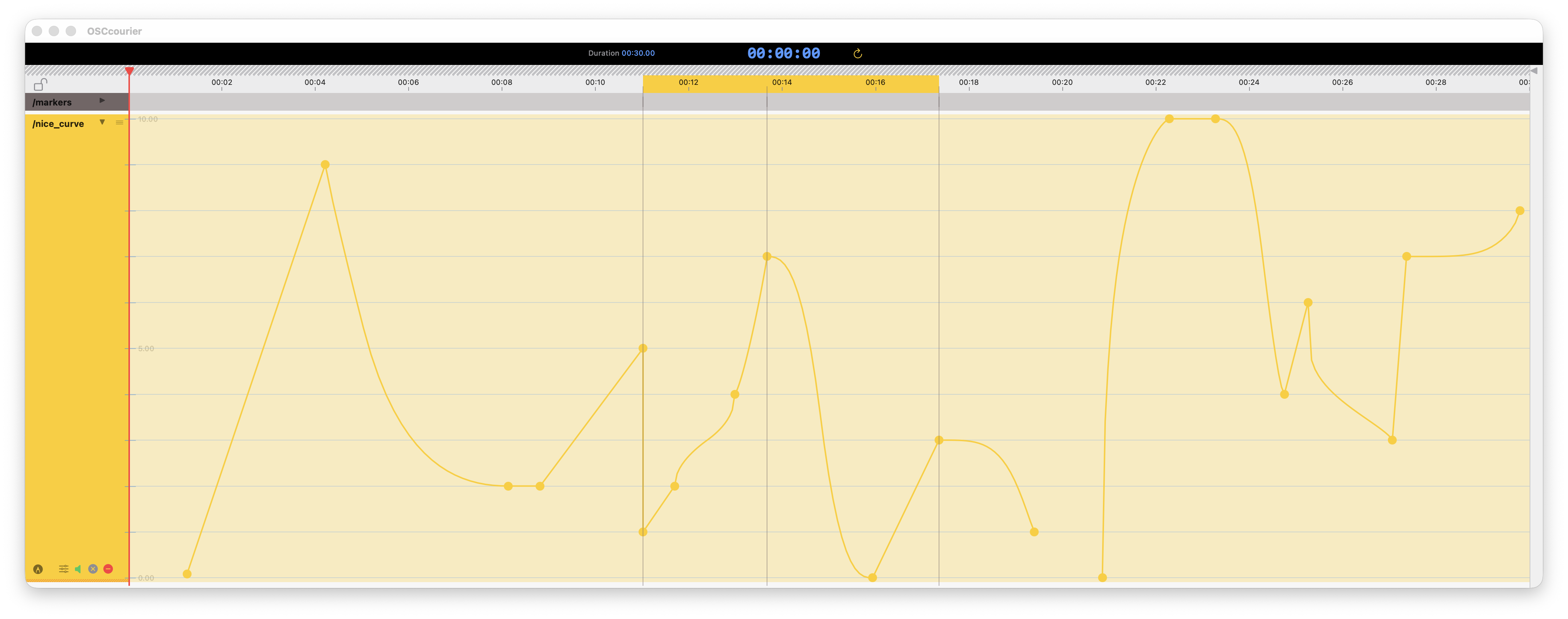
OSCCourier, sequencing OSC messages to Max
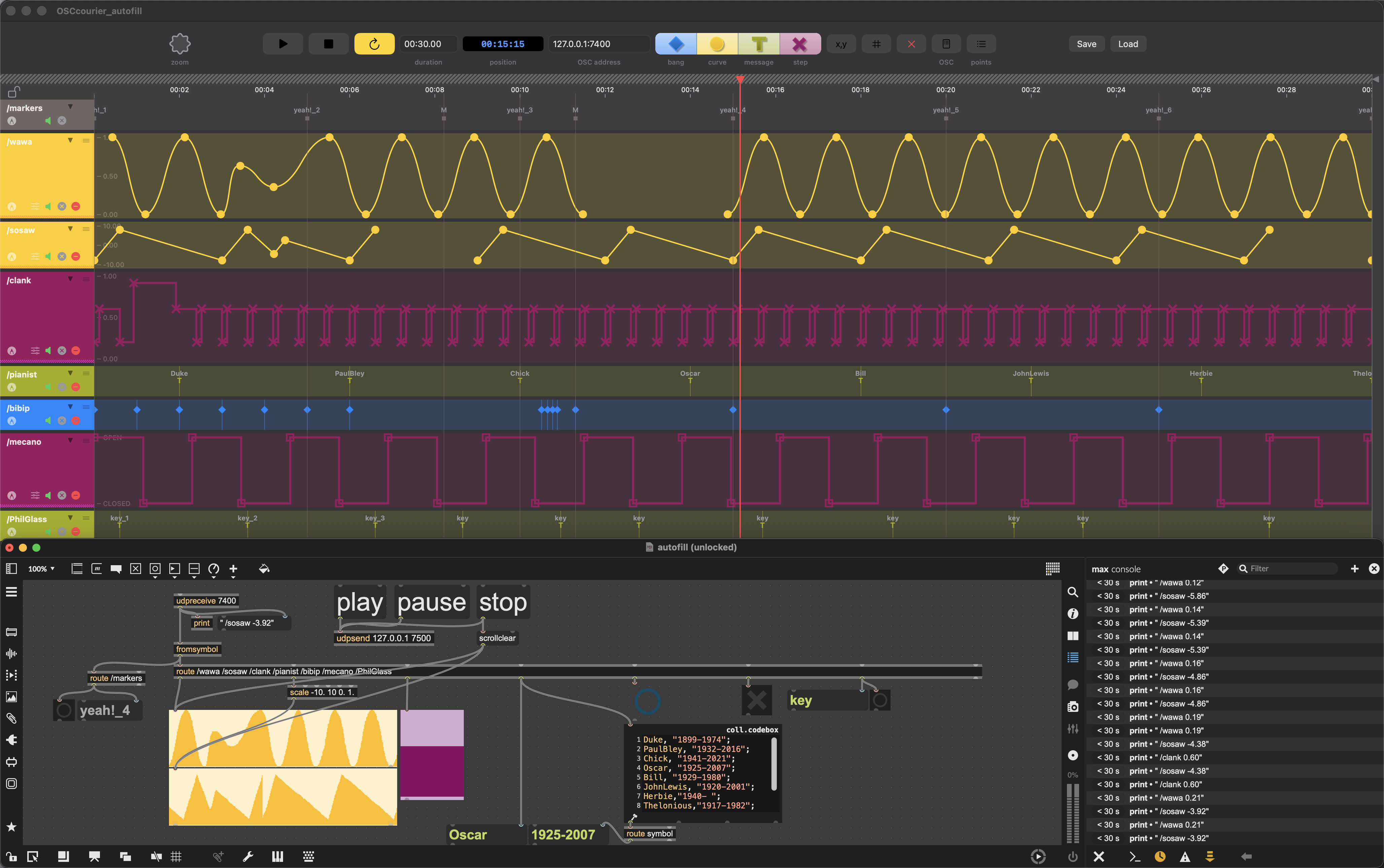
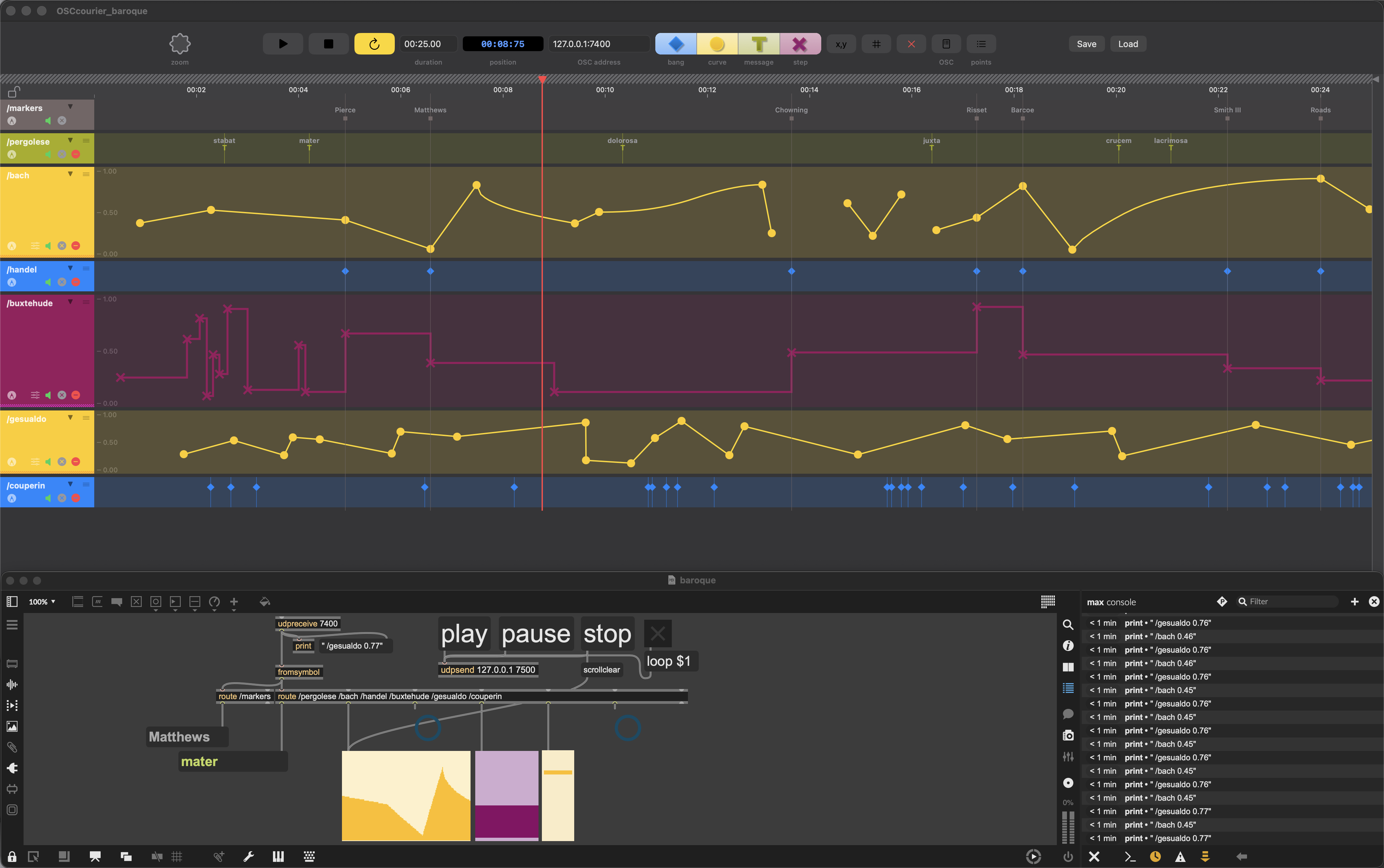

Nice work!
For this kind of job there was also the Max package MuBu which allows you to create tracks and view/record/edit/replay timestamped data (curves, steps, markers...) in them, and also Chataigne, although both are much deeper tools and not as straightforward to just do what OSCcourrier does.
Is there a specific reason why you decided to go with a standalone, mac only app, instead staying with python or making a web app that you could run on any platform as well as straight from within Max through [jweb]?
Anyway, the result looks stunning!
Thank you!
I actually started with Python, but it looked and felt like a Python program. I wanted something much more well-integrated and polished, so I decided to go with Swift, even if it’s a bit Mac-oriented—sorry for that. I’m not a developer at all; I just relied on Claude. I have been truly delighted to see how easy and efficient it was to chat with Claude, asking for features incrementally and correcting bugs. So I got into it and created OSCcourier, which, in the end, does exactly—and only—what it was designed for: sending OSC messages to Max (though it should still work with other applications).
The idea was to have something lightweight and elegant, with a workflow close to a DAW like Logic Pro, so users won’t feel lost or disarmed by a long learning curve.

It would have been better if you made your application web-based / javascript, then it could integrate more easily with Max and also be cross-platform.

Doesn't work with Sonoma either (getting This package is incompatible with this version of macOS).
I've actually only tested it on my Mac with Tahoe. It may work with older systems. Let me check it out, I'll see if I can improve that.
And regarding a web-based/JavaScript solution, it would indeed have allowed for better cross-platform integration, but certainly not at the level of performance and user experience of a native Mac app. Sorry for the Windows users.
I made a few tweaks. It should now work down to Mac OS 14.6 Sonoma. Let me know!
Sorry, I'm unable to try building it myself for now, will try to give it go later. Thanks for the change!
oups i messed it up with the binary… don't know why.