
Auto save m4l device

Hi 🙂 Is there any max/M4L object like 'auto save' that I can use from the 'outside' with a Bang and without using the edit buttom to open the max device editor and save it from the 'inside'? I want to let the user create a preset with 'preset' object from the Live screen (is there a M4L option for presets?). By default you have to save the patch to keep your new presets on 'preset' object, so can I do it with a bang from main screen? Thanks alot!!

Hi,
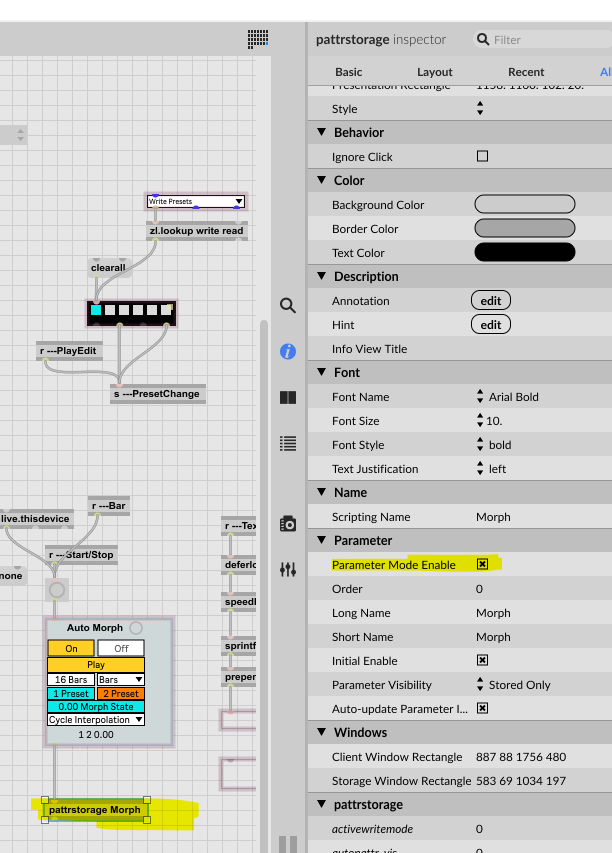
I couldn't find the parameter mode of preset but did evetualy used read/write and learned some nice things from your patch 🙂 so thank you !
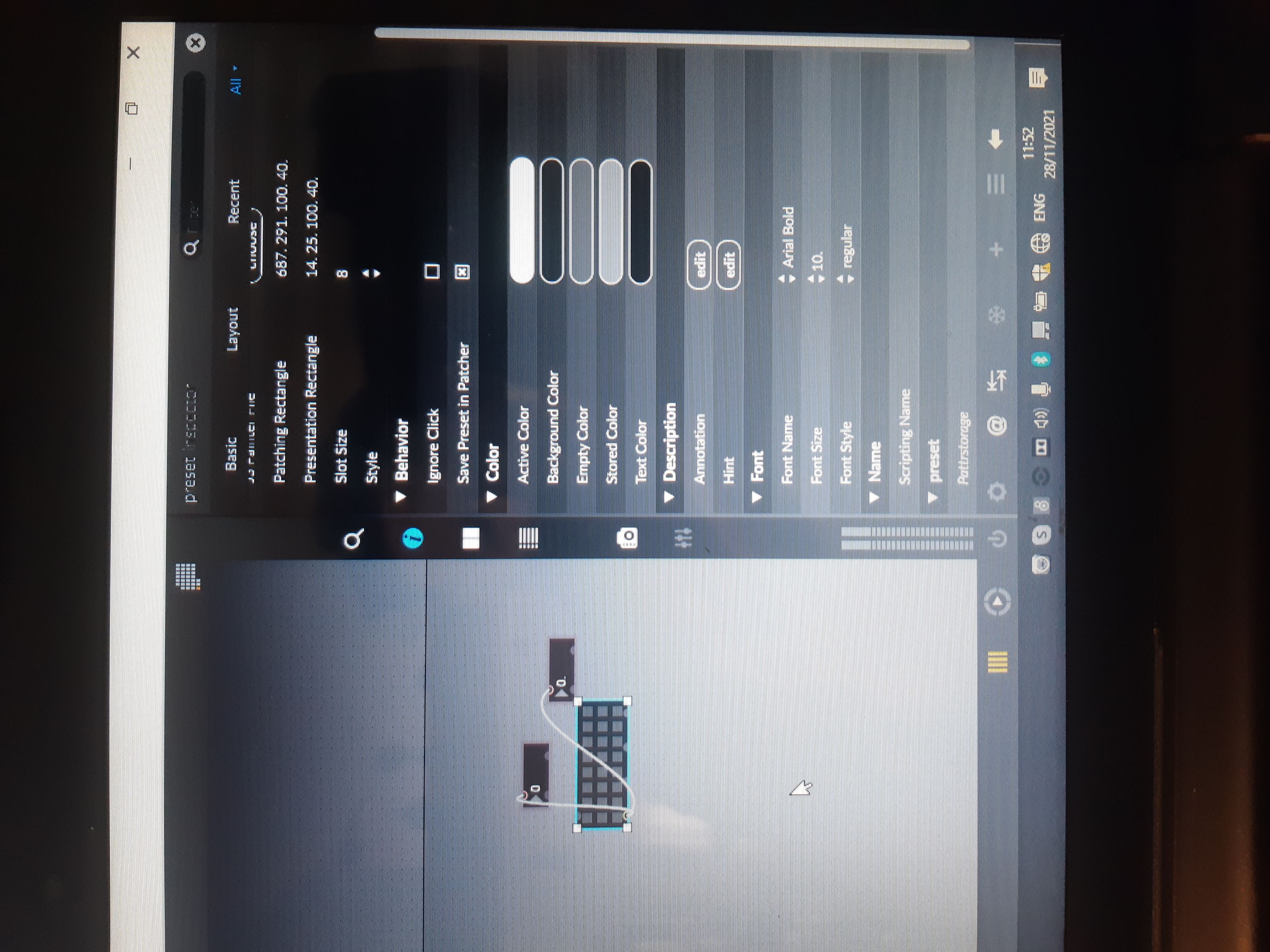
Dont have it here...
What do i miss??
it´s in the pattrstore object not in the preset object
Max Patch
Copy patch and select New From Clipboard in Max.
Will check it, thanks again!! 🙂