
Automate External Processing?

I have a job to do that's going to eat up tons of my time with a repetitious task and feel like there must be a way to use M4L to run it on my computer in the background.
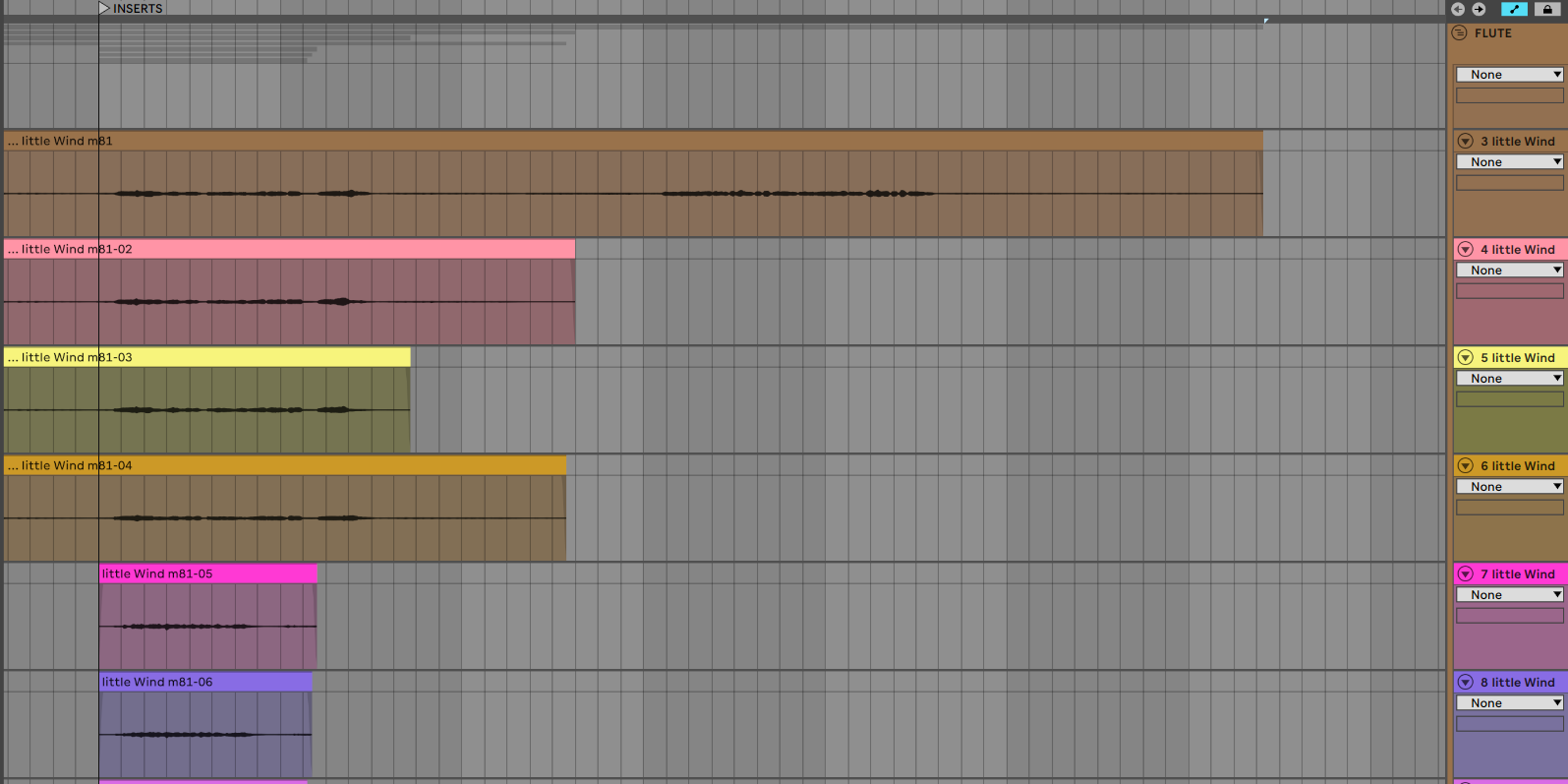
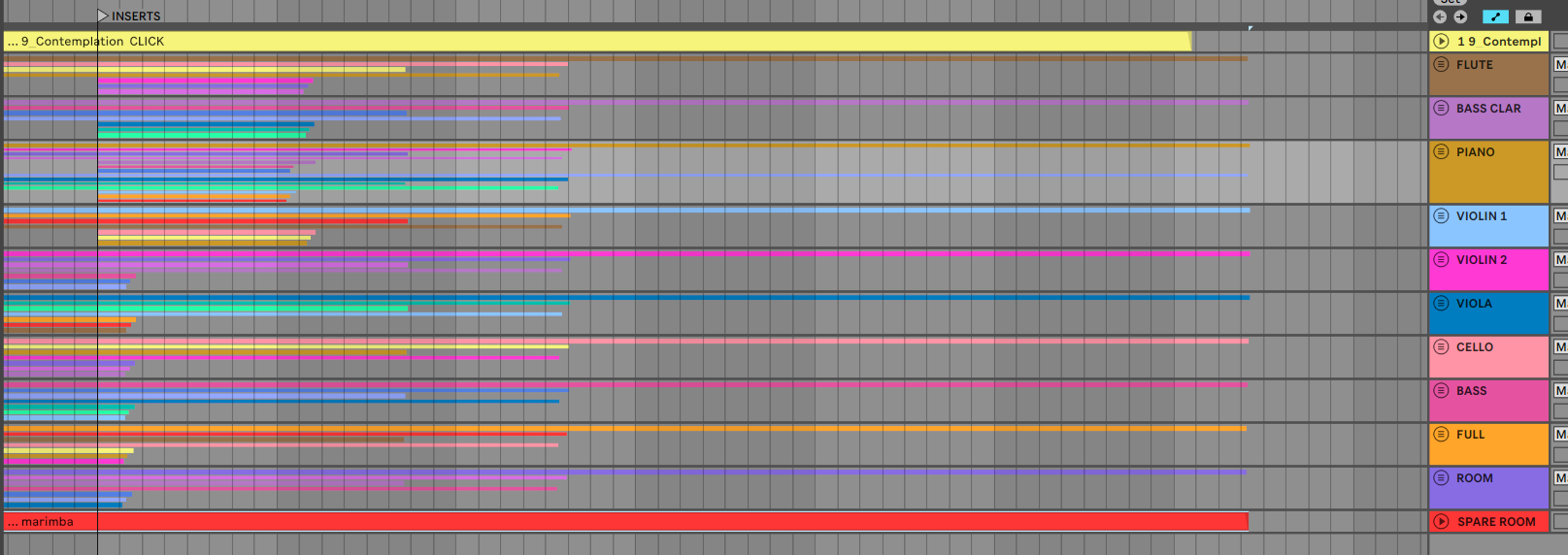
I need to take each of several hundred stems and run them through an outboard processing device, capture the altered version of each into a new audio track, move on to the next audio track, then repeat. The sessions--a classical piece for small ensemble (ten instruments, some with multiple mics, some with different takes and all having additional room mics) --are arranged into separate projects for each movement, with the different takes layered in at the correct locations. (See below and note that there are multiple takes of just one segment of this track. By arranging them this way I can choose between versions relatively painlessly, even though they were captured in another DAW, so they don't show up as "takes" per se).
What I want to do is run each stem through the same external effect with the same settings, record it to a new audio track, then increment to the next one where I'd repeat until all are processed. I do understand that there are other ways to get it done, like maybe making my editorial choices now and just running each instrument's output through the external device. I'll do that unless I can automate, in which case I would choose to modify all before tackling that critical step in the mixing process. (And I have upcoming projects with full orchestra, which multiplies the complexity of the task times at least five).
Any ideas how to even get started on this? Is there already a device to allow my accomplishing the task, or something close enough that I could download it and make a few tweaks, then run it?

Unless I misunderstand, I feel like you could cut Live out of the process and avoid LiveAPI stuff. It would be (I think) pretty easy to iterate through folder(s) contents of the audio files from the original DAW in a Max patch which has the routing to and from the outboard FX processing.
Read file.
Play file out and record the return from the outboard FX.
Check duration to be safe?
Save file.
Next...
Hi Tyler, and thanks for your very practical and doable response! The only things keeping me from marking this as having now been answered:
1. I would need to purchase the MAX API (I only have M4L license at this time)
2. I'm lazy and have already spent a day doing the tasks of putting all versions into Live and would like to keep the same structure.
I do understand that I could take that approach though, and just save the files with the same name as the original (in a new location) then overwrite the originals when the process is complete. I'll definitely consider doing this, would love it if I could keep my current structures and automate into a new track while staying in the familiar environment of Live if there's a reasonably concise way to do that.

Is M4L even needed?
Live has Session View, Scenes (with Follow Actions), separate Session and Arrangement Record , Arrangement Loop Recording, Punch In/Out, Take Lanes for multiple takes, Resampling, etc.
You can record takes in Session then use Arrangement Record to place them in a specific point in Arrangement, or use Punch In/Out to record directly in Arrangement, or other combinations.
It is definitely possible to automate, M4L can do anything that controllers like Push can do, as they access a similar (same?) API, so it can create tracks, arm them, play, record, etc.