
Error Comment: no such object

This just started happening. All the text within Max is replaced with a "Comment: no such object" error - I noticed it in one of my patches earlier today and now it happens every time I open Max, in every patch.
Anyone else experience this and find a solution?
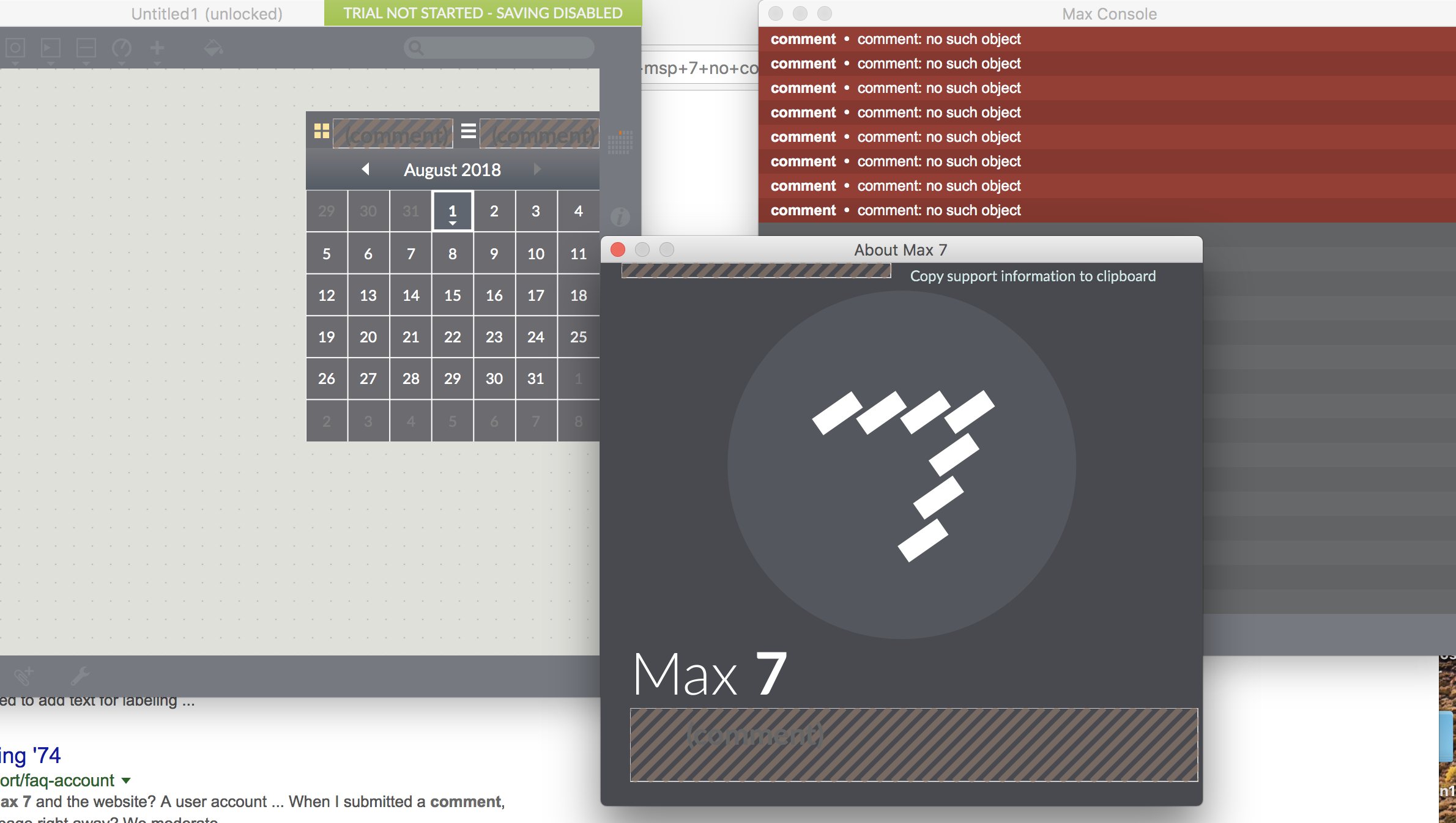

My first suggestion would be to trash your Preferences and then restart Max.
Looks like you're on a Mac, so....
Delete the Cycling '74 folder in: '~/Library/Application Support/'. To get to this folder, click on your Desktop. Option-click on the 'Go' menu and pull down to 'Library'. Opens Application Support and delete the entire Cycling '74 folder.
Restart Max after that and see if that doesn't set things a little straighter....
Thanks for the reply Max - I just tried that and unfortunately after relaunching it's still having the same issue.
Except this time it launches with the 'Welcome to Max' window, (I'm assuming because of the absence of the application support folder.)
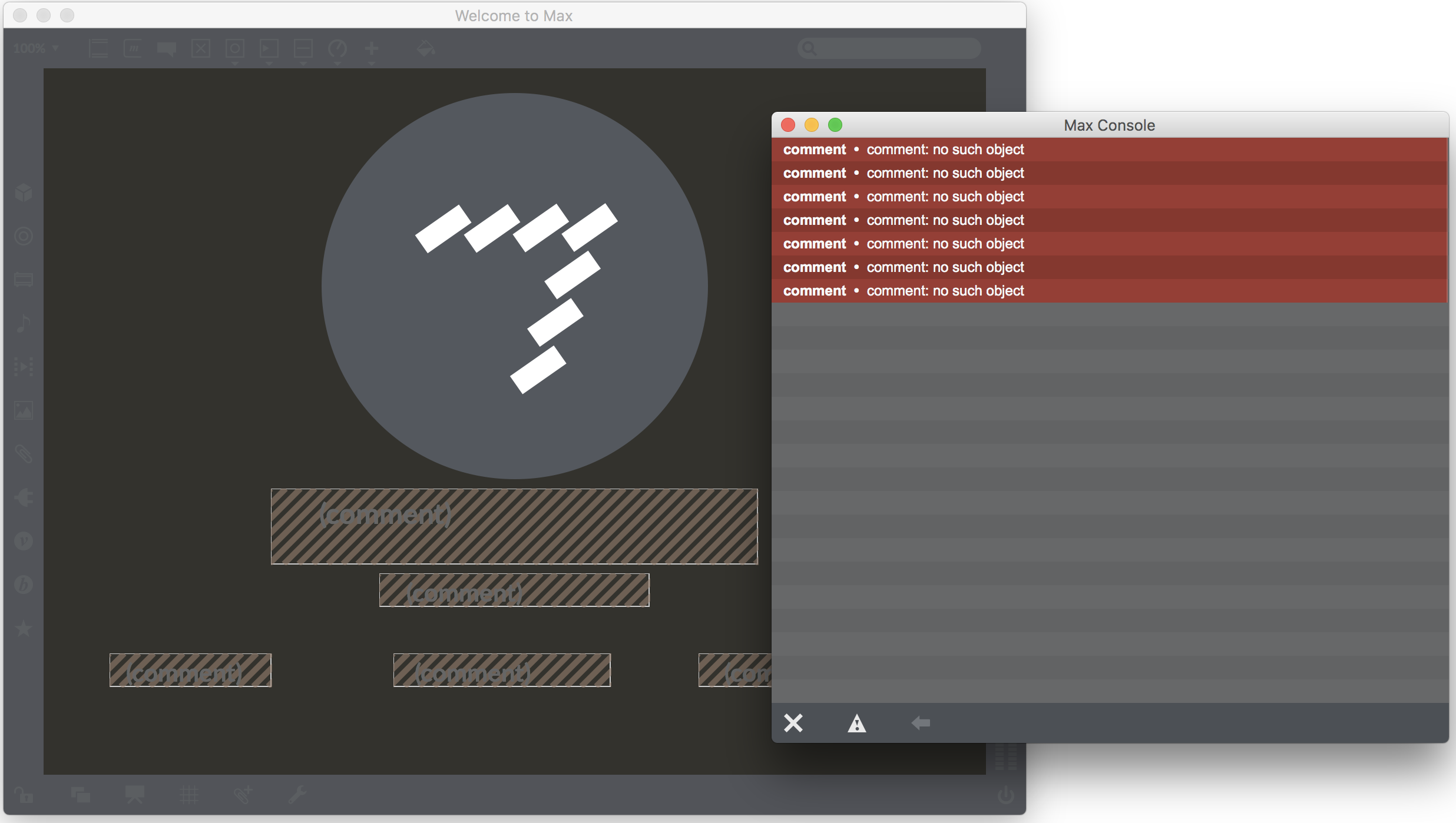
Clean install, then. That'd be step two.
That did the trick. Thanks for the help Max!
For anyone else that comes across this issue (who happens to be running Maxuino). I narrowed the problem down to the Maxuino library folder. Something in there was causing the error - When I removed it the errors stopped.