
Example patch

Hello
Is there an example patch that would allow me to create the movement of transparent leaves moving in the air?

Thanks
Your question is too vague: what do you actually want to do?
What are the leaves made of? 3D models? 2D images? Proceduraly generated or from assets?
About the movement: is it a looped animation? Should it be a physical simulation? Or just give a realistic illusion? Do you need to control the movement? to which degree?
Maybe you have a patch to start from, maybe with static leaves?
Thanks for the quick reply! The idea would be to display four or six 2D images of leaves and have them move across the screen. It would be helpful to be able to control the speed.
Thank you so much. I see it's more difficult than I thought. I mean, I don't really understand what the patch actually does. I'll have to study it little by little.Another level, and another approach: using [jit.gl.multiple] for instanciating multiple leafs (up to thousands) and [jit.bfg] for moving them.
I wanted to keep the patch simple, so the end result looks more like whirlwind perturbations than a steady unidirectional wind, but that could be achieved too with some modification.
Wow, that last example is amazing, although I can't get the leaves to show up, I only see squares :-(. Thank you all so much
Hi TFL,
Can you use different sheets?

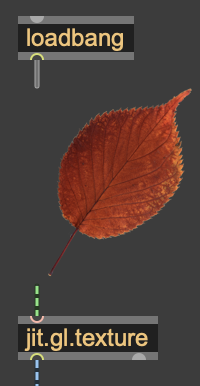
I mean, sheets of different colors layered on top of each other?If you see this properly, double-click the [loadbang] to re-send the image to [jit.gl.texture]. Otherwise, load your own leaf image instead. If you don't know how, check the [fpic] help file ([fpic] is the object displaying the image in the patch), or use WIL method with [jit.movie], or use a [jit.matrix] with the importmovie message.
Can you use different sheets?
I mean, sheets of different colors layered on top of each other?
Again, I'm not sure what you mean here.
Hi TFL,
sheets of different colors layered on top of each other?
Yes. Can the layers be arranged in a specific order? I mean, I have two sheets of different colors and I'd like to be able to decide which one is in front and which one is in a layer behind.
Especially the Layering part
Thank you so much.

I duplicated the patch and added a different image to jit.gl.texture. I changed @layer 2 and @layer 1 to Jit.gj.layer, but the order didn't change. :-(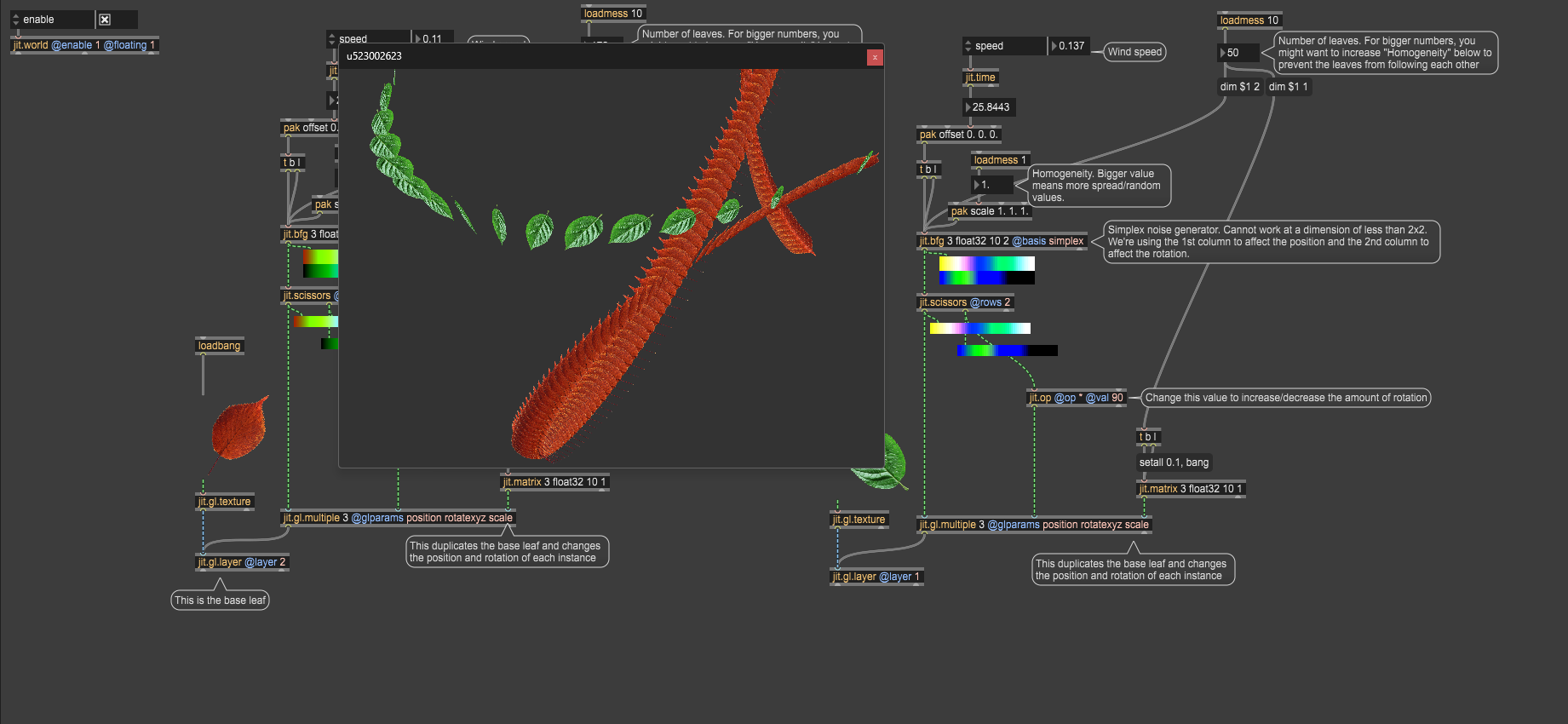
Because you are using [jit.gl.multiple], you need to set the layer attribute on the [jit.gl.multiple], not the [jit.gl.layer]! I recognize this isn't really intuitive.