
Interlacing problems when using Blackmagic Intensity Shuttle (thunderbolt)

Hello all. I'm still fairly new to Jitter, having made several projects in PD/GEM, but recently made the switch in order to be able to optimize things a bit more.
I've run into an issue I didn't/don't have with PD/GEM when using the Blackmagic Intensity Shuttle to bring an analog signal into Jitter. In PD, I've been using this method for several years without any problems. When switching over to Jitter, I ended up having some very pronounced interlacing issues. Even when using a gl shader to deinterlace the stream, I still have some strange horizontal banding, if not the usual odd/even line interlacing. In this case I've been using the composite input, but have also tried the component input with similar results.
I guess my question is, has anyone else found a satisfying way to deal with this? Is it an issue with the input objects and the default encoder? (I've tried both jit.qt.grab and jit.grab and dug through the documentation for both.)
I'm attaching a few screenshots to give a sense of what I mean, the first using a patch in pd, the other in jitter, both digitizing a stream from an LZX video synth.
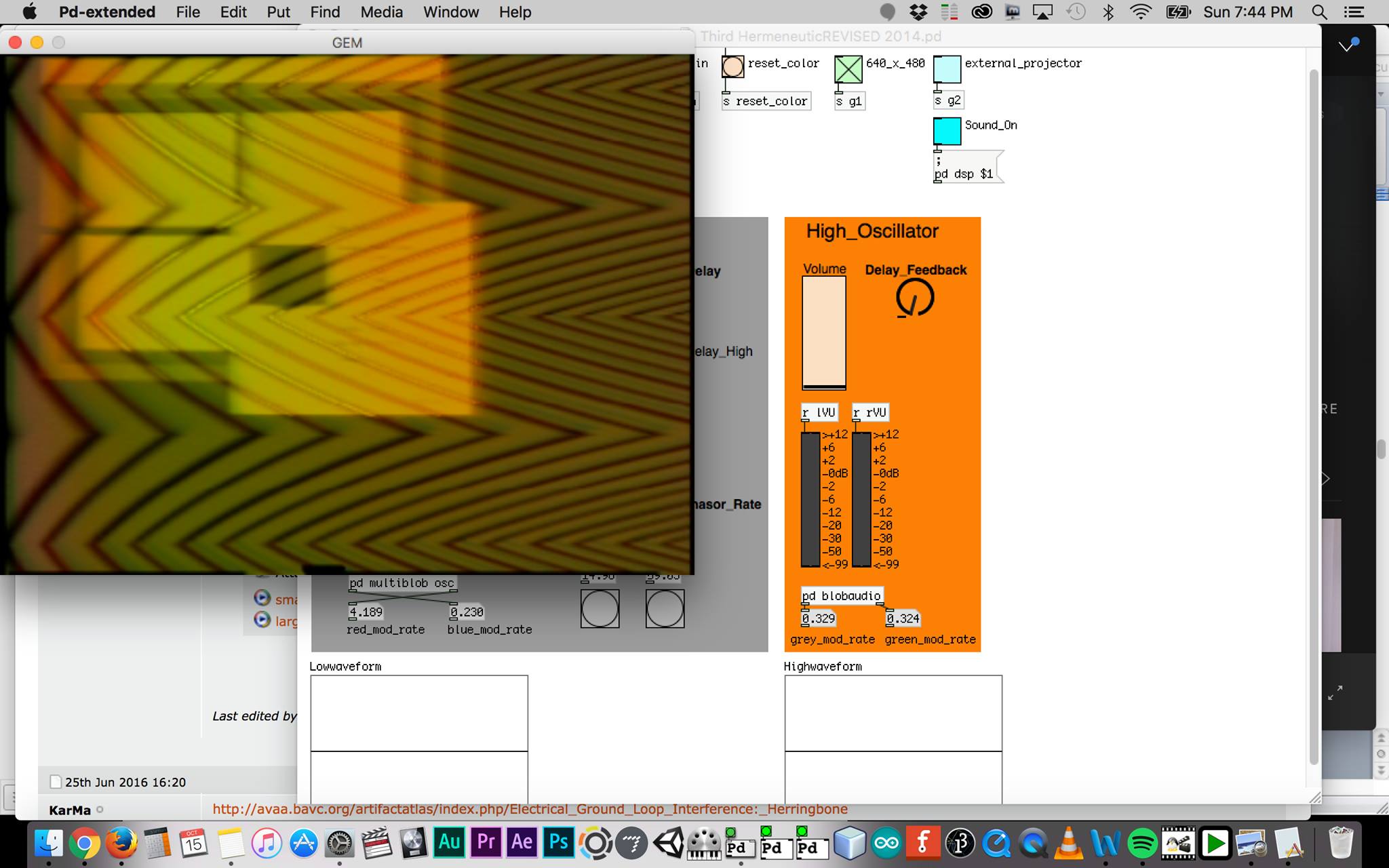
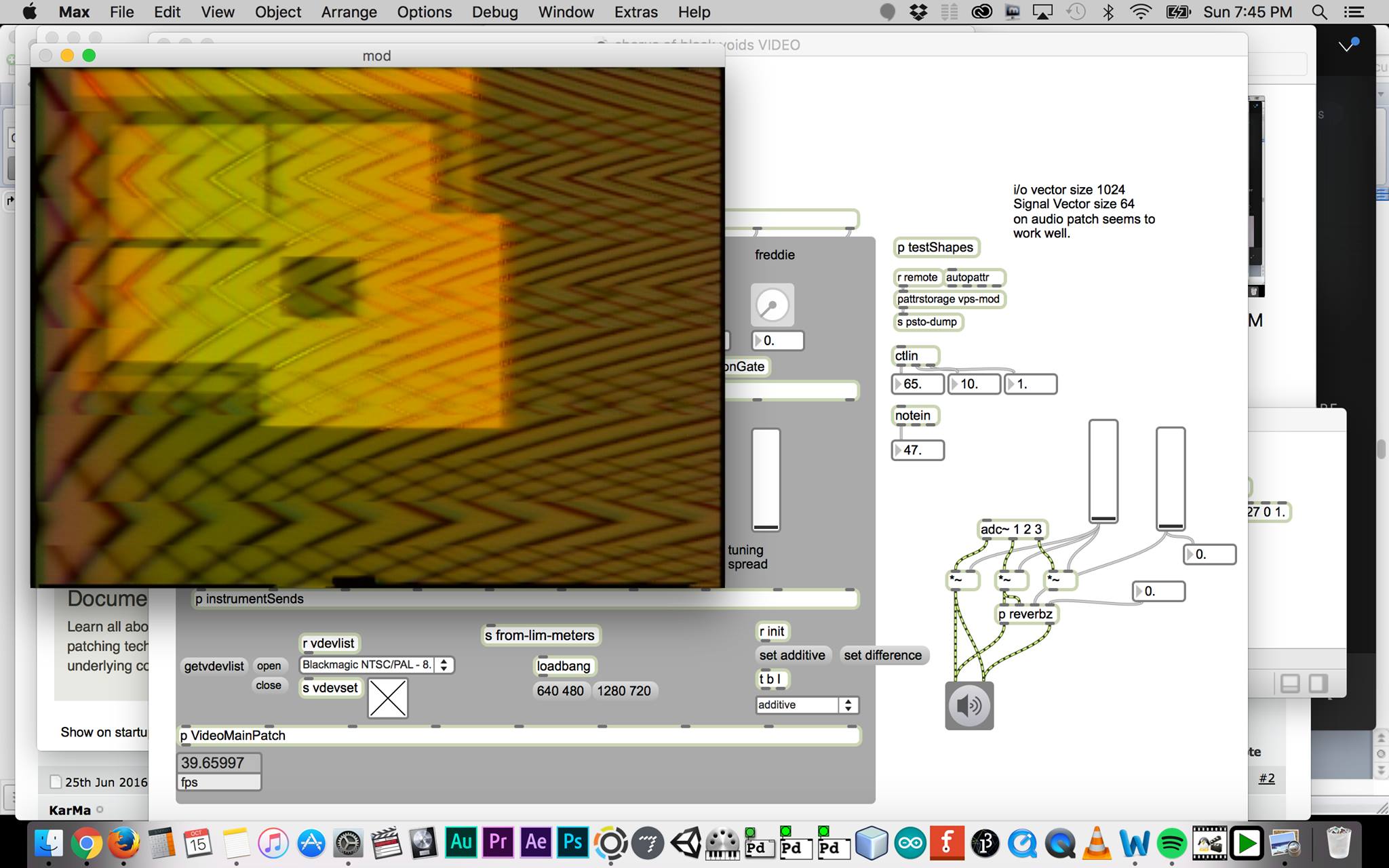
bump

use the deinterlace shader:

But is there a shader with the frame interpolation at all, as ,for example, a based on GPU directshow filter - DmitriRender ? :)