
Introducing the Vision package

Super excited to announce the Vision package is now live in the Package Manager, and with it comes a whole new way of working with computer vision in Max.
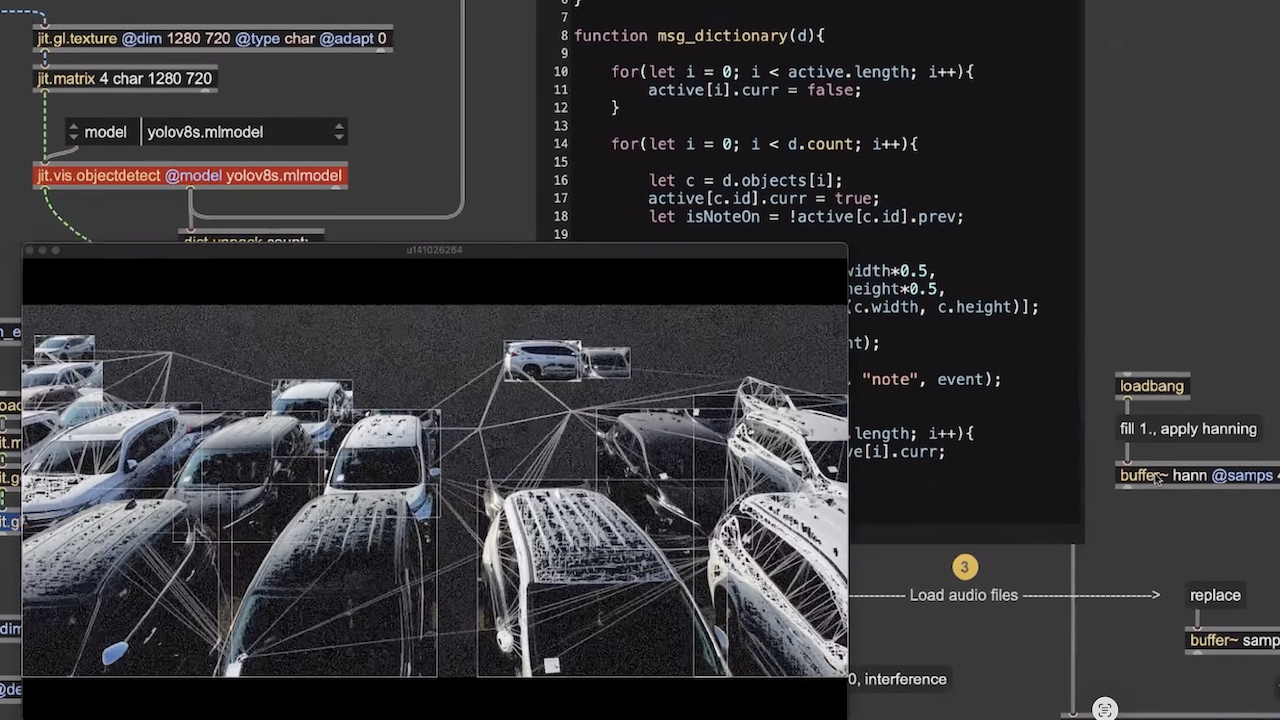
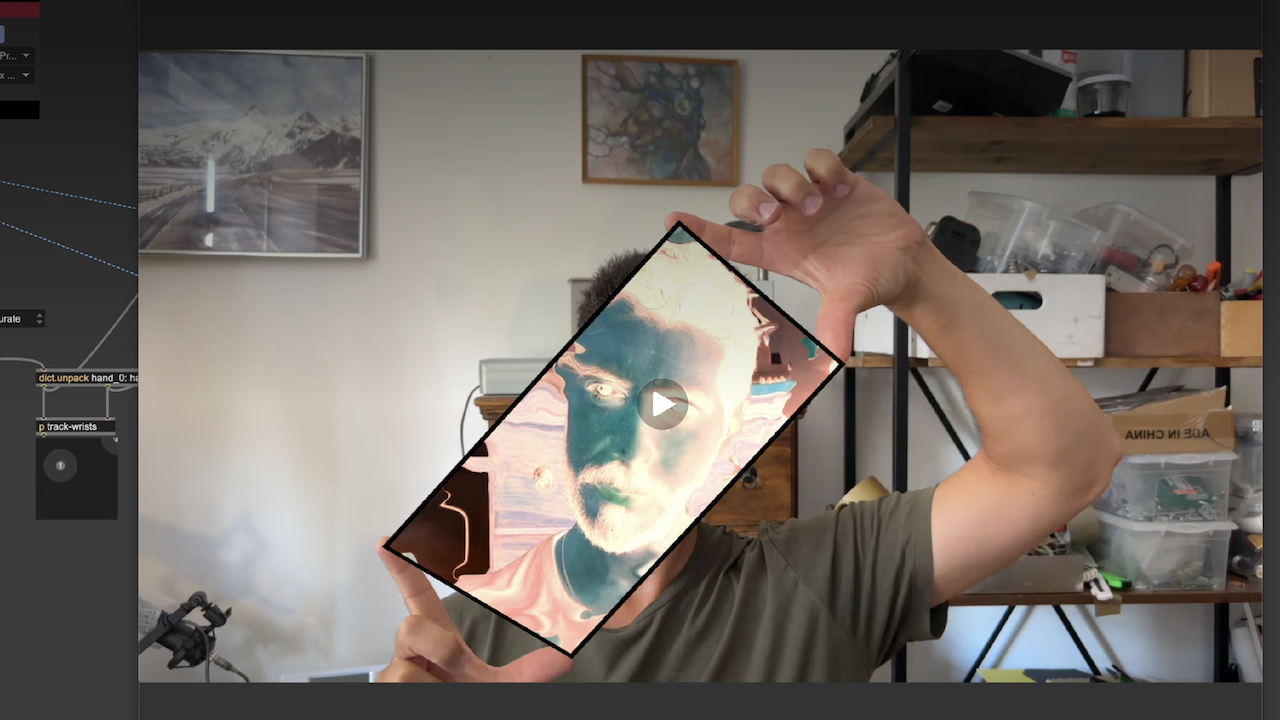
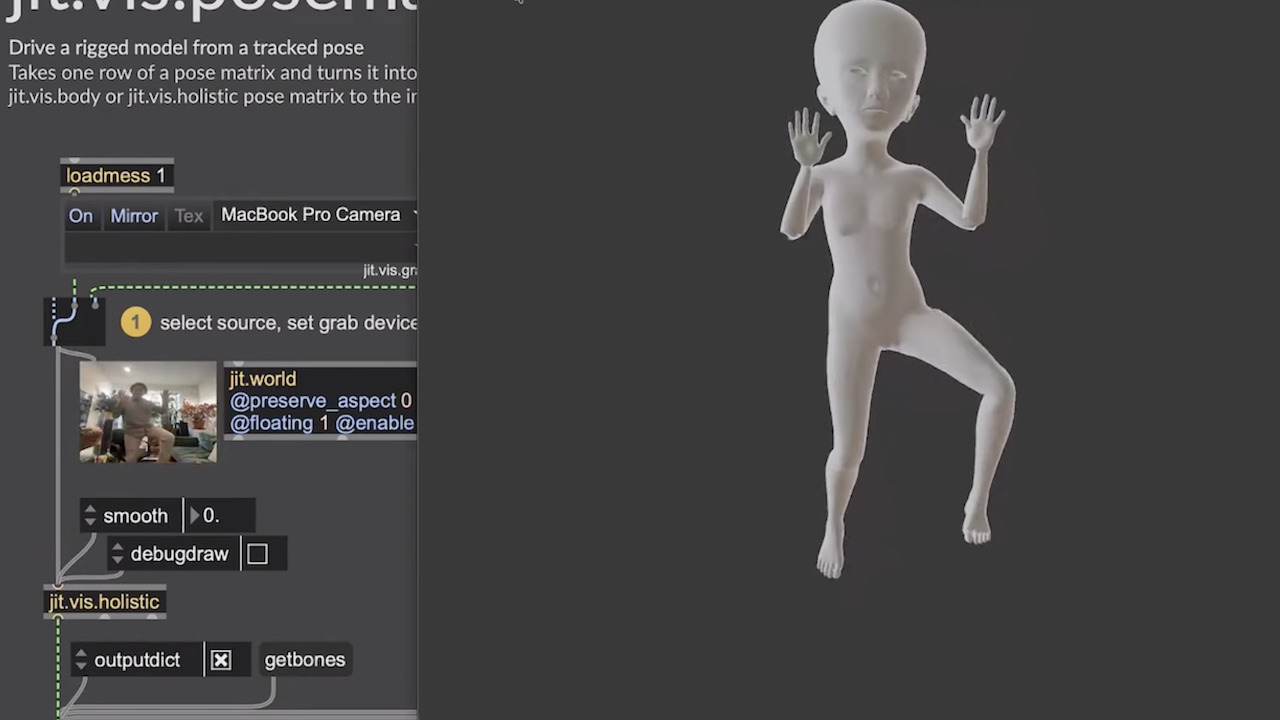
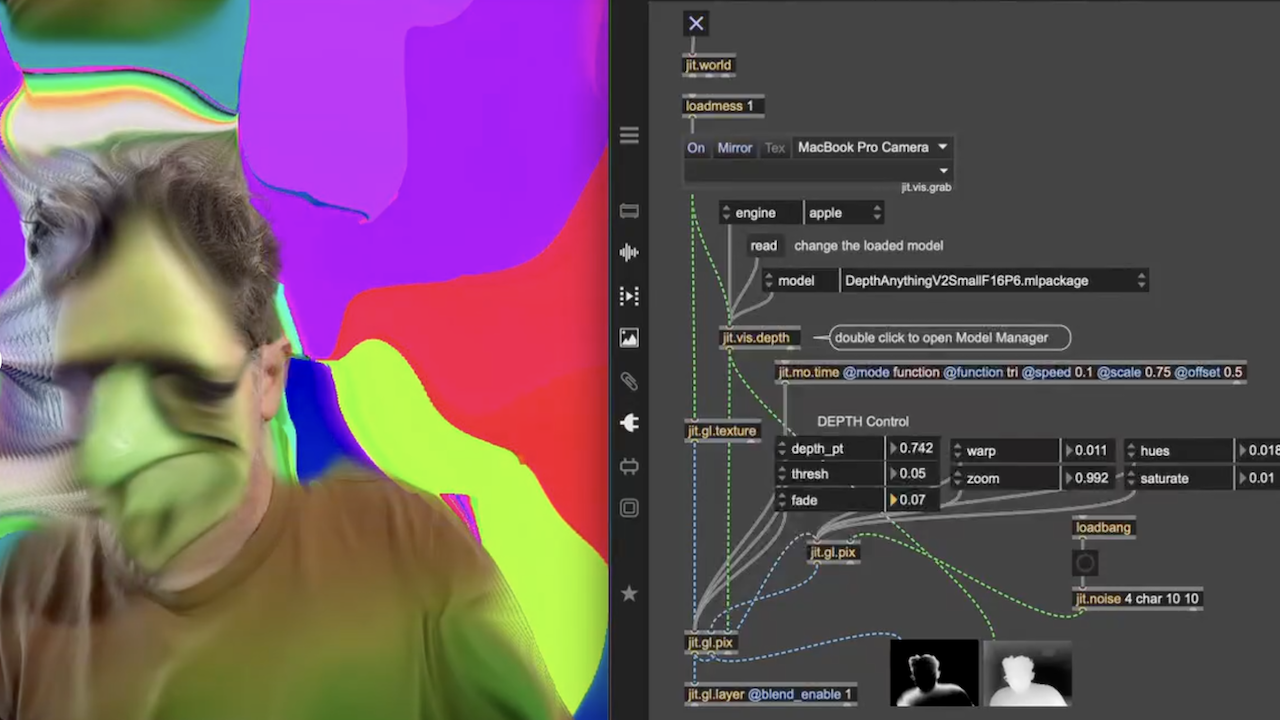
The package provides cross platform support for hands/body/face/object tracking, image segmentation, and depth estimation tools, all with a simple, common UI and output behavior. Even if you have never touched Jitter before I bet you'll find something fun to play with.
Give the package a download, open up the launcher/Extras patch, download some models, and start exploring the built-in examples and help patches.
If you'd prefer to see a demonstration first, well you're in luck cause we just so happen to have one (starting around 26 minutes in) :
Questions, comments, requests, complaints, feel free to hit me up here, on the discord or privately (robr at cycling74.com).

Awesomeness! Thx for all your hard and passionate work on this!

For some time now, I’ve had the feeling that Cycling74 is following me around and adding the very things I need to Max—like rendering browser content to a texture or supporting audio from a browser. And now this...
thanks for all the positive vibes folks, looking forward to see what mischief y’all get into with this

This is great! Congrats and thanks for the release!

wow, fantastic! I’ve just started trying out the package. Finally, we can experiment with mocap in a simple way. Thanks for your work.
Is there a way to install / use other (or own) models then listed in Vision models overview?
I want to try some other YOLO models par example.
indeed. if using apple engine you simply use the read message to point to the coreml model file you want to try. if using the web engine you pass a hugging face URL to the read message, e.g. read Xenova/yolov9-e
This is described briefly in the help and ref pages for the supporting objects (segment, depth and objectdetect)

This looks super exciting! Gratulation!
So, is it possible with these new tools to track a persons position in a room?
Next week i'm giving a workshop for theatre people and this would be super useful:
I want to track a position of one or two actors on a stage and control some kind of parameters with their position.
If this is possible, how can this be done? And what are the needs for a camera system for this?
absolutely. jit.vis.body will track body keypoints of up to 6. jit.vis.objectdetect will track bounding boxes of up to 64 (in theory).
camera can be anything, but in general with computer vision, having some amount of control over the environment and camera will give better results. e.g. logitech usb cams have an app that allow you to disable automatic white balance and automatic focus, etc. On macs you can even use your iphone through the macos continuity camera feature.
Definitely let us know how it goes.