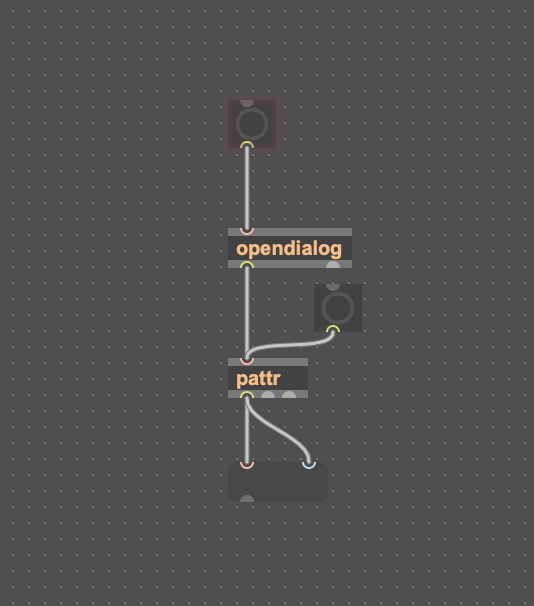
opendialog problem in max for live device

Hello,
I am unable to solve a problem: when using the opendialog object in a max for live device, the file path and file name data is not transferred inside the patcher (my goal is to save the path and file names in a Coll object for a late retrieval). Instead everything is working fine if I open the device in max editor. I understand that is probably a path setting problem in the preferences of max, but I am unable to solve the enigma. (live 12.4 max 9.1.4 OSX)
Thanks, regards,
Stefano

Live 11 did not have such problems.
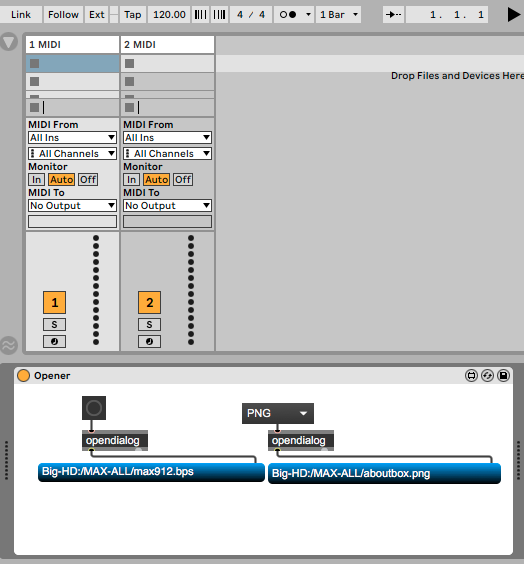
Yes this way works in live 12.4 too, but the data are not saved in the patcher, while if I use the Max editor window everything works fine.
how could live save something into locked patcher ?
You need to put path into something that can be stored in live set.
This is perfectly working in the max window (coll is storing the loaded file name and you can retrieve it later, reloading the patch) but it doesn't work if you do it from Ableton, it doesn't store the data in coll. But it should be possible in some way otherwise how you can retrieve for example a preset?
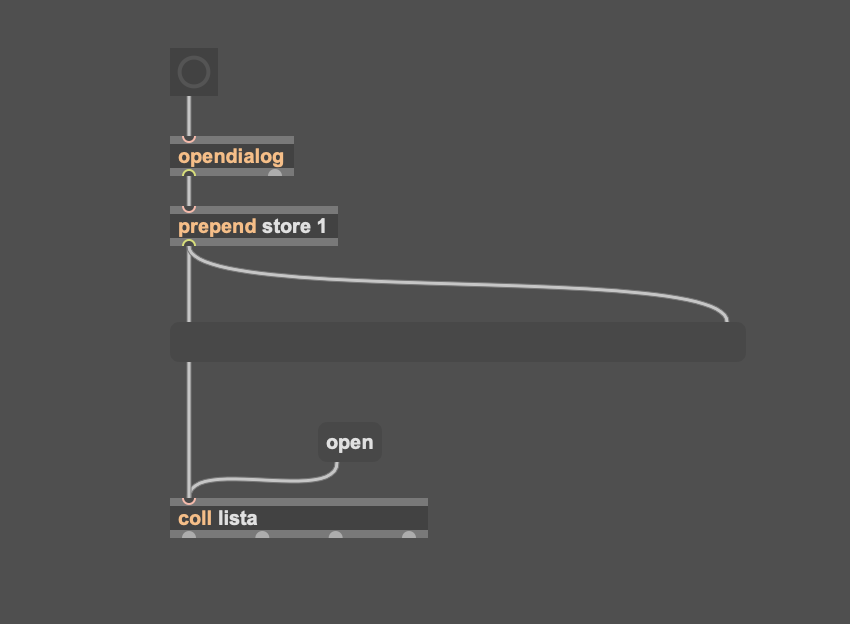
You seem not to understand that m4l devices are locked and uneditable
unless you open them in max editor.
You can't store anything into patcher itself.
bind that coll with a dict and so enable storing of stored coll lines into live set.
if there is no specific reason to use coll,
dict with parameter mode enabled is all it needs.
Thanks, it was not so clear to me until now, anyway thanks I will try as you suggested. The use of coll is not relevant In this case, as it is a single string of characters/numbers.
Hello, just to give an appropriate answer to myself ;), this is now working, you load a file with its path in Ableton and it is stored for future retrieval. (I do not know where it is stored exactly, but it is there when you reload the Ableton project)