
Order of rendering multiple jit.gl.videoplane objects

Hi friends,
I am a relative beginner to Max, first time posting on the forum. Thanks in advance for any assistance.
I am creating a video tool which displays 12 instances of the same video across a single screen, with each video playing at a different speed.
To make this happen, I've arrived at a setup where I have 12 jit.gl.movie objects, feeding into 12 jit.gl.videoplane objects, writing to a single jit.world.
I have made parameters to spread the videos spatially (i.e. evenly distribute) across x, y, and z axes.
For the most part, this all works ok. The videos all show up fine and the spatial distribution works.
The issue I am having is with what seems to be a kind of grouping or chunking behaviour in the way that the multiple videos are rendered. For example:
When the videos are overlapping on the x plane, I would expect them to all overlap in the same direction (like fanning cards), but they seem to overlap randomly. To get them to fan out like cards, I have to put a non-zero value into the y spread, so that they're actually in order in front of one another in space.
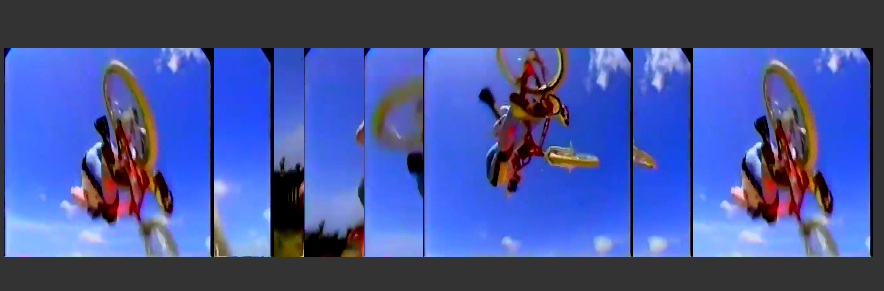
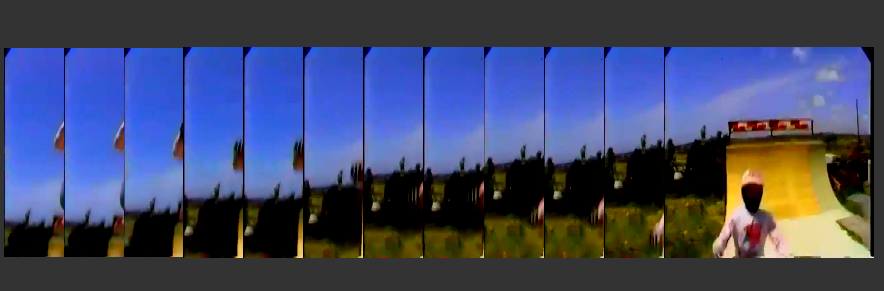
I can live with that workaround, however, the next issue (which feels related to me) occurs when I use blending. For example, when I set all my jit.gl.videoplane Blend Enable attributes to 'ON', and Blend attributes to 'add', I get this:
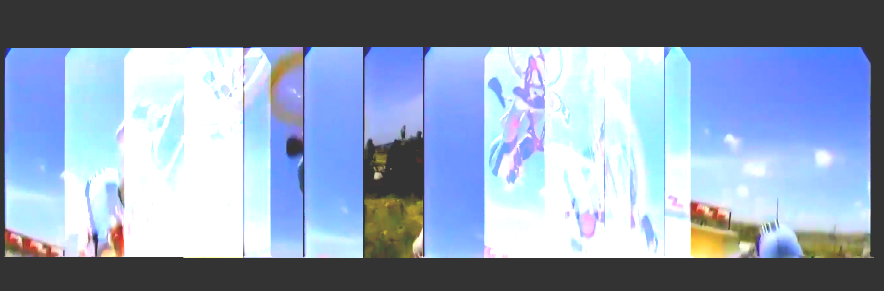
I'm not sure if I have misunderstood something, but I would expect the additive blending effect to compound across all videos. To me this looks like the first four videos from the left are additively blending, but then the four in the middle are normal, then a bit more additive blending in the last four panels but not in the way I would expect.
Does anyone have an explanation for what might cause the jit.gl.videoplane objects to display this way? Or whether there's a way to force them to render in a particular order, or to blend globally?
Thanks for any help you can offer!
Chris
I think it probably isn't important, but just in case it is, I have a jit.gl.slab in between each of the jit.gl.movie/jit.gl.videoplane pairs, running the shader 'cc.brcosa.jxs'.

Hi and welcome! It is generally a good idea to share a patch so we can help you more quickly and meaningfully. Isolate the parts of the patch that are relevant to your question, select those objects, go in Edit > Copy Compressed, and paste the result here.
But in this case I might have enough info to suggest a few things.
About your first issue, you might be able to solve it by adding @depth_enable 0 to all of your [jit.gl.videoplane], and organise their order with their @layer . To get the desired fanning card effect, each videoplane should have a higher layer number than its left neighbor.
This might as well solve your second issue.
Also, when time will come for optimization, if the movie you are playing isn't too long (or if you have enough VRAM), I would suggest this cool trick that basically loads the movie in VRAM once, and then you can access it from multiple places simultaneously very quickly. This should be much more efficient than having 12 [jit.gl.movie] each reading the same file from disk.
Hi TFL,
Thank you so much for the speedy and very helpful response! I will try that and see how I go!
Also the multi-head playback looks perfect for what I am trying to do, thank you!
Chris

most blending methods simply do not work in another way than between each layer and the sum of what is below them. even a simple 1:1:1 mixture (=average) of 3 matrixes already requires to change the function.