
jit.bang: No such object (in standalones) SOLVED

Hi there,
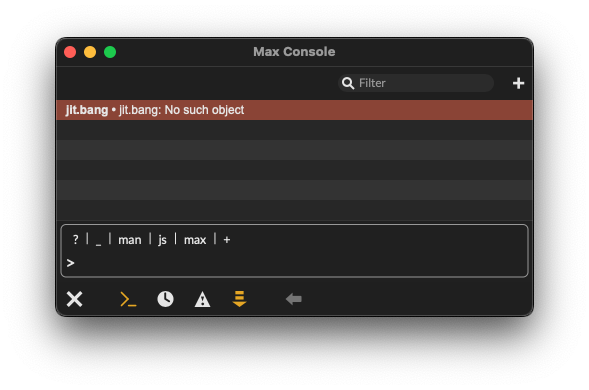
apparently, jit.bang is not found when operating in an exported runtime (standalone) on macOS. I tried to find the object in the Max application itself to copy it over manually but to no avail. Does anyone know the backstory to this, where I can find the object, whether it cannot be used in projects which will later be rendered as standalones or whether this bug is already known and being worked on?
Thanks!

you might have to use [s bang] -> [r bang]
Thanks, yes, there are of course easy enough workarounds, however, jit.bang was presumably provided to simplify these methods and if a member of C74 is aware of this issue they could perhaps solve it or point at other objects which too will not be found by a standalone because of specific reasons.
I dont know how to make a stand alone.
I built an application/collective .mxf - jit.bang works fine

there is no external named jit.bang
it is alias of jit.mo.time external from jit.mo package.
so you either need to include whole package into standalone (which I wouldn't)
unless you use more stuff from that package
or
include jit.mo.time external and jit.mograph-objectmappings.txt
or rename jit.mo.time external to jit.bang and copy it into standalone externals.
All clear ?
yes! perfect. Both the alias and .mxf information is exactly I needed and hoped for.
Makes perfect sense, thank you both.